AccountLog inOpen demoDemoEN
ProductHomeFeaturesFeaturesAppsAppsToolsToolsMediaMediaUse casesCasesCompareVsTechnologyTechPricingPriceAPIAPI
HomePricingAccount
  • Home
  • Features
  • Apps
  • Pricing
  • Account
  • Developers
  • Quickstart
  • Support
  • Trust
  • About
  • Changelog
  • Policies
TermsPrivacyRefundsWithdraw from a contractSupport
Formatry ©
created byiddictive.us

For marketers

Build the creative pack for your next campaign.

Start with your own visuals or assets from a designer. Add the offer in Studio, review the formats, and download the files for your placements.

View prepared demoCompare access
Formatry Girl surrounded by social placement doodles

From campaign brief to files for each placement.

  1. 01

    Gather the offer and visuals

    Use your product photos and copy, or ask a designer for the campaign assets. Both routes start with the same materials.

  2. 02

    Assemble your pack

    Upload the visuals in Studio, set the headline and call to action, and choose the formats your campaign needs.

  3. 03

    Check before you launch

    Review each crop and message. Download the selected files and upload them to your ad platform, checking its current size requirements.
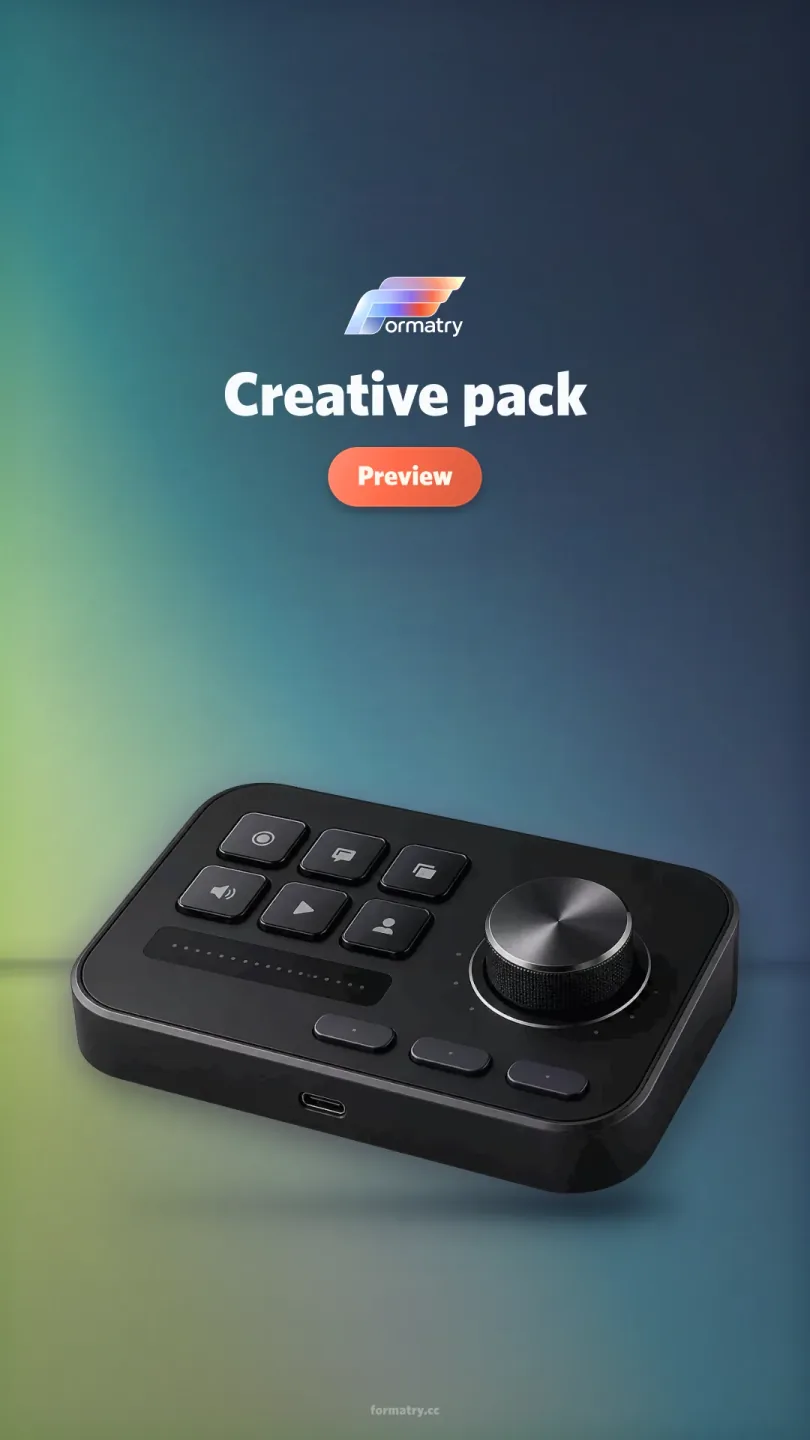
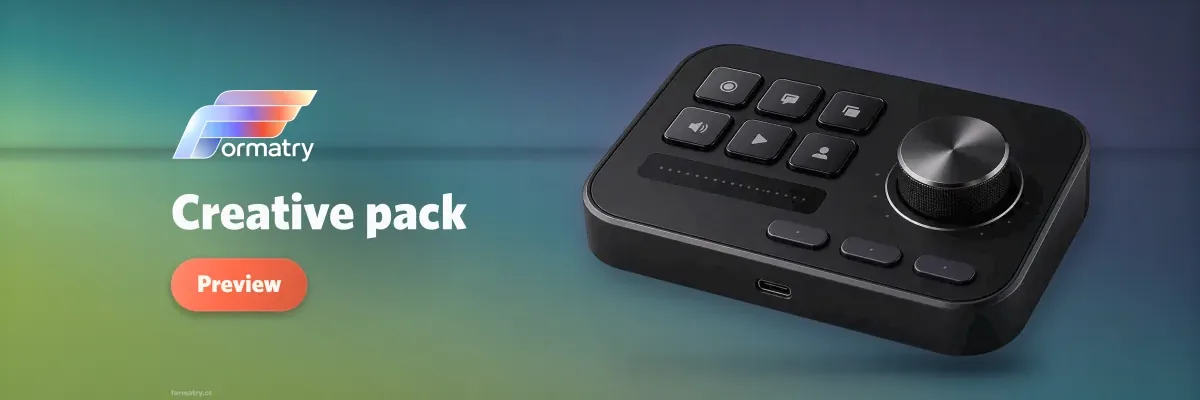
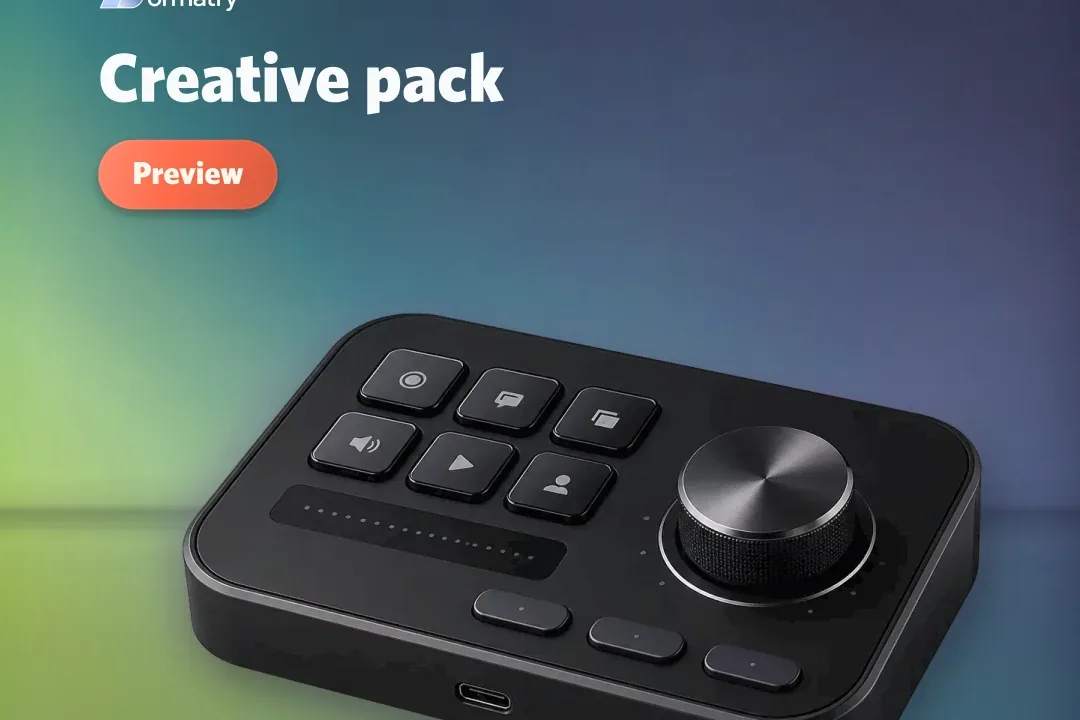
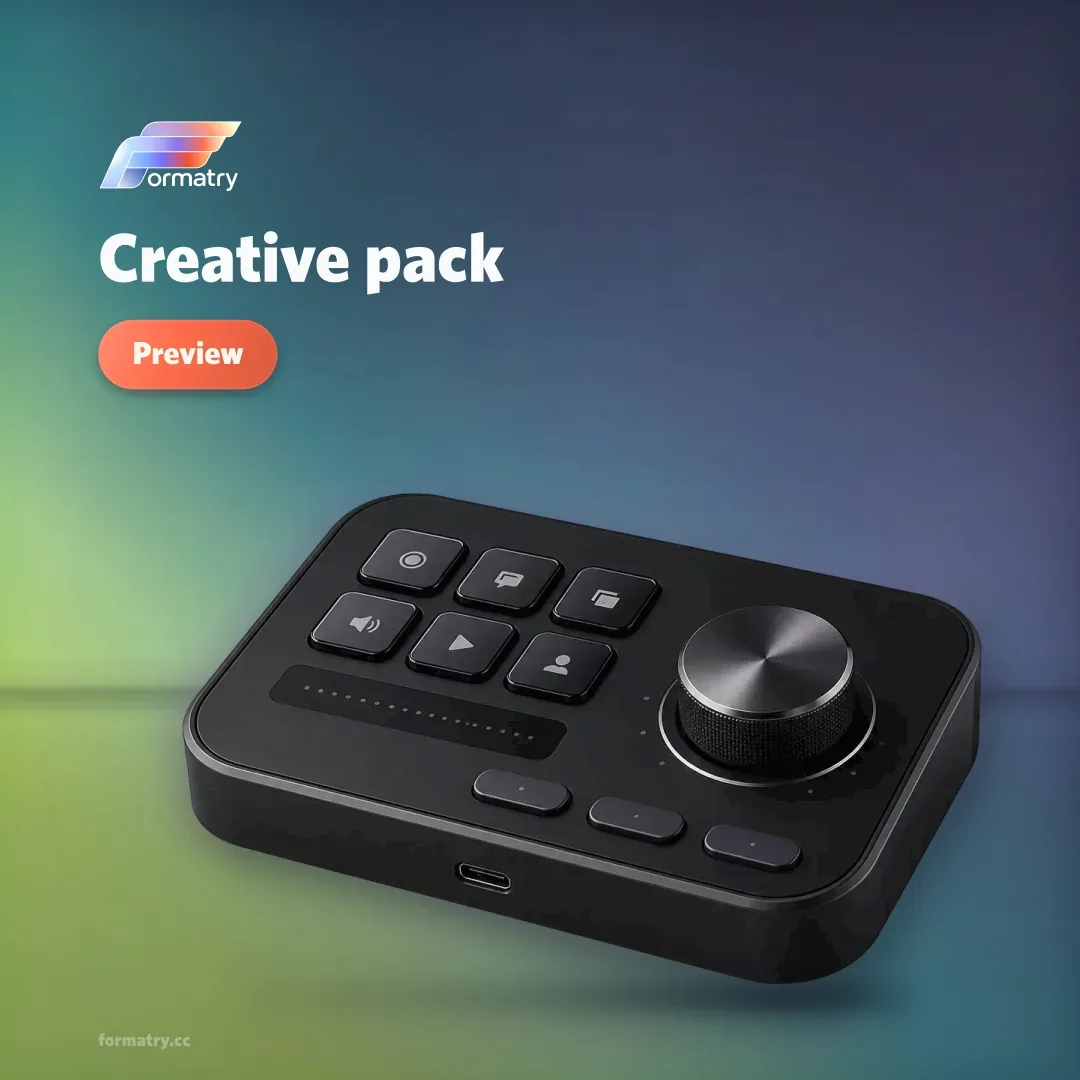
Four campaign placements in one pack.

Social square creative placement
Social square1080 × 1080
Story creative placement
Story810 × 1440
Display creative placement
Display1200 × 400
App tile creative placement
App tile1080 × 720