To approve creative, record who decided what about which version and use. A reaction on a concept draft leaves the delivery decision unanswered. Set up a small approval record beside the work, with one owner for each question that could stop release.
Set review gates around real risks
Decide what needs checking before production begins:
| Decision | When to ask | Evidence to review |
|---|---|---|
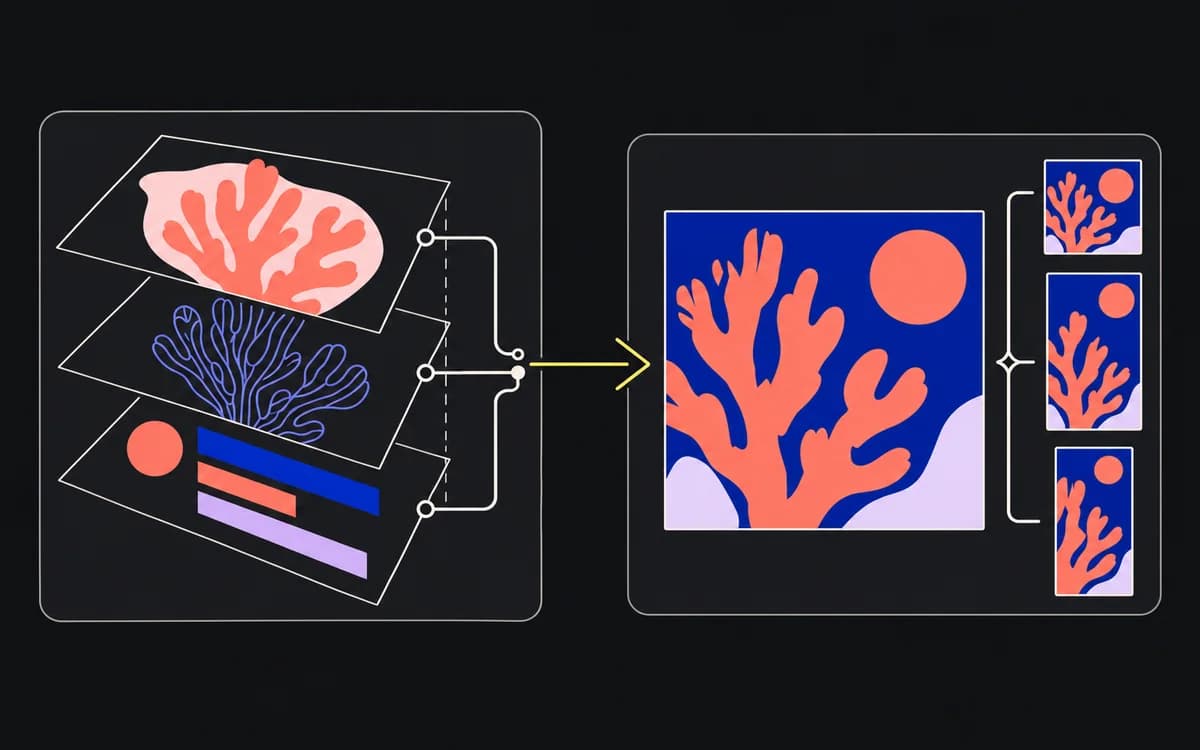
| Audience, message, and action | Before making format variants | Brief and concept |
| Product claim, offer, and required terms | Before building layouts around that copy | Exact copy revision and factual source |
| Brand treatment, readability, and crop | On the affected layouts | Placement-size previews and overlay references |
| Permission to release | After export | Exact delivery files and destinations |
Name an approver for each required decision. One person may cover several rows. Omit a specialist gate when the campaign has no corresponding issue; do not add a meeting just to match the table.
Give reviewers a precise question they own
Send a request like this, replacing the illustrative references:
Decision needed: Confirm the import claim and CSV qualification.
Review: Copy revision 3, placed in English feed v04 and story v02; links attached.
Use: The two placements listed in the campaign media plan.
Reply by: An actual date, time, and time zone.
Answer: Approved for this use, changes required, or wrong approver. Name the affected file and wording if changes are required.
A wrong-approver response sends the decision back to the campaign owner. Silence is pending. If comments conflict, that owner resolves the direction before the designer makes another version. Use the feedback guide for wording an actionable correction.
Tie approval to an exact version and scope
Keep the decision with a fixed revision, reviewer, date, and permitted audience, locale, and placement. Use a version-specific link or preserved export rather than a working canvas that can change underneath the approval.
For a revision, identify what changed and reopen the affected decisions. A new offer goes back to its offer owner and every output containing it. A crop adjustment needs a new layout check for that crop. A prior approval remains evidence about its own version, not automatic clearance for the replacement.
Make the final check an operational release decision
The release owner compares the actual exports with the approved copy and layouts, checks the destination, and confirms that all required decisions are closed. The handoff checklist covers the receiving team's file checks.
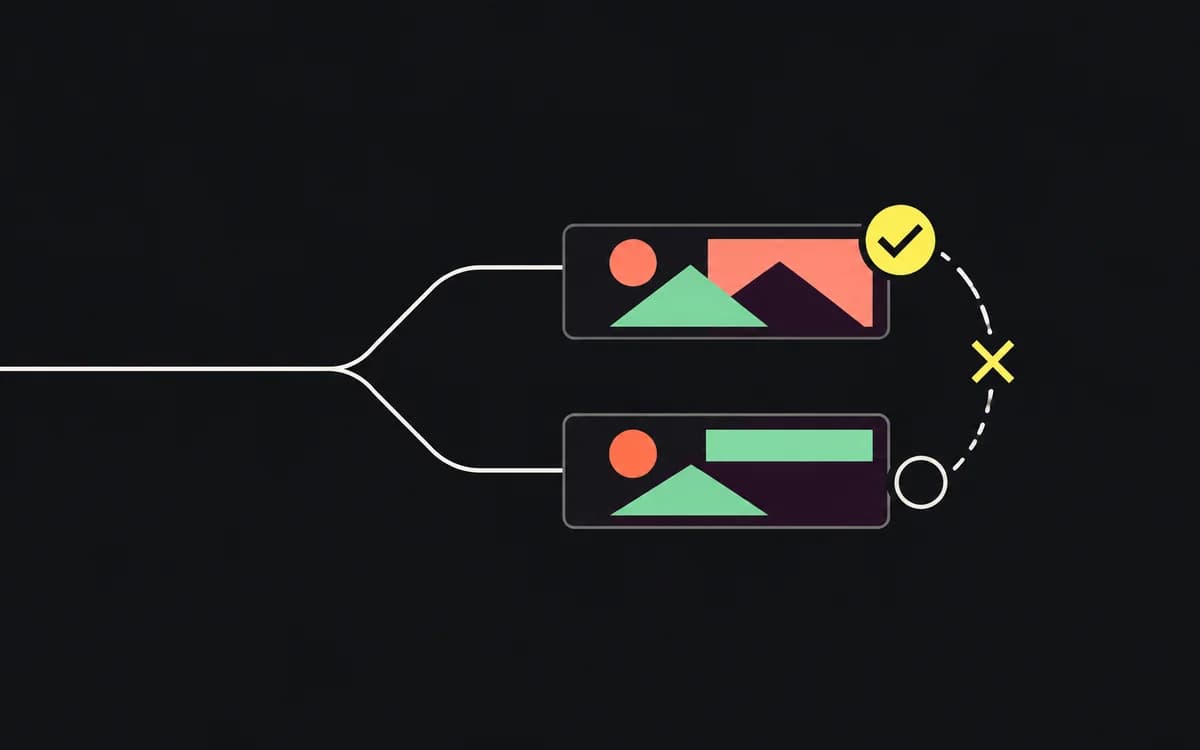
If only the feed export is approved, a partial release may include that file alone. Record the story as pending, with its owner and next decision. Calling the campaign approved would hide that distinction.
Record conditional approvals with explicit sign-off
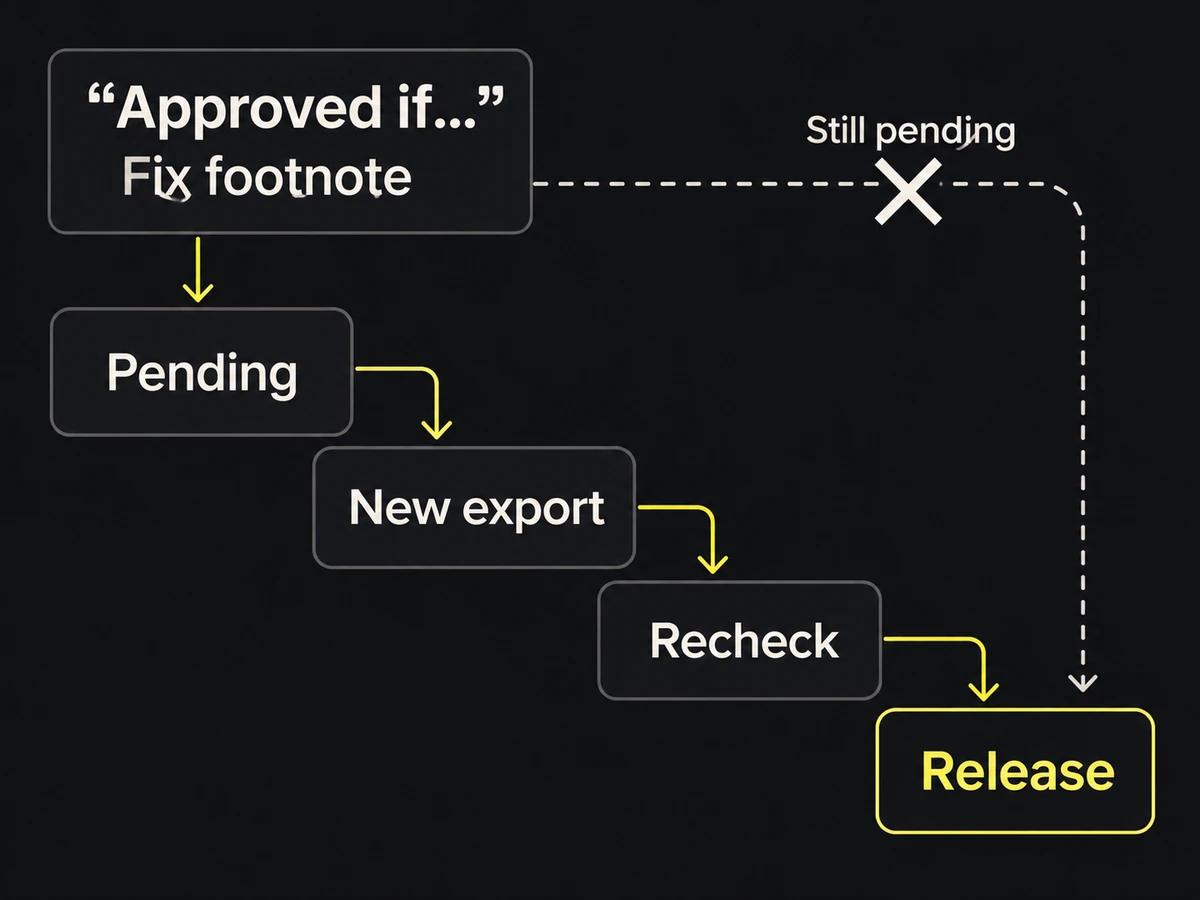
“Approved if you update the footnote” leaves a condition to close. Record it as a pending correction:
Open: Replace the footnote on frame 2 with copy revision 3.
Owner: Designer supplies a new export.
Closure: Copy reviewer checks that export and records its filename as approved.
The workflow is ready to use when the release owner can answer, for every delivery file: who approved this revision, for what use, and is any condition still open?