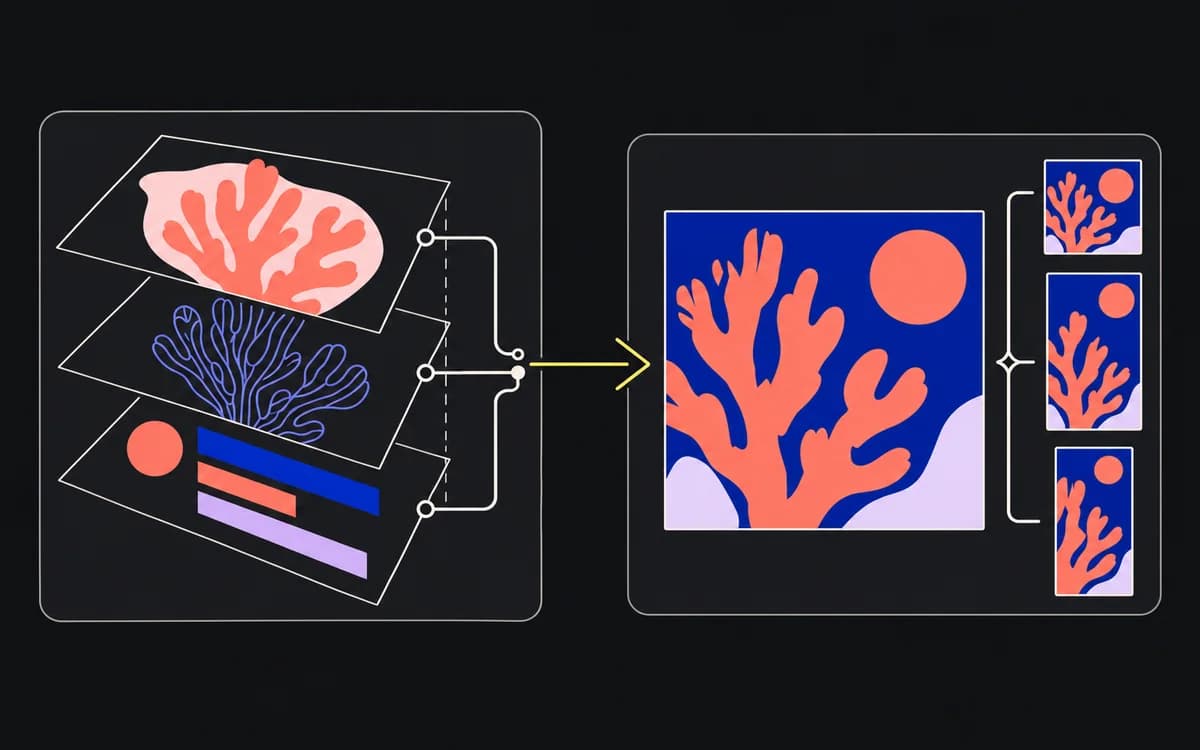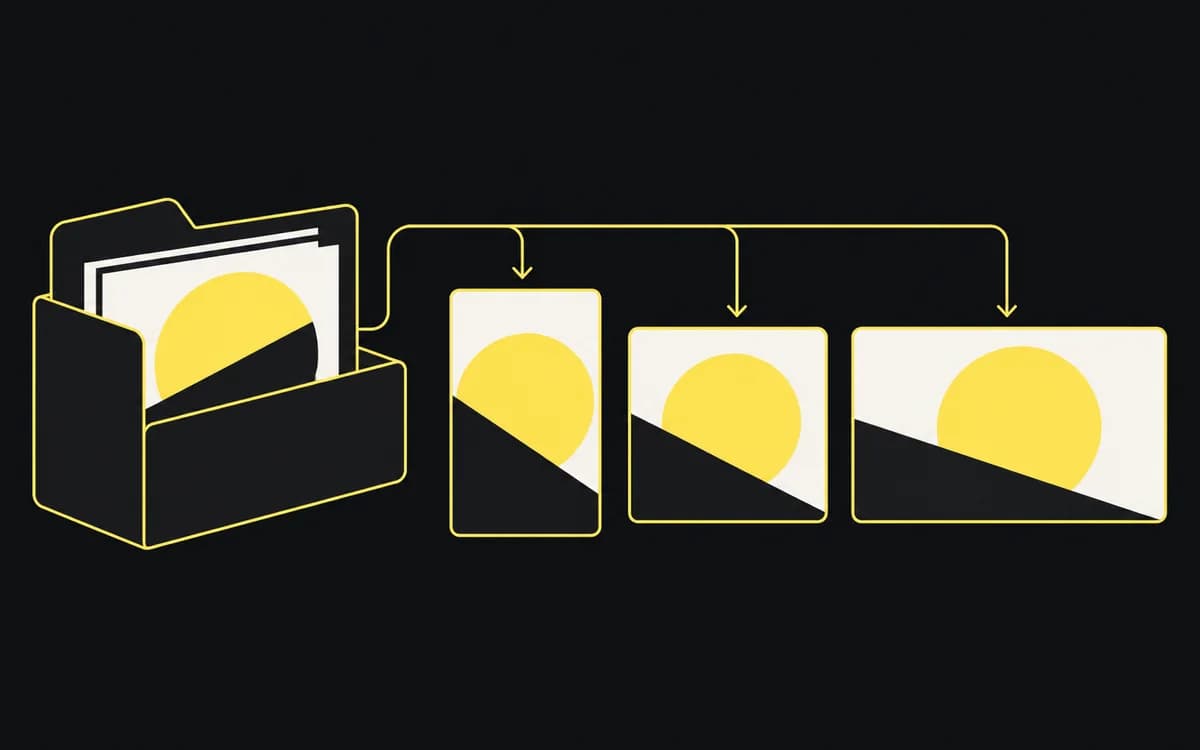
A creative asset manifest maps delivery files to the inputs and decisions behind them. Use one when a folder cannot answer questions such as “Which exports contain the old offer?” or “Where was this screenshot used?” A spreadsheet is enough if each file revision has a stable record and its dependencies are explicit.
Keep brief and copy authority outside the manifest
Link the brief for audience and scope, the versioned copy sheet for exact wording, and the approval record for sign-off. The manifest owns the file identity, dependencies, location, and delivery mapping.
Reference a copy revision or row ID, not a mutable document's title alone. If an offer changes from copy C03 to C04, you need to find the files that still use C03. Pasting the new offer over the old text would lose that distinction.
Choose fields that answer operational questions
Start with these columns:
- Record ID and type: A unique ID for this revision; source, editable layout, or delivery export.
- File or version link: The exact file location and filename, using your naming convention.
- Dependencies: IDs of direct inputs, such as a source image, layout revision, or copy revision. Include an input when a change to it would require finding this file again.
- Delivery identity: Concept, placement, actual pixel dimensions, and locale.
- Approval reference and release state: Link to the decision for this revision; pending, cleared, or superseded.
- Use and delivery: Intended channel or territory, recipient, and delivery batch. Add the destination reference when it differs across outputs.
For a tiny package, omit fields that never distinguish anything. Keep dependencies even when several exports share them; that is the relationship the manifest exists to preserve.
Trace asset lineage from master source to final export
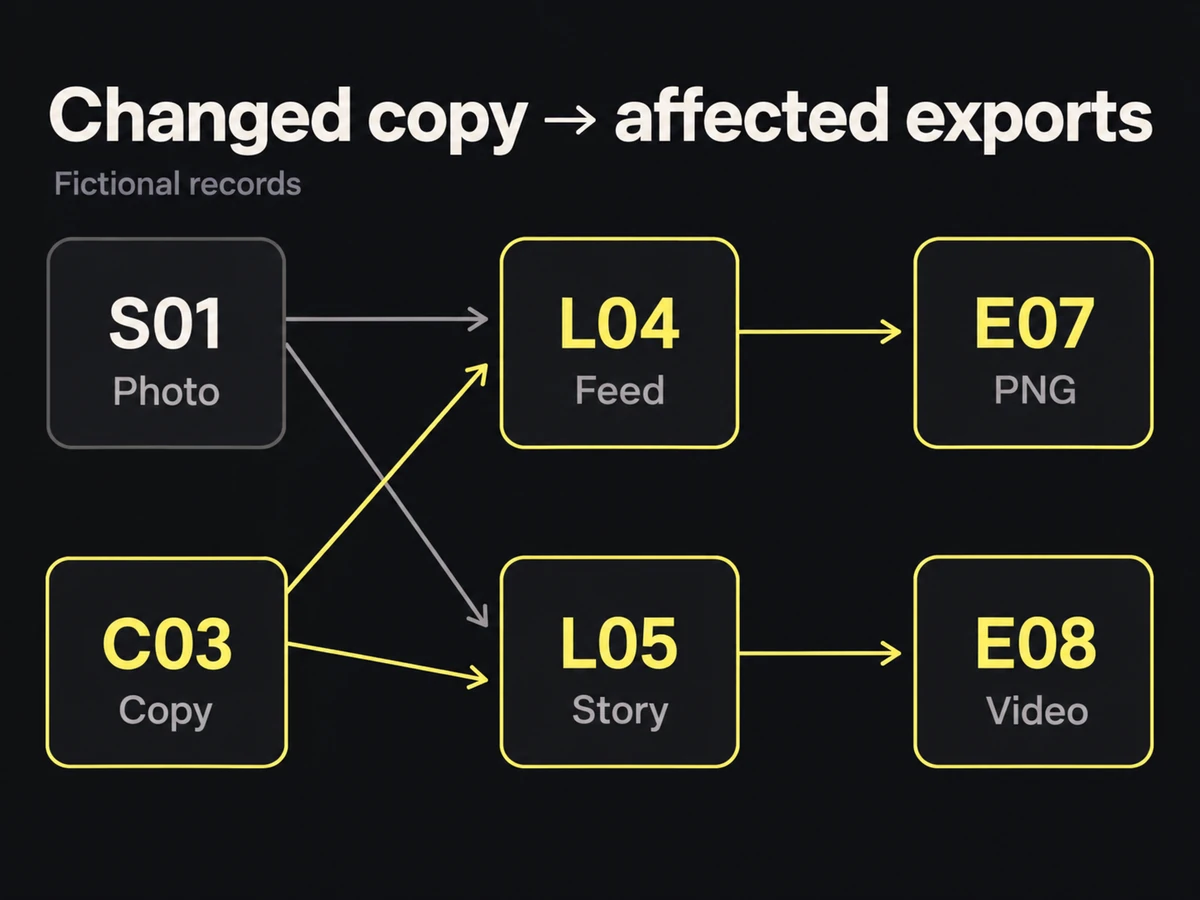
Here is a fictional dependency chain. Each ID would link to a preserved file or document revision in your own manifest:
| ID | Record | Depends on |
|---|---|---|
| S01 | Original product photograph | — |
| C03 | English offer copy, revision 3 | — |
| L04 | English feed layout, revision 4 | S01, C03 |
| E07 | Feed PNG exported from L04 | L04 |
| L05 | English story layout, revision 2 | S01, C03 |
| E08 | Story video exported from L05 | L05 |
To replace C03, find layouts that depend on it: L04 and L05. Then find their delivery exports: E07 and E08. Check those records for recipients and live use. A dependency on S01 follows the same route. In a spreadsheet, use successive filters; do not assume one source column finds indirect descendants automatically.
Register the replacement copy, layouts, and exports as new revisions with new IDs. Mark old delivery records superseded and link their replacements. Retain old rows so you can still identify what a previous batch contained.
For generated assets, link the saved request or job record containing the inputs and generation settings you need to retrieve or revise the result. The API integration guide covers that production record.
Tie approval to version and intended use
Link the decision that clears the exact export and its intended use. Keep the release state in sync with that decision; a cleared cell without a sign-off reference is incomplete.
A replacement starts pending even if its parent layout was approved. If it changes only a crop, ask for the affected layout check. If it changes an offer, involve the offer owner. The approval workflow defines that decision; the manifest records where to find it.
Define who updates the manifest across production
The maker adds a record when creating a revision. The release owner adds the sign-off reference before delivery. The recipient records the delivered batch and, when needed, the platform's ad or placement ID after upload. One person may perform all three jobs.
Test the manifest with a real changed input: follow it to every affected export, then identify who received those files. Also pick one unrelated export and confirm why it is unaffected. If the chain stops at a mutable working file or unnamed copy version, fill that gap before relying on the manifest for a recall or replacement.