The design is almost approved. Then the comments arrive: “More energy.” “Can the product be bigger?” “I preferred the first one.” By the next morning, there are three versions and no agreement about which problem any of them solves.
If that sounds familiar, change the unit of feedback. Give the designer a specific viewer problem to solve, the constraint that must survive, and a clear sign that the revision is done. You can be direct without prescribing every pixel.
Before commenting, look at the ad where it will live
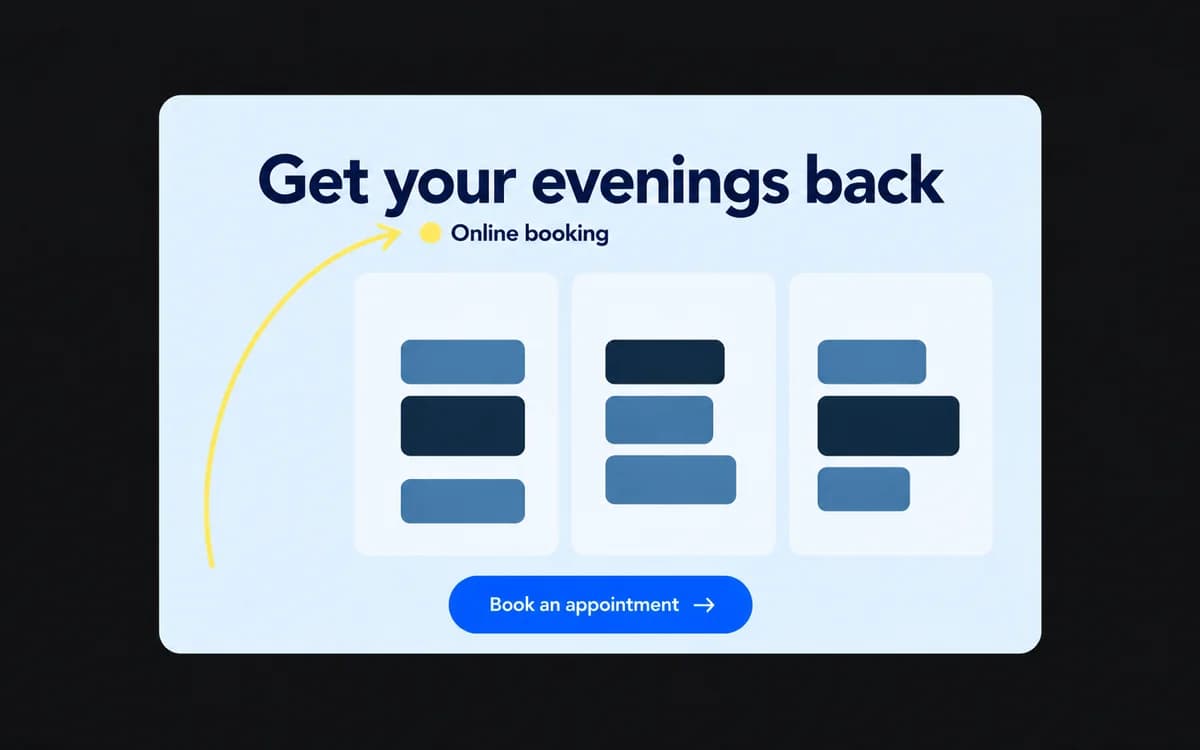
Imagine reviewing an ad for an appointment-booking app. On a large monitor, the interface looks crisp and the explanatory copy seems useful. At feed size, the interface becomes a gray rectangle. The person scrolling can read “Get your evenings back,” but cannot tell what is being sold.
“Make the screenshot bigger” is one possible fix. The actual problem is that the ad never identifies the product. A short line such as “Online booking for your salon” might solve it with less disruption.
Keep the approved brief open beside the current version. Review at the intended viewing size. Ask what a new viewer can understand, what they should do next, and whether the destination delivers on the promise. Then check the facts: product name, offer, qualification, spelling, and URL. A beautiful layout cannot rescue the wrong offer.
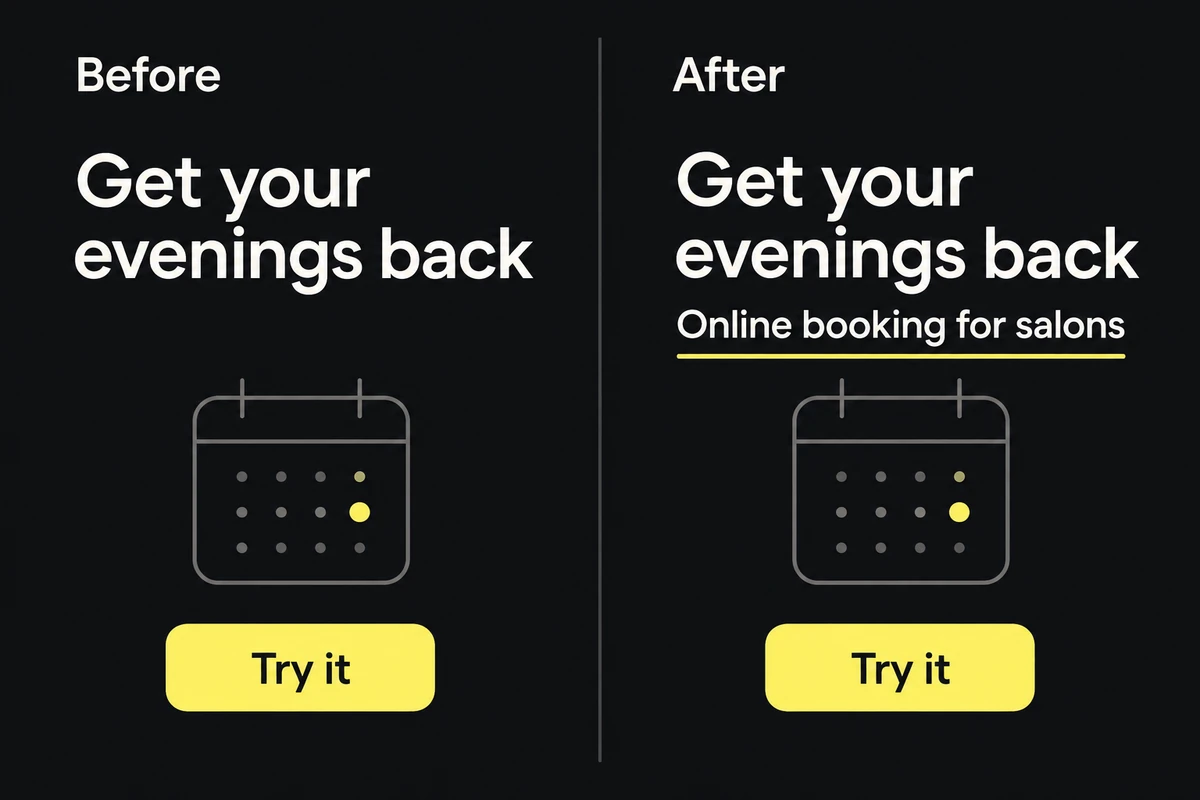
One specific correction identifies the product while preserving the approved benefit. The calendar does not need to grow to solve this problem.
Translate the reaction into something observable
You do not need design vocabulary to write a useful comment. Point to the element, explain what gets lost, and say what must remain intact.
- “It feels busy.” Try: “The discount and headline compete. The offer should read first; the decorative badge can go.”
- “Make it pop.” Try: “The CTA blends into the background at feed size. Give it enough contrast to stay visible.”
- “More breathing room.” Try: “The logo sits beneath the vertical placement's interface overlay. Move it into the visible area.”
- “It needs more information.” Try: “A new visitor cannot tell this is a booking app. Add that context while keeping the headline short.”
Sometimes you can see the problem and have no idea how to fix it. Say so. “The price condition is hard to read on my phone; please propose a layout that keeps it beside the price” leaves the design work with the designer and makes the acceptance condition explicit.
Settle the disagreement before asking for another version
Back to the booking-app ad. Sales wants a larger interface because prospects ask about the calendar. The founder wants a larger headline because the promise feels buried. Asking the designer to “try both” transfers the unresolved strategy into two more files.
First decide who will see this ad. For a cold audience, identifying the product and its benefit may take priority. A follow-up ad for visitors who already explored the app may have room to demonstrate the calendar. Those are two different briefs. If the team genuinely needs both, name both before production.
Choose one person to consolidate comments and resolve conflicting directions. Keep unresolved disagreements visible. A new audience, offer, or landing page is a brief change and needs the relevant owner's decision; it should not arrive disguised as a small visual tweak.
Send a short revision note with a finish line
Here is a hypothetical review note for that campaign:
Required: identify the product as an online booking app in the feed and vertical versions. Keep the approved benefit headline and offer condition. In the vertical version, move the logo clear of the current placement overlay. Suggested: try a quieter background if it improves CTA contrast. The campaign lead will review the revised exports at placement size; the copy owner must approve any change to the offer.
That note separates required fixes from preferences, names the affected files, and tells everyone how the next round will end. Keep it in one review location. A correction in chat, another in email, and a third on an old export create three competing queues.
Review the fix, then let the work leave
On the next pass, check the required comments against the new files. Verify shared copy across every affected format; a placement-specific spacing fix may need only its own crop checked. Record accepted changes, declined suggestions with a reason, and open questions with an owner. Do not reopen a resolved preference simply because another reviewer has joined.
If a missing or outdated source caused the confusion, repair the campaign asset list before another revision. When the required issues are closed, record the approved version in the handoff. The receiving team should be able to pick the right file without reading the argument that produced it.