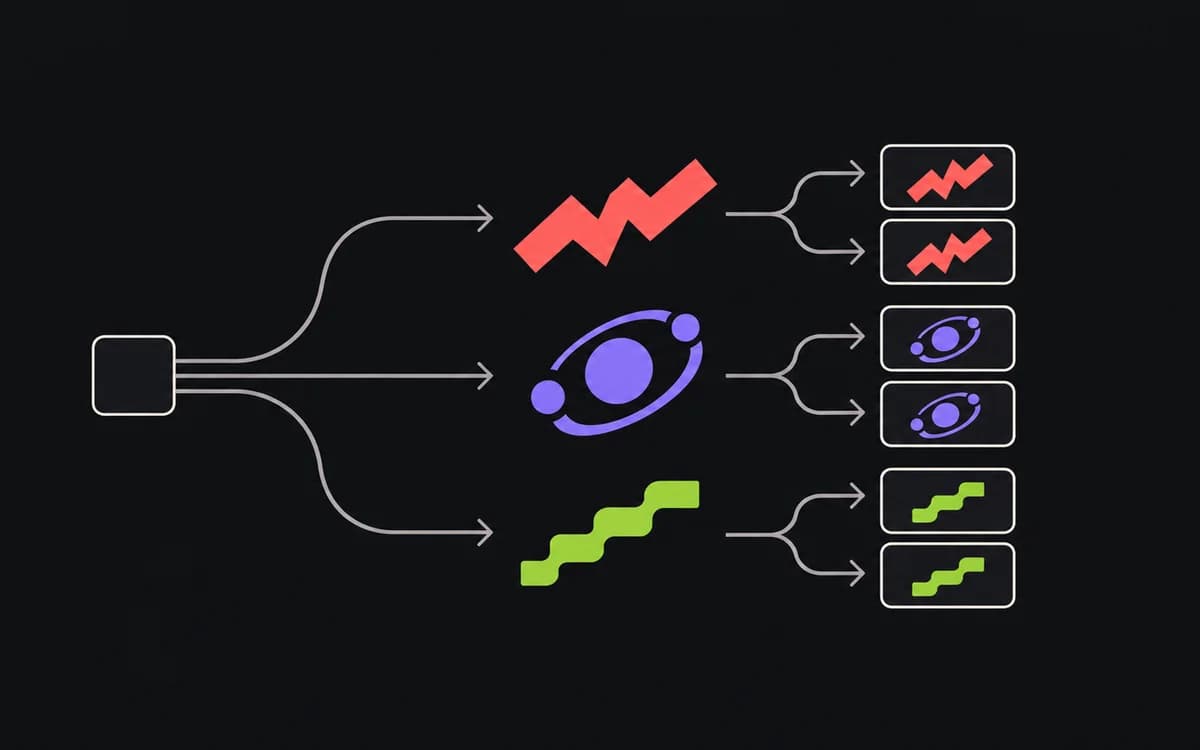
A variation matrix connects each proposed ad to a question and a deliverable. Use it before production to distinguish a new concept, a comparison within that concept, and the crops or translations needed to ship it. Otherwise twelve exported files can look like twelve ideas when they contain only two.
Separate strategic concepts from visual executions
Give the parent idea a stable ID. For a booking app, C01 might promise fewer missed appointments, while C02 emphasizes easier team scheduling. Under C01, an interface demonstration and a customer scene are different executions of the same promise.
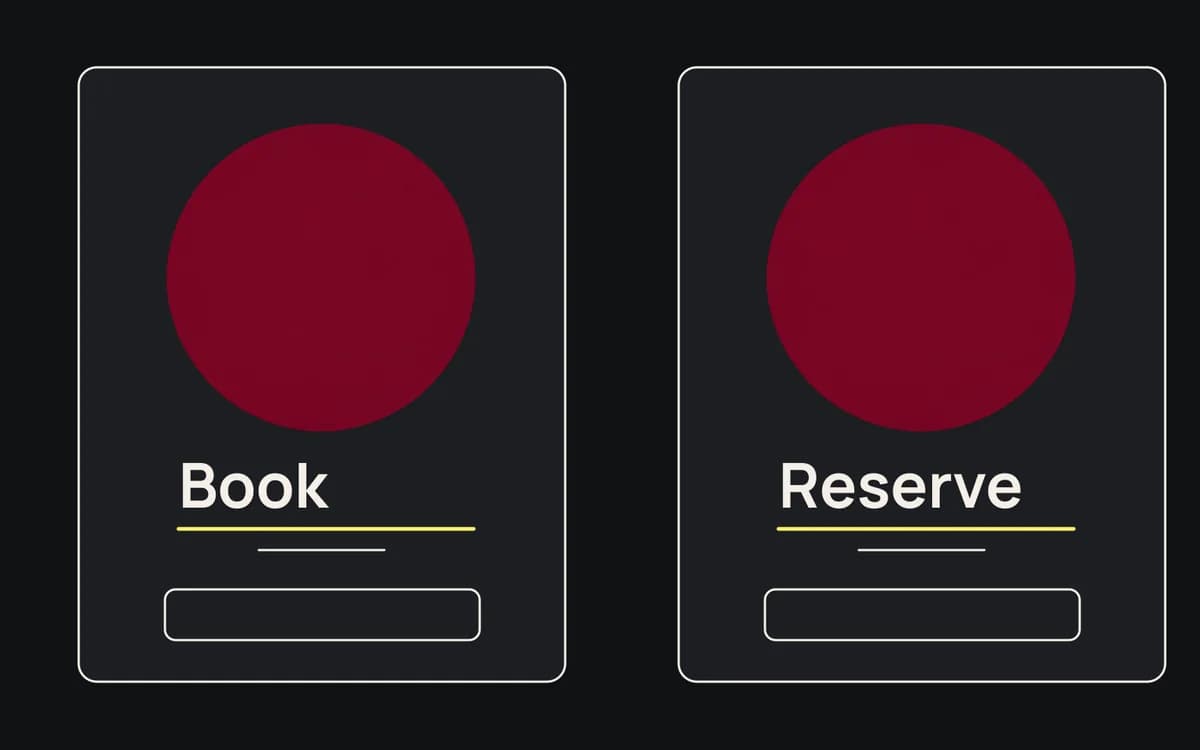
Keep the exact message and source references beside those IDs. “Blue version” describes appearance; “C01, reminder demonstration” identifies what the ad is trying to communicate. Do not count an export resize as a new message.
Assign one controlled variable per comparison
Name what changes and what stays fixed. “Book appointments faster” versus “Spend less time scheduling” can compare phrasing of a time-saving promise. “Book appointments faster” versus “Reduce missed appointments” compares different benefits. Do not label both as a wording test.
For an image comparison, keep copy, offer, and destination fixed. If the challenger also uses a new offer and landing page, label it a complete-ad comparison. It may help choose a package, but its result cannot identify the image's contribution.
The matrix records intended differences. The testing plan owns delivery setup, measurement, and the conditions under which a result supports a decision.
Keep comparisons compact and readable
Use one row per planned variant in your spreadsheet or production tool. Here is a filled comparison, shown vertically so the required fields are readable:
- Concept: C01, fewer missed appointments.
- Audience and placement: Returning visitors, feed.
- Control C01-A: Approved reminder-screen image.
- Challenger C01-B: Customer scene showing an appointment reminder.
- Changed: Image treatment.
- Held fixed: Headline, call to action, offer, destination, and intended delivery setup.
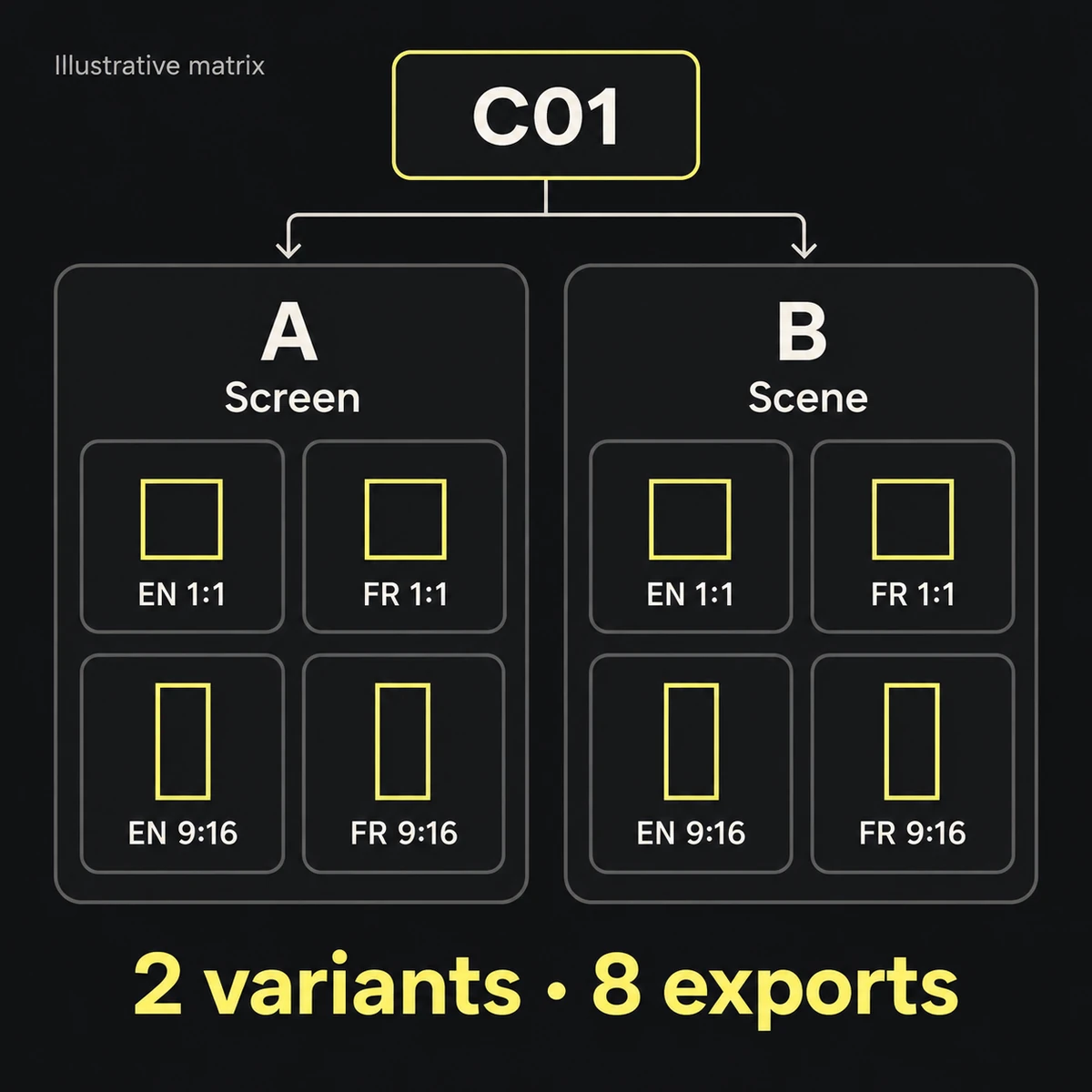
- Required outputs: Square and vertical, English and French, under each variant.
- Production record: Source asset links, named designer and approver, status, and final file IDs.
- Test record: Link to the primary measure, guardrail, and review condition in the test plan.
This example commissions two variants and eight exports. The source-image requirement is visible before the designer starts; a missing approved customer scene can be resolved without producing speculative work.
Treat format crops as delivery adaptations
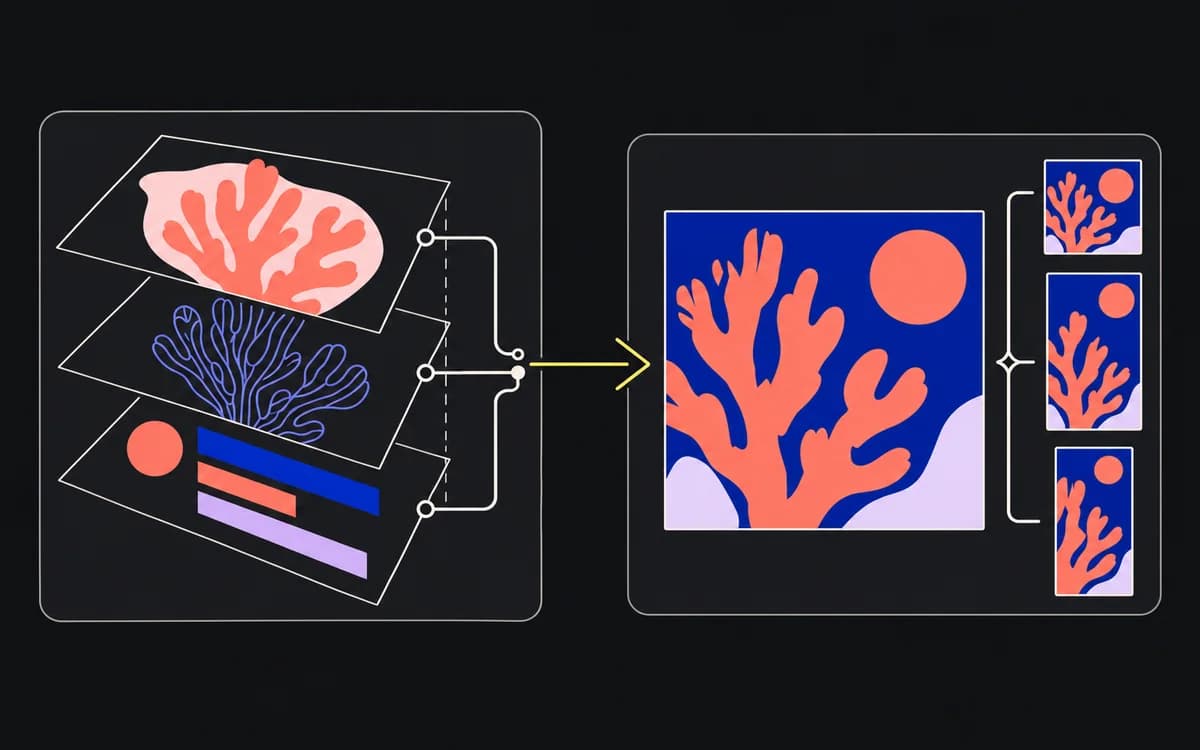
Group required crops and locale versions under their parent variant. Track their readiness individually: an approved English square does not approve a clipped French vertical.
A deliberate format test is possible, but label it separately and account for placement and delivery differences. A square in one placement and a vertical in another compare more than the crop. They do not isolate aspect ratio by themselves.
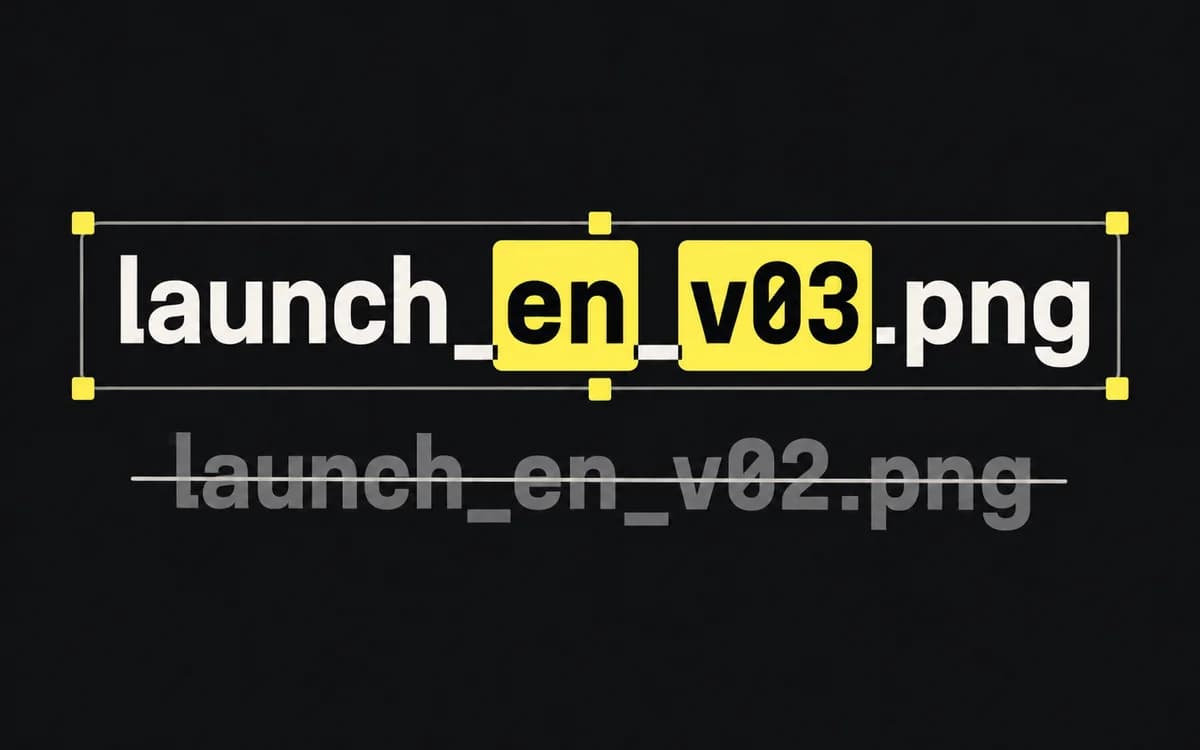
Carry concept and variant IDs into the file names or manifest so the buyer can trace an export back to its row.
Review the matrix before starting design
Remove rows that repeat the same question without adding a useful comparison. Resolve missing copy, image sources, offer terms, and reviewers. Have the buyer confirm that the intended comparison can actually be delivered with the available campaign setup.
Then give each remaining row a production owner and a clear status. The designer should be able to start from the row, and the buyer should later be able to identify its approved files without asking what “final 2” means.