Use a filename to distinguish exports that would otherwise look alike in a folder: the same concept in another placement, language, or revision. Start with a small sample from your actual delivery list, choose the fields that separate those files, and test the pattern before renaming the whole package.
Choose fields that answer practical operational questions
For a campaign with several concepts and locales, use campaign, audience, concept, placement, locale, and revision. If the campaign has one audience, omit that field across the whole package. If two files would still receive the same name, find the missing distinction: dimensions, duration, or a genuinely different edit.
Keep reviewer names, destinations, license conditions, and approval history in the manifest. Those facts change independently of the file's content and can make names unwieldy.
Settle on a strict segment order and controlled vocabulary
Here is one convention, rather than a required industry standard:
[campaign]_[audience]_[concept]_[placement]_[locale]_[revision].[ext]
Example: billing-app_freelancers_demo-walkthrough_9x16-story_en-us_v03.mp4.
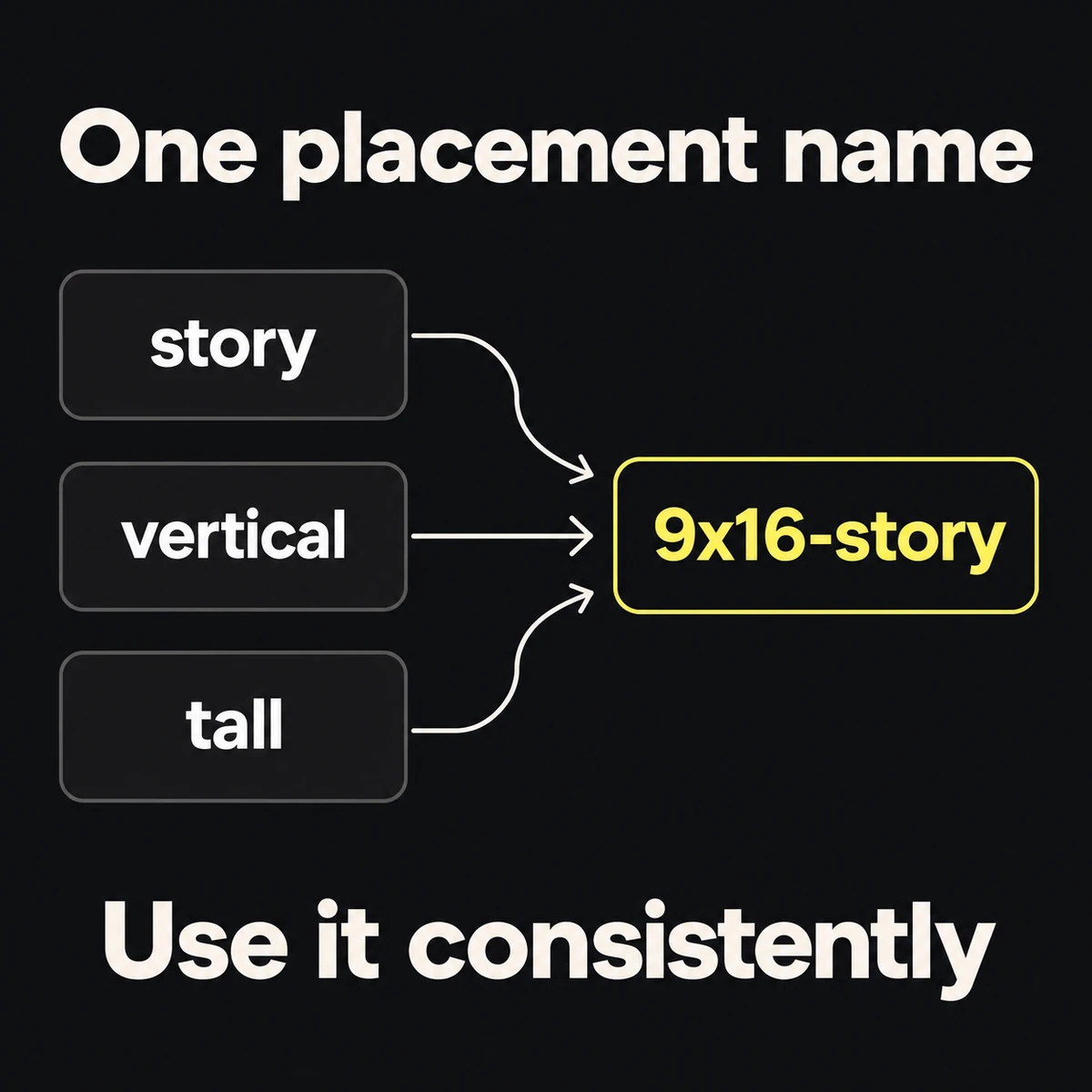
Use lowercase letters and digits, underscores between fields, and hyphens within fields. Write down the allowed values for repeated fields: choose 9x16-story rather than alternating between story, vertical, and tall. If the package contains multiple pixel sizes with the same ratio, add dimensions to the placement field.
Use the locale identifiers already agreed for your campaign. Do not collapse distinct regional versions into english when their offer or wording differs. The filename convention may use lowercase; preserve any identifier syntax required by an upload integration in its own mapping.
Version the content and record approval separately
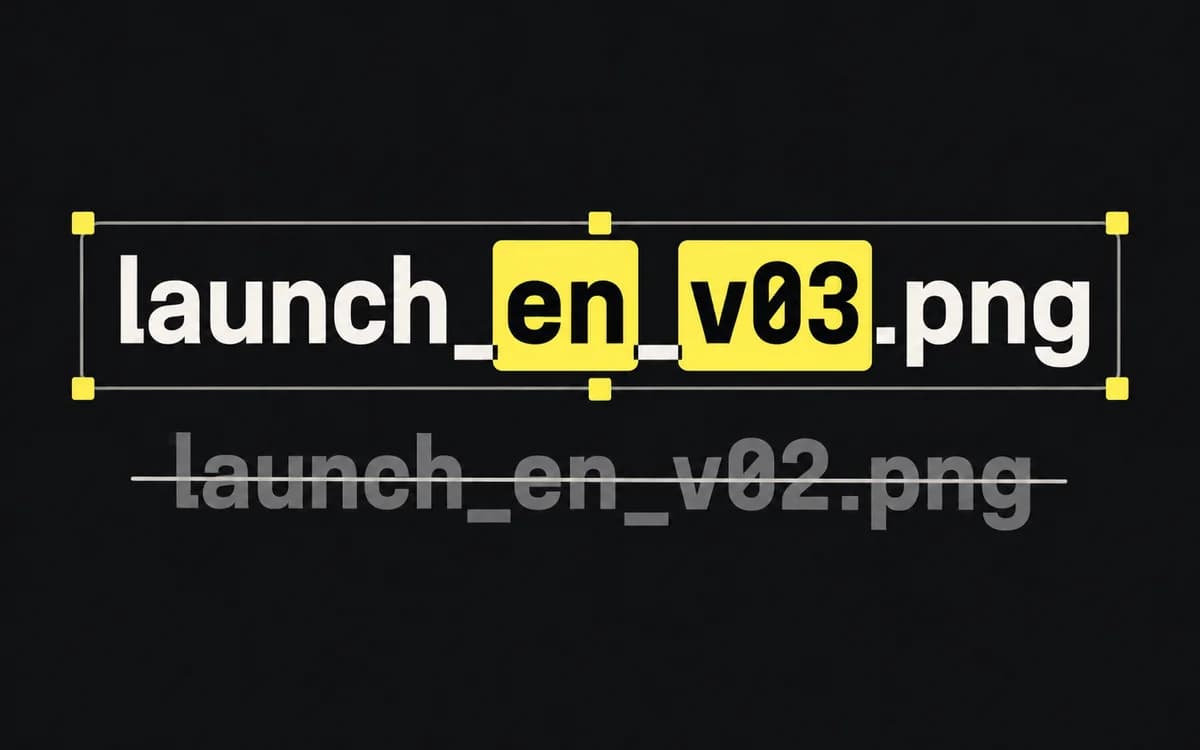
Increment v01 to v02 when delivered content changes. Keep previous exports available for review history and never replace the bytes of a file someone has already approved or used.
This convention keeps review status in the manifest, so approval does not require renaming the file. If your established process uses -review and -approved suffixes, retain the exact approved filename in the sign-off record. Renaming a draft to approved is not approval.
Store editable work separately from exports. A source can have a project-level name because it may produce many delivery files; record that relationship in the manifest.
Connect asset names directly to the creative testing plan
Use the concept IDs from the variation matrix; do not call the same concept ledger-sync in the plan and easy-import in exports. After upload, record which ad or placement ID uses each file. Keep that file-to-ad mapping; the filename alone does not create a reporting connection.
Preserve the concept field across revisions. Give a changed concept a new concept ID instead of hiding it behind a larger revision number.
Example of a multi-format asset package
This hypothetical package has one concept, two formats, and a translation:
- Layered working source:
tax-switch_ledger-sync_source.fig - Feed export (square):
tax-switch_freelancers_ledger-sync_1x1-feed_en-us_v02.png - Mobile story export (vertical):
tax-switch_freelancers_ledger-sync_9x16-story_en-us_v02.mp4 - Localized German variant:
tax-switch_freelancers_ledger-sync_1x1-feed_de-de_v01.png
Ask the recipient to find the German feed export and the latest English story revision using the names alone. Check that every name is unique and agrees with the file's contents. Then confirm approval in the manifest. If this small sample works, apply the same vocabulary to the rest of the package.