A bottle meant to stand on a photographed table looks pasted in. Work on one product and one background, keeping the cutout, tonal corrections and shadows separately editable. Fix source compatibility first: a convincing shadow cannot change the camera angle or the reflections already recorded in the bottle.
Choose a photograph you can actually place
Compare the product and destination before refining the cutout:
| Compare | A mismatch to catch | Useful correction |
|---|---|---|
| Camera angle | The bottle shows much more of its top than nearby objects | Use a compatible source photograph |
| Light | A hard highlight comes from the opposite side | Choose another source or accept a substantial relighting job |
| Reflections | A window or outdoor scene remains visible on glossy packaging | Retouch that reflection or change the source; a color tint cannot remove it |
| Scale | The bottle contradicts recognizable objects beside it | Resize against those objects or make the oversizing an explicit graphic choice |
Unmesh Dinda demonstrates compatible light and reflections in PiXimperfect's compositing lesson. Use that comparison to reject a poor source before spending time on its edges.
Separate brightness from color
Temporarily inspect the whole composition without color. In Dinda's color-matching demonstration, a desaturated Solid Color fill in Color blend mode provides that inspection view.
Add a Curves adjustment clipped to the product. Compare its lit and shaded surfaces with similarly lit parts of the scene; correct an implausibly bright label or overly deep shadows. Do not force different materials to have identical black and white values. Toggle the inspection layer off before judging the final color.
Then adjust color on the clipped correction. Dinda's Blue-channel example warms highlights for his scene. Use the channel needed by yours, and mask or reduce the correction if it changes the packaging's identifying color before the light feels compatible.
Decide what touches what
At a standing bottle's base, first remove any visible gap between the cutout and table. Keep a small contact shadow separate from the larger cast shadow so each can be adjusted independently.
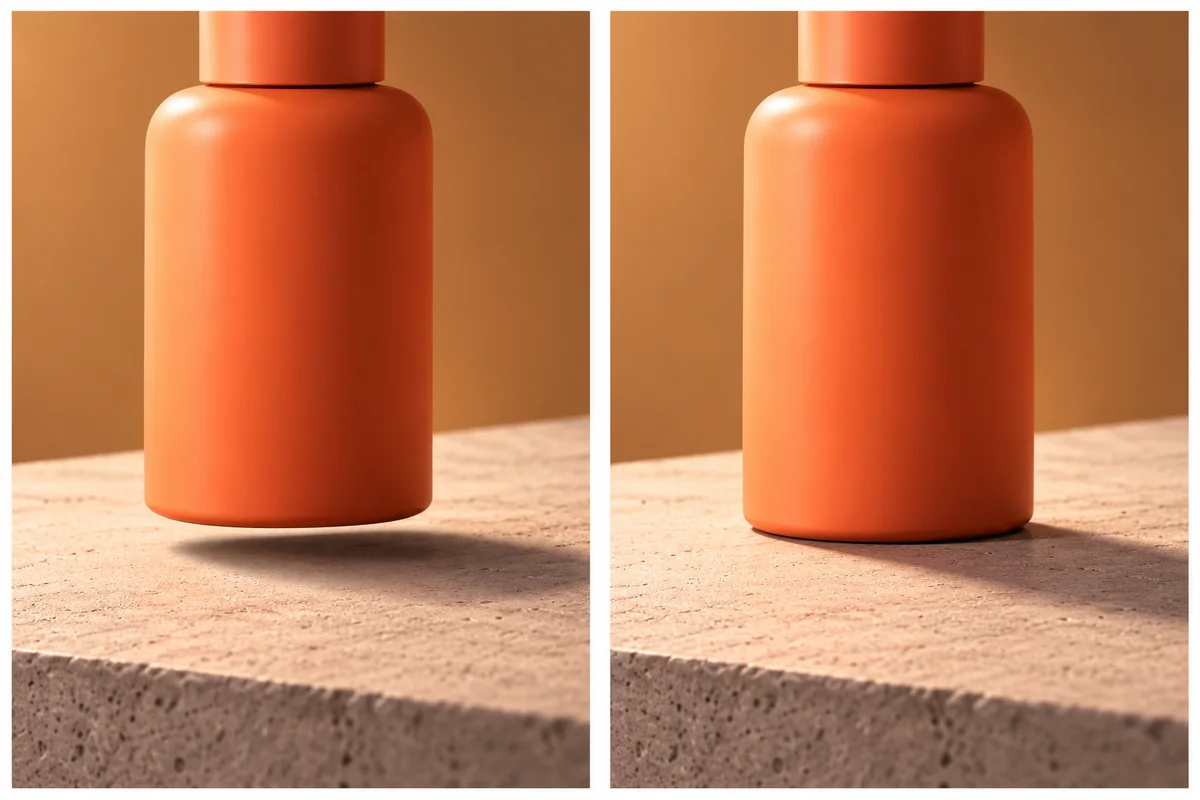
Our illustrated exercise: compare the gap beneath the left bottle with the contact on the right. The larger shadow alone does not make an object touch the table.
- Place the bottle's base on the surface.
- Add localized darkness at actual contact, rather than outlining the entire base.
- Build the cast shadow on another layer, following existing shadows for direction and softness.
- Hide the cast-shadow layer: the bottle should still meet the table. Restore it and check that its direction agrees with the scene.
Dinda's contact-point explanation and variable shadow blur demonstration show those separate jobs. Follow surface texture where it interrupts a shadow; random holes do not establish contact.
A suspended product has a different relationship. This Formatry ad intentionally places its controller over a gradient; it does not need an invented tabletop or contact shadow.
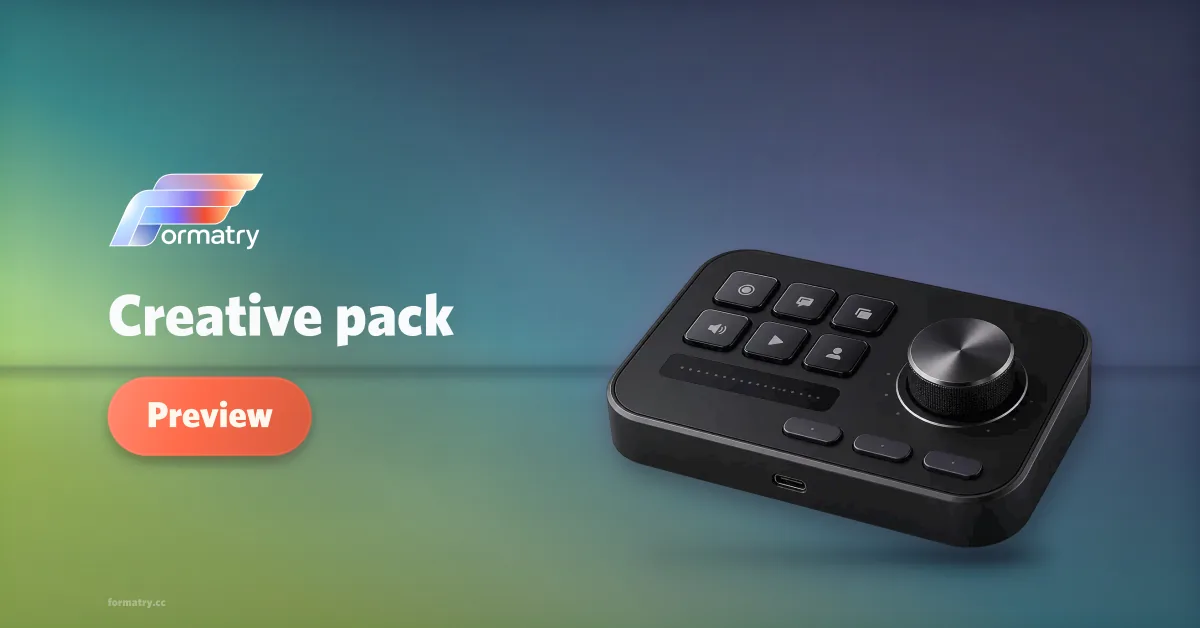
The controller is intentionally suspended. Grounding corrections apply when the scene claims physical contact.
Let the scene affect the product
If a visible colored light should reach the bottle, limit its correction to the surfaces facing that light. Use a masked adjustment, following Dinda's local-light demonstration. Compare with the adjustment hidden; a uniform colored outline on both sides may be a stroke rather than believable light.
Do this only when the scene calls for it. A global tint can obscure a label while leaving an incompatible photographed reflection untouched.
Match focus, edges, and texture
Inspect close up to identify the defect, then at delivery size to choose its strength:
| Visible defect | Repair to try |
|---|---|
| Pale edge left from the old background | Refine the mask; correct contaminated edge color separately |
| Sharp product placed in a blurred part of the table | Move it to a compatible area or change the source/background before softening the label |
| Product texture much cleaner or noisier than its setting | Compare the sources, then make any matching blur/noise adjustable |
Dinda's placement and focus example shows why changing placement can be preferable to blurring detail. The transparent-background guide covers residue before compositing.
Repair in an order you can judge
Resolve source and placement → tone → color → contact and cast shadow → local light → edges and texture. Reopen the export at its displayed size and inspect the bottle, its base and its readable label together.
If it still appears detached, disable the correction most likely to cause that symptom: cast shadow for contact, color treatment for muddy packaging, blur for a soft label. Fix that relationship rather than adding another finishing effect. Use separate masks when a cutout and a lighting correction need independent revision.