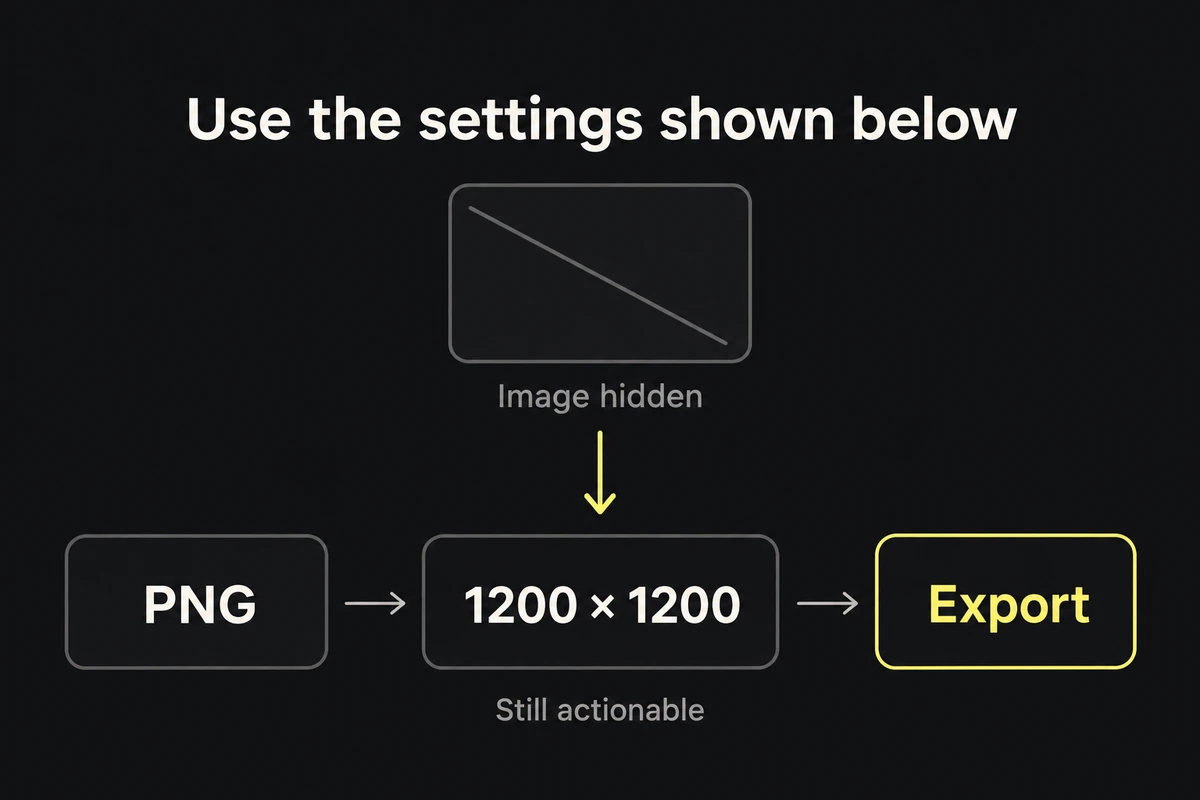
Take one screenshot-led instruction from your page. Hide the image and try to follow it. If “use the settings shown below” is all that remains, the reader cannot complete the task without seeing the pixels.
Move the required settings and action into page text, then choose alt text for what the screenshot adds. W3C's images-of-text guidance explains why real text matters: it can resize and adapt to reading preferences without enlarging the screenshot's pixels.
Replace “as shown” with the actual instruction
For a constructed export example, replace “Use the settings shown below” with “Choose PNG, set the export to 1200 × 1200 pixels, then select Export.” Those dimensions belong to this example; use the real values for your task. Keep the screenshot to show where the controls are.
For a defect report, replace “The problem is obvious in the screenshot” with “At the narrow viewport, the caption overlaps the product price.” Include the viewport or other condition needed to reproduce it. The capture can support the observation without carrying the only explanation.
Write the labels, values, sequence, and result the reader needs. Leave unrelated sidebar text inside the image.
Give alt text a specific job
Use W3C's alt decision tree on the image in its actual page context:
- If it adds meaningful visual information, describe that information briefly. “Export panel with the size controls below the PNG selector” helps locate controls described in the instruction.
- If it fully repeats nearby text or is decorative, an empty alternative,
alt="", avoids repetition. Confirm there is no unique instruction left in the image. - If it is the only content of a link or button, describe the destination or action.
- If it contains a complex comparison, give it a short alternative and explain the relevant differences in visible text. W3C's complex-image guidance covers this split.
An alternative such as “Export panel with PNG selected” is insufficient when the image is the only place that specifies the required dimensions.
Before publishing, hide the images again and complete the instruction using only the text. Restore them and check for useful details you missed. The finished page should provide the action, required values, and expected result without requiring the reader to decipher a screenshot.