Use this checklist on the exported app promo files before they go to a publisher. You need the launch brief, the app build being promoted, approved offer details, and the actual destination links. Record a pass or a specific correction against each file; an unresolved item stays out of the delivery batch.
Define the promotion and its destination
Open each final link on a device the campaign targets. Follow redirects through to the store listing, landing page, or registration form. Check:
- The app name and developer match the promotion.
- The destination is available in the advertised market.
- The promised action is possible there: install, preorder, join a waitlist, or use a released feature.
- Any campaign parameters survive the redirect. If attribution is required, confirm the test visit in the measurement system.
A preorder image linked to an unavailable store page fails even if the image itself is correct.
Verify every product and launch claim
Compare the promoted flow with the build available at launch. If the video shows voice input and that feature has slipped to a later release, replace the shot and its headline.
Check prices, trial terms, feature tiers, device support, ratings, and any performance or security claim against their current product sources. Record the source beside the claim in the review sheet. Remove or narrow wording that nobody can substantiate; a product screenshot cannot prove a speed or privacy claim by itself.
Adapt for each channel
Preview each export in the intended placement, using that channel's current official file and content rules. Check the file's dimensions, format, and duration separately from how it looks.
- For static images, read the headline at displayed size and check every crop for missing UI, clipped copy, or covered controls.
- For video, play the entire file. Check the opening frame, transitions, caption timing, and final action; then watch muted to find meaning carried only by speech.
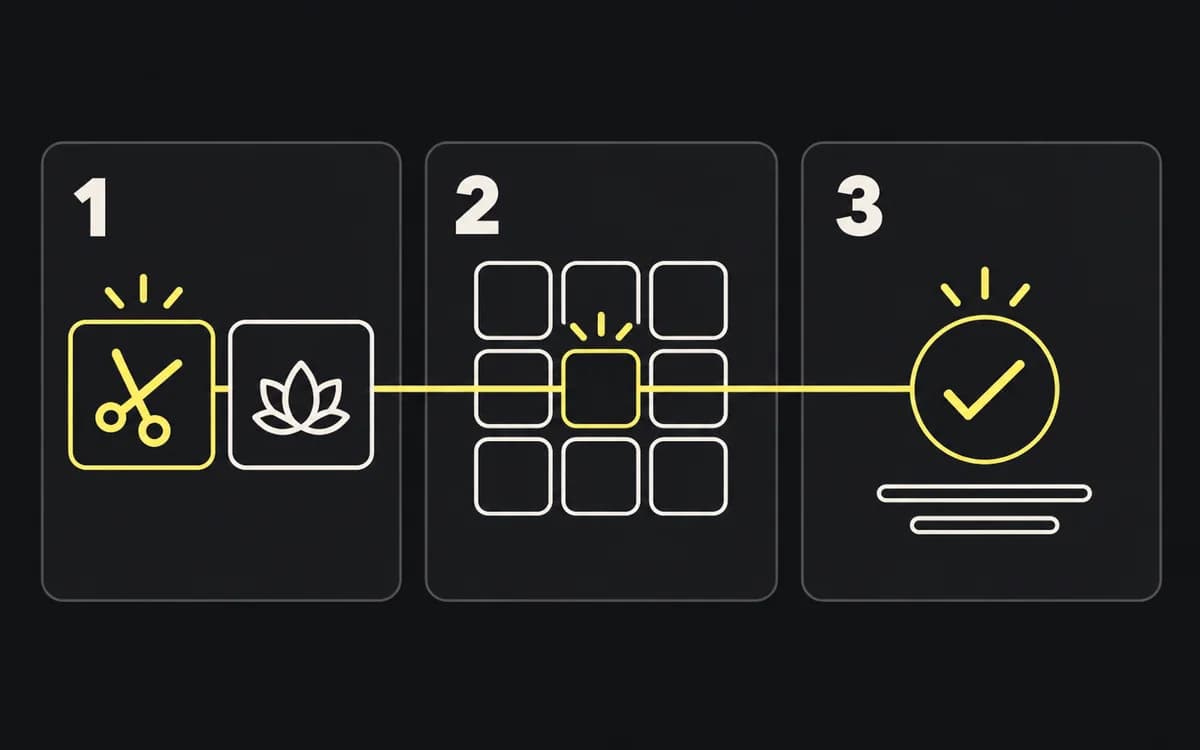
- For a store set, inspect the order and confirm that each screenshot adds a distinct product task. Use the storyboard guide when the sequence repeats itself.
Review markets, rights, and destinations
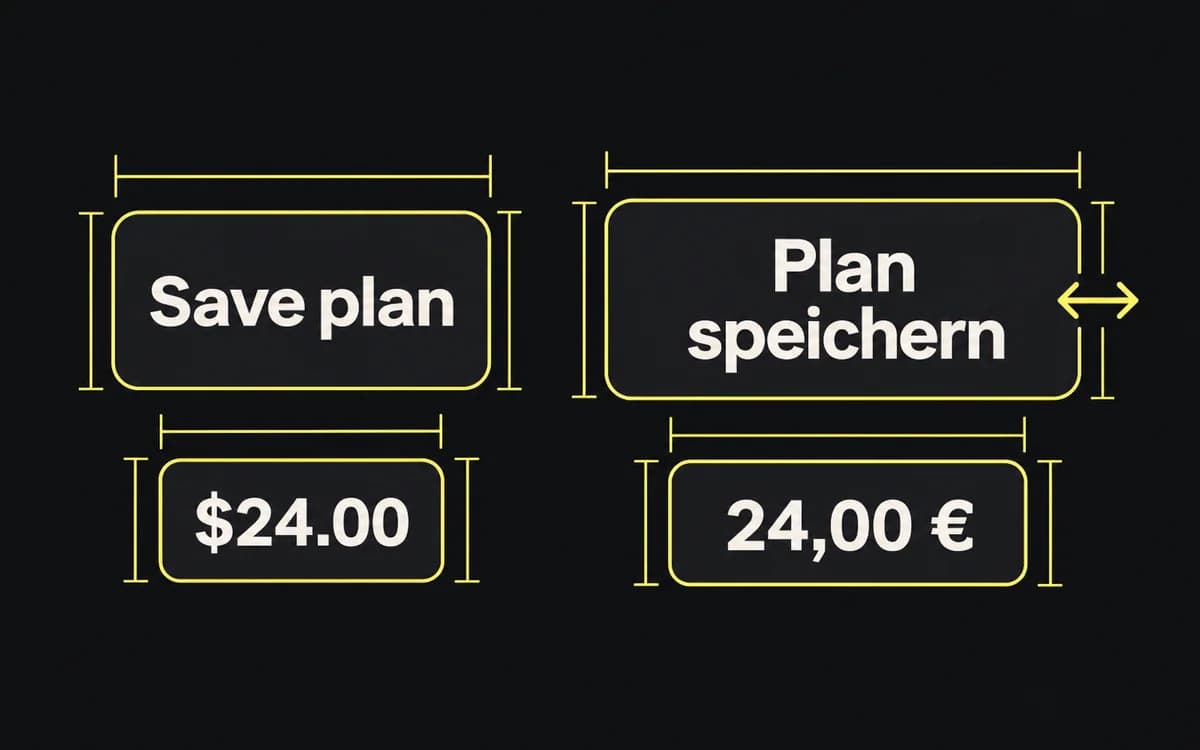
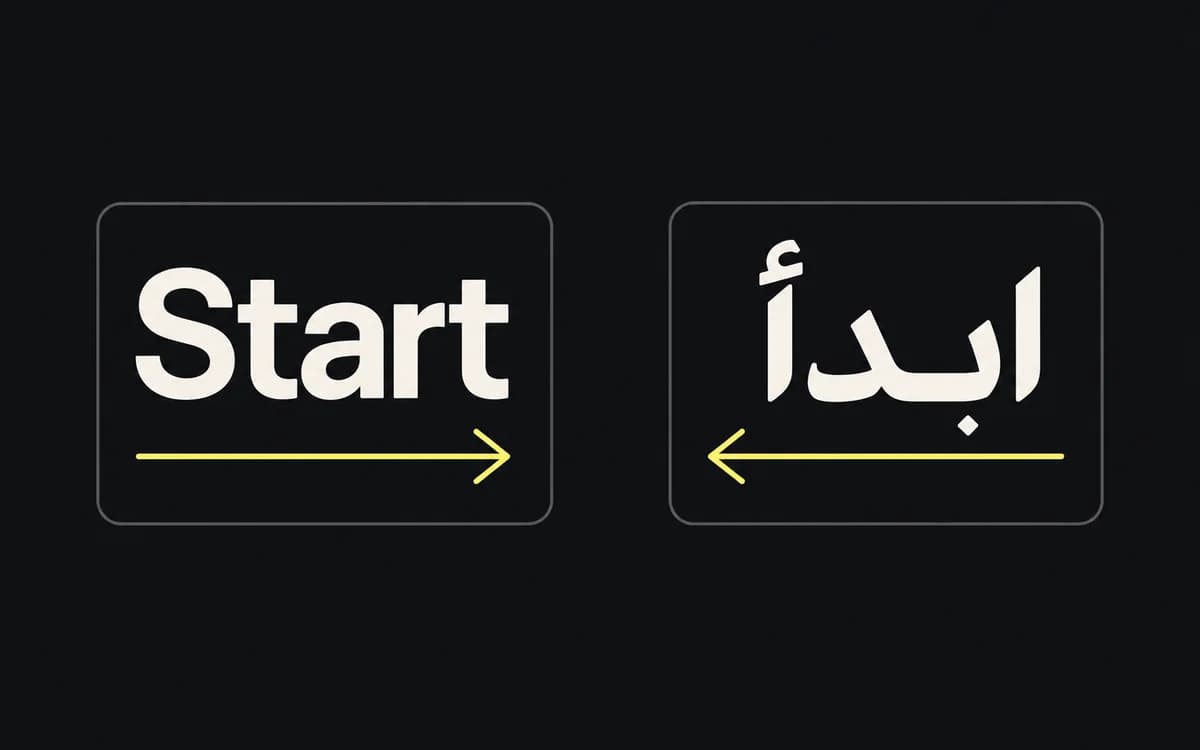
Ask the language reviewer to check the assembled export, including text inside the app capture. Check currency, dates, prices, and availability against the target market. The screenshot localization guide covers recapturing a mixed-language set.
Confirm that the planned use is covered for any stock image, music, font, logo, or testimonial. Replace temporary artwork, personal data, debug labels, and review annotations before export.
Make the handoff launch-ready
Use a review row such as file | failed check | correction owner | replacement file | rechecked. “Headline says free trial; landing page offers paid signup” is an actionable failure. “Needs polish” is not.
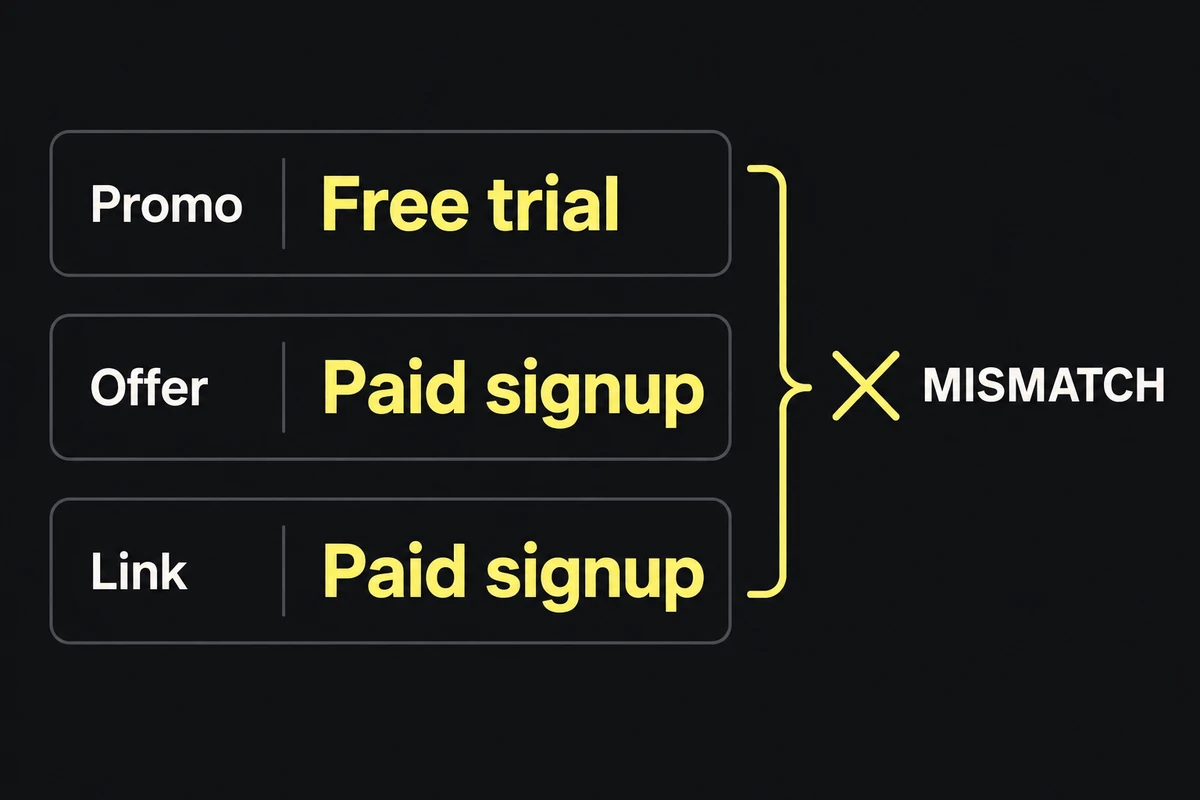
Recheck the replacement file and any sibling that shares the changed claim or capture. Move only passing exports into the approved delivery folder, then send that folder with the placement list and destination URLs. The app launch asset pack shows how to organize that handoff.