Plan the screenshot sequence before laying out the images. You need a current app build, the audience's main task, and a list of features available in the markets you will publish to. The result is a frame-by-frame table that tells a designer what to capture, what to say, and why that frame belongs in the set.
Ground the storyboard in the audience and the promise
Write one sentence: “For [person], this app helps [task].” Then choose a task you can show from start to result.
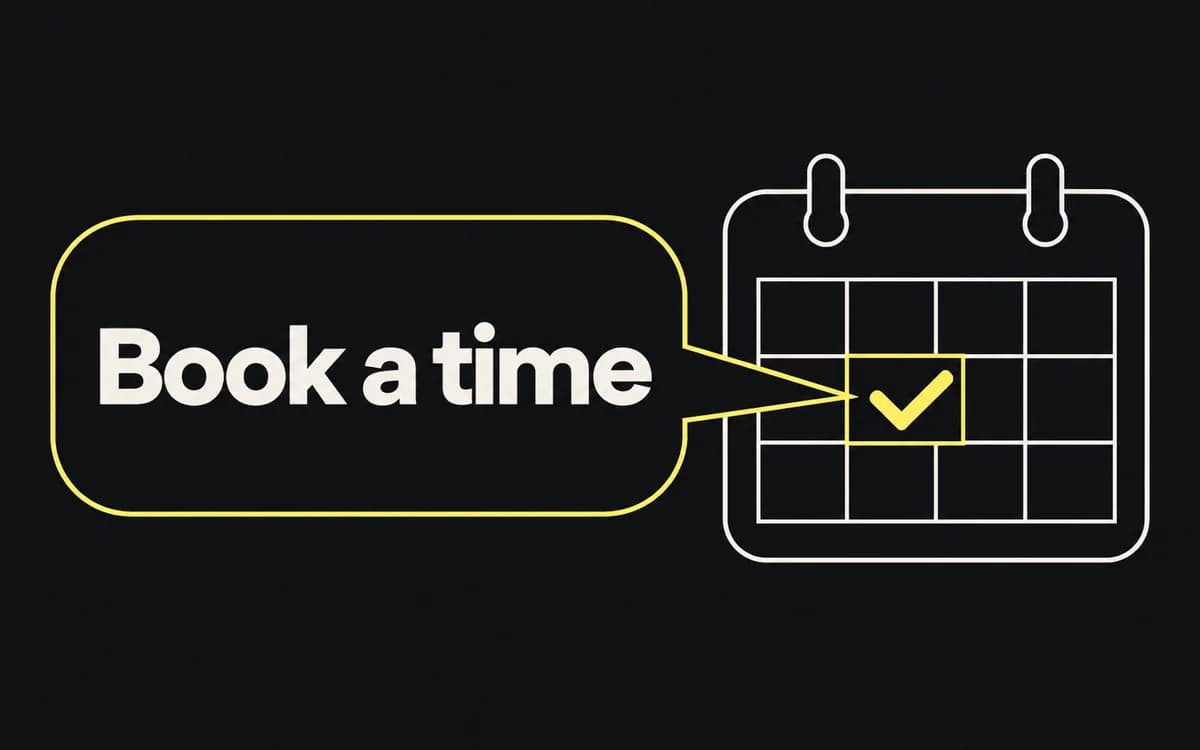
For an appointment app, “Choose an appointment without calling” suggests a visible booking flow. “Take control of your life” gives the designer no screen to capture. Confirm that the current release supports the promise, including any limits such as participating providers or supported locations.
Give every frame one job
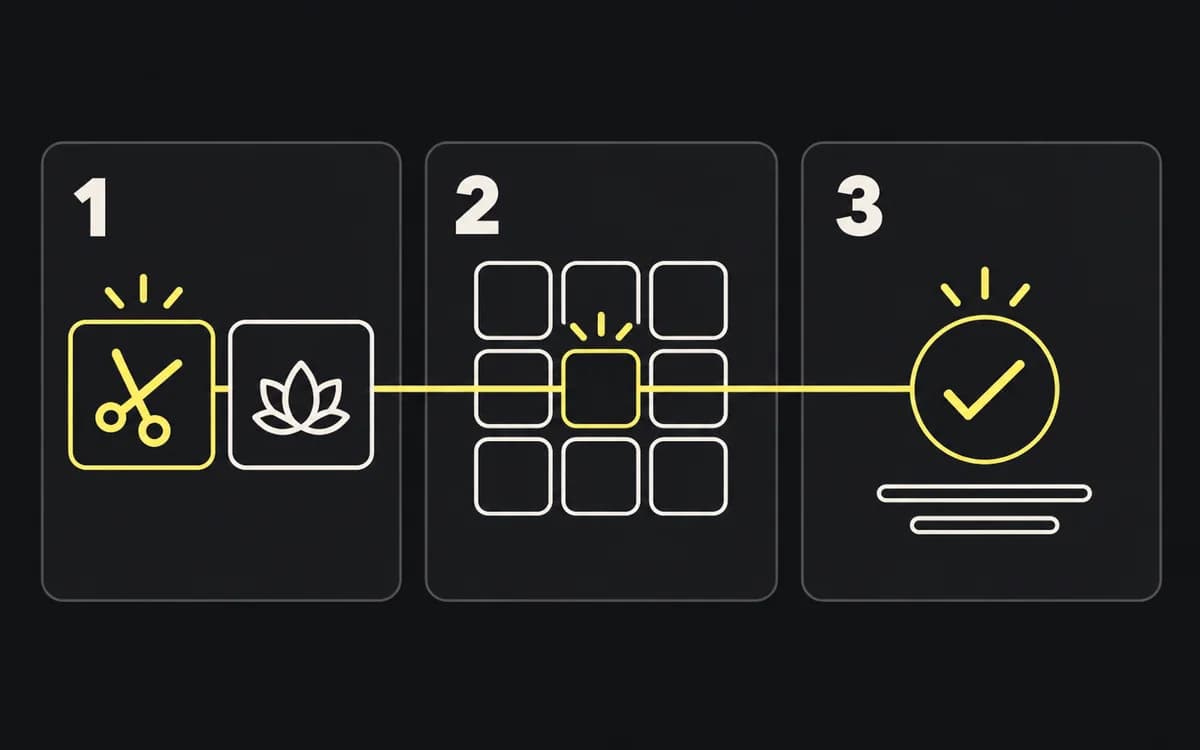
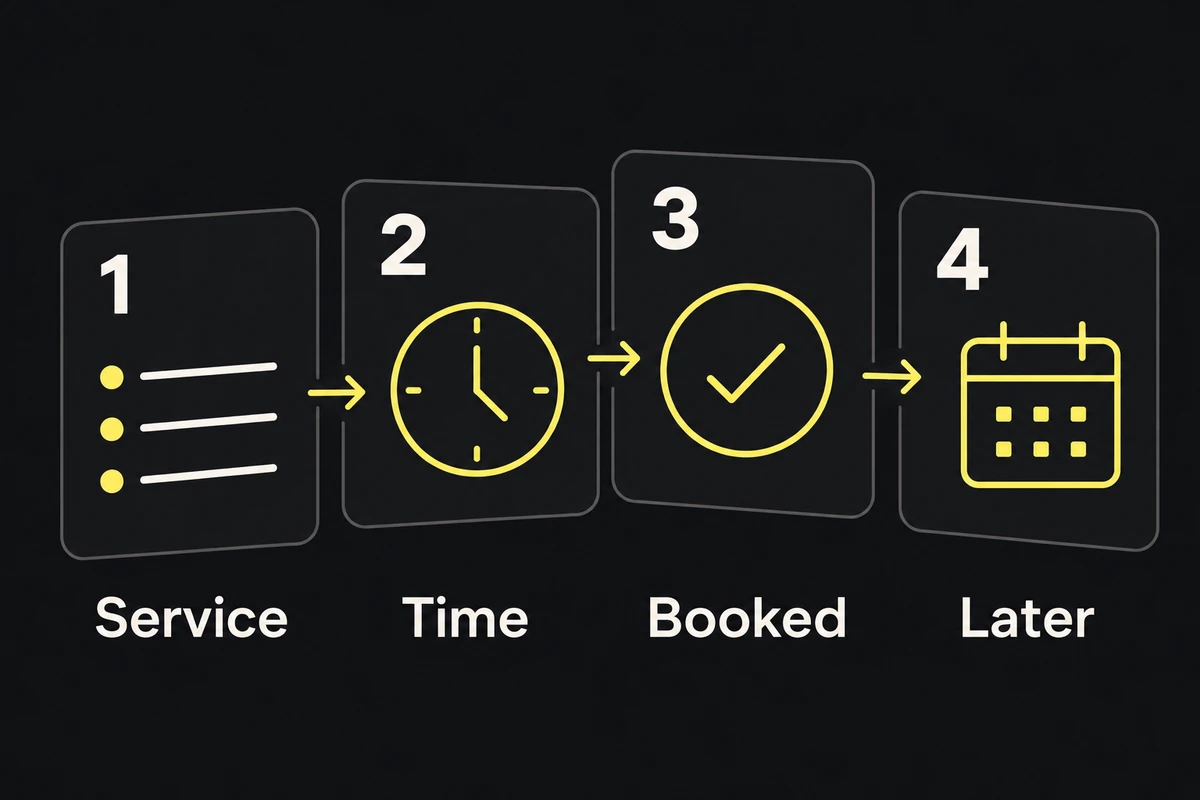
Start with a rough table. This example assumes the appointment app supports each listed action:
| Frame | Viewer's question | Capture to prepare | Headline direction |
|---|---|---|---|
| 1 | What can I do here? | Service list with recognizable choices | Choose the service you need |
| 2 | Can I find a suitable time? | Available appointment slots | Pick an available time |
| 3 | Did the booking work? | Confirmed booking details | Keep your booking details handy |
| 4 | Where do I find it later? | Upcoming appointments | See what's coming up |
Replace the example with your app's real screens. Put the main job early; use later frames for distinct questions that affect the decision to install. Remove a frame that repeats an earlier answer. Add another only when the reader needs its information.
The sequence should make sense in order, but each frame also needs enough context to be understood alone. Avoid a sentence split across several images.
Pair copy with visible product evidence
For each row, specify the exact app state: selected service, date, result, and sample data. Give the capture to the designer with the proposed headline. This catches a mismatch before layout work: an empty calendar does not demonstrate available appointments.
Read the headline beside the capture. If it merely repeats a button label, use it to explain the result instead. If it promises an outcome the screen cannot establish, change the claim or find the missing evidence.
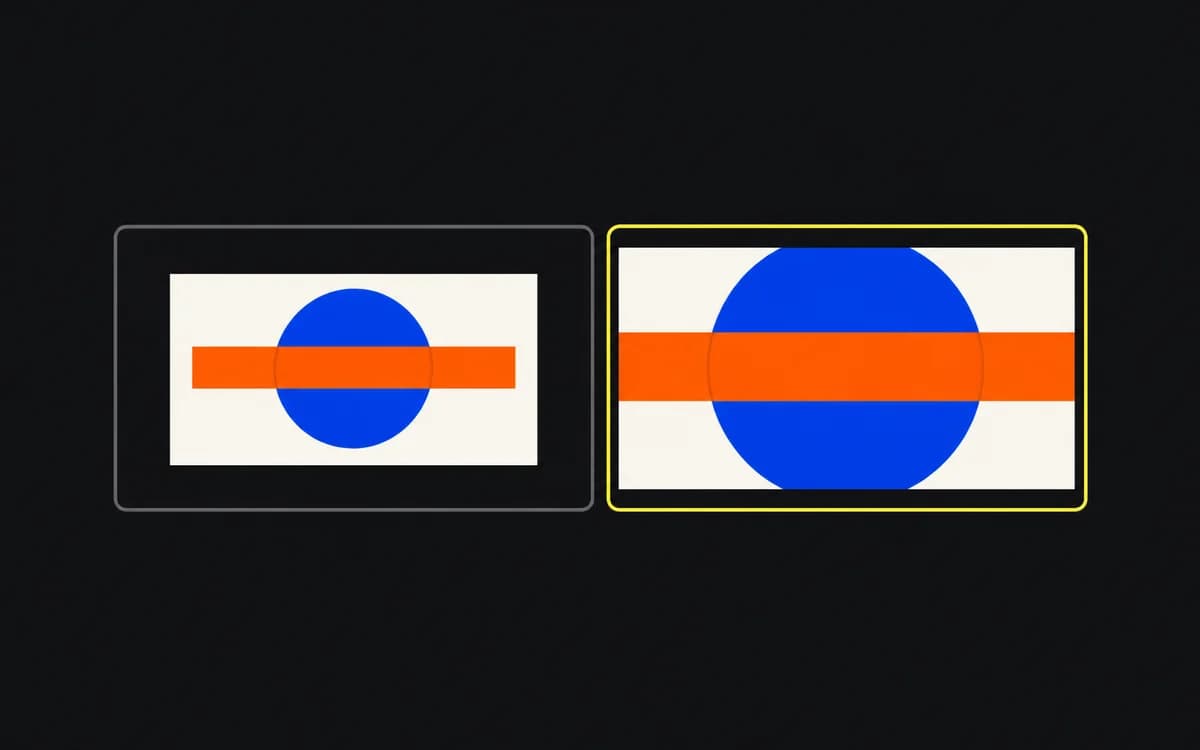
Keep a note of the important UI region that must survive cropping. For a booking confirmation, that might be the service, date, and confirmation status. Decorative space can be cropped; the evidence cannot.
Check current storefront requirements
Use the store screenshot specifications to identify the actual device slots, orientations, and allowed frame counts. Mark any screen that needs a separate tablet capture rather than an enlarged phone view.
Make rough compositions in those proportions. Reduce them to store-preview size and ask a person who has not seen the table to explain the app's main task. If they cannot, fix the first frame's message or capture before polishing the remaining set.
Localize the sequence, not just the headline
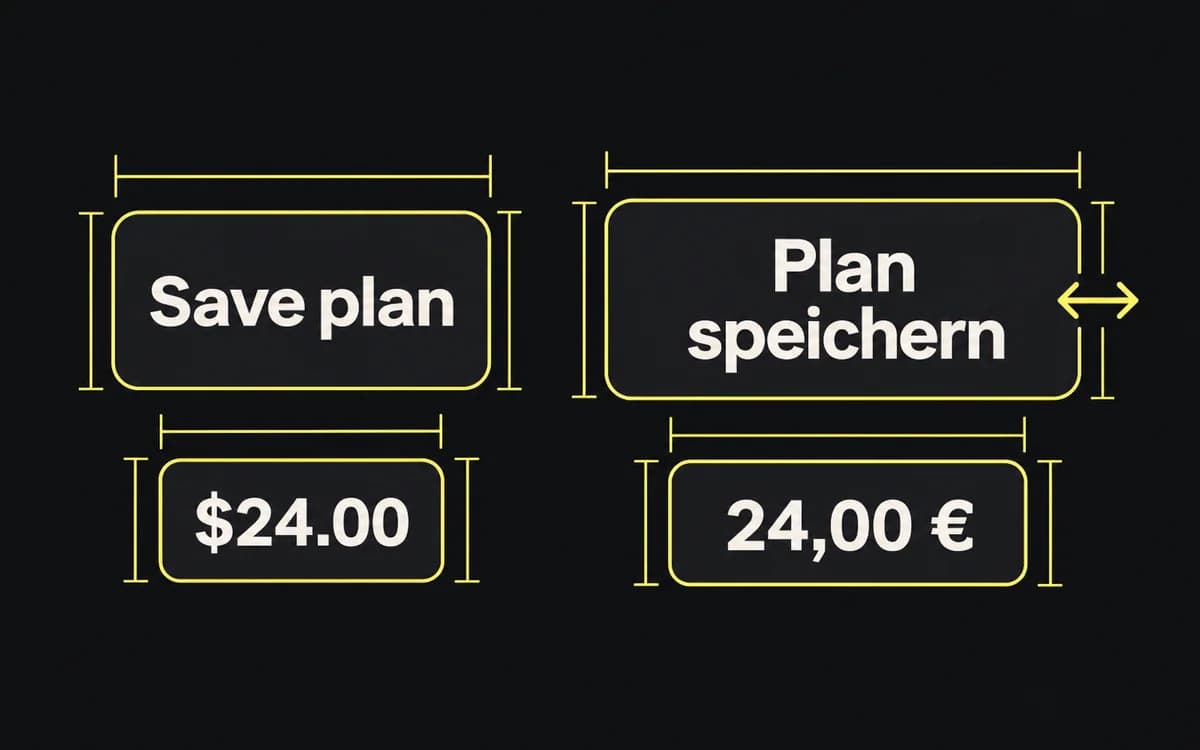
Add a locale column to the table. Identify frames that need a different capture, example, or claim because the product differs in that market. Keep the frame identifier stable so the translated headline cannot be paired with the wrong screen.
Hand over the table with capture links and approved copy. A designer should be able to assemble the sequence without guessing a screen state or inventing a feature. Use the localization guide to turn those rows into reviewed locale sets.