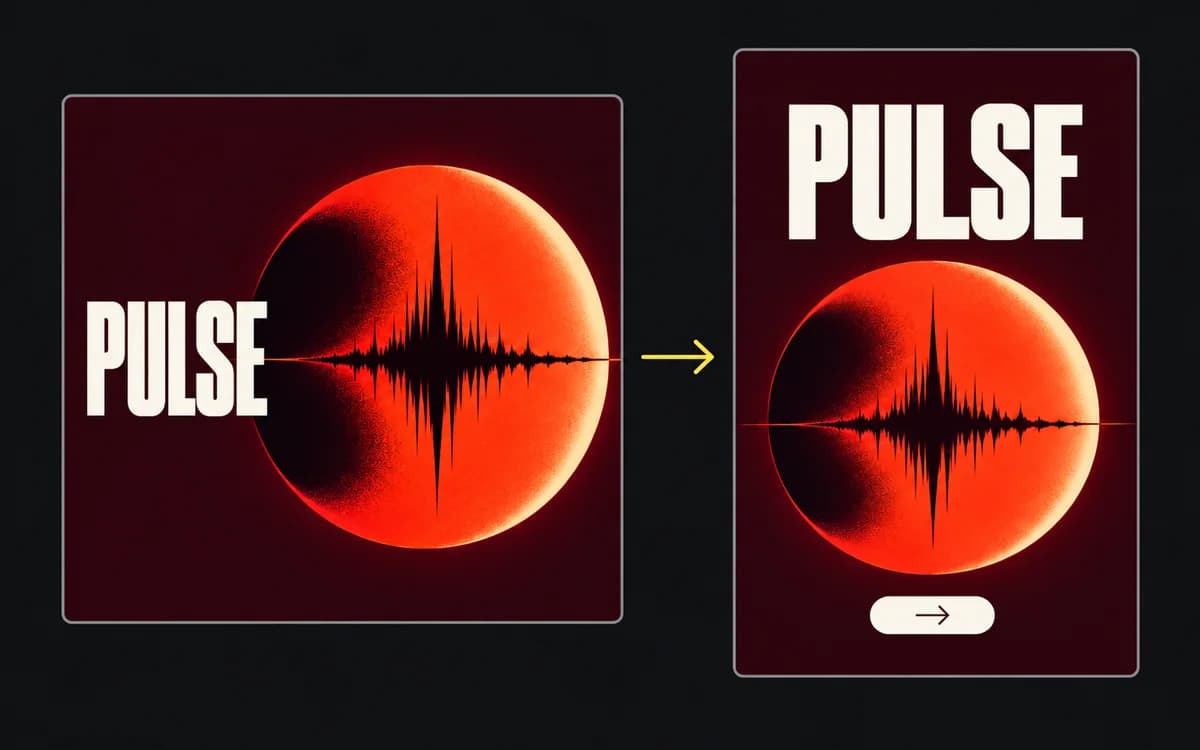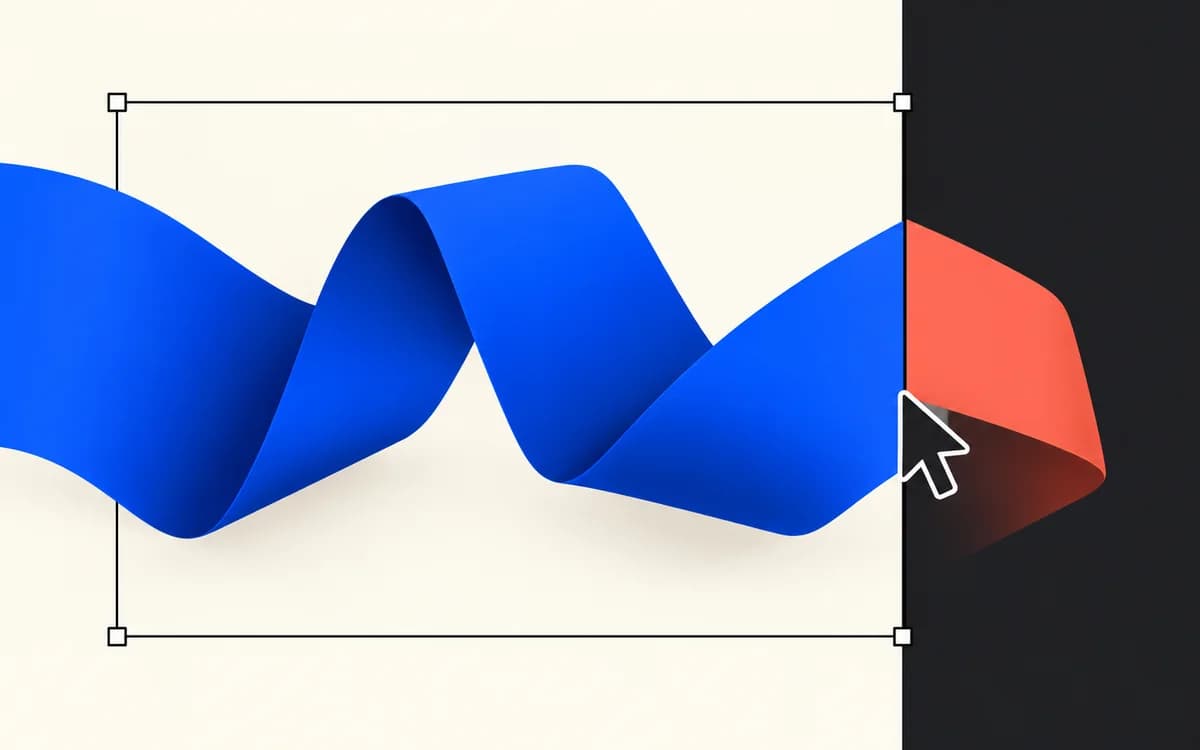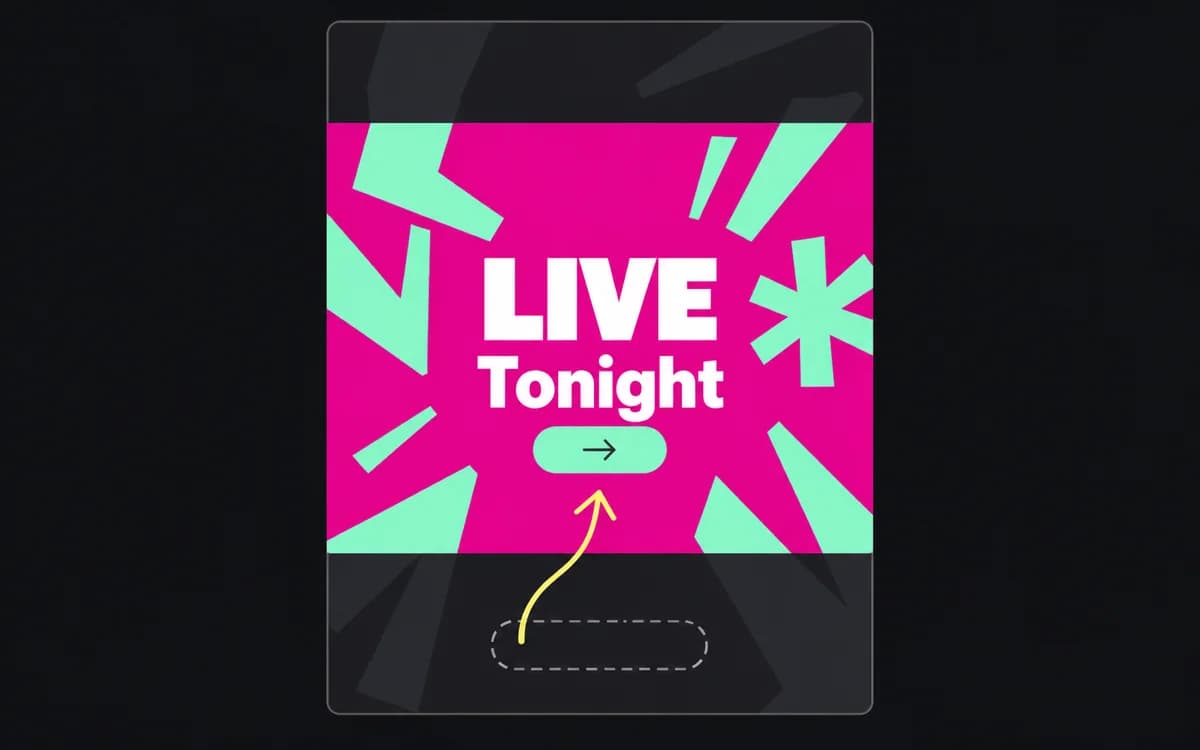
To turn one approved ad into a set of sizes, keep its message and rebuild the arrangement for each shape. Start with the editable source, approved copy, and placement list. A flattened export can be cropped or scaled, but its headline cannot move independently of its product image.
Make a placement list before opening the canvas
Make one row per deliverable: placement | dimensions | language | file type/limit | source | copy version. Link the current placement specification. Duplicate sizes need separate rows when their language, offer, or destination differs.
Group the rows into shapes you can share: wide, square, tall, or another ratio the plan actually requires. Build the most constrained member of each group first. A 320 × 50 strip reveals a copy problem that a roomy wide banner can hide; a narrow tower tests different line breaks from a broad portrait.
Decide what each version must say
Label the source elements before duplicating the artboard:
- Fixed meaning: product, main claim, offer conditions, advertiser, destination.
- Approved alternatives: shorter headline, shorter action, alternate image.
- Optional material: secondary feature, decorative badge, supporting line the brief allows you to omit.
Keep a price and its qualifying condition in one group. Moving the price upward while leaving “first month only” near the bottom changes the apparent offer. If required content will not fit, request an approved shorter claim or another concept for that size; do not silently turn a condition into unreadable type.
Build around the source and the frame
Work on separate image, text, logo, and action layers. Duplicate into the target dimensions, then change the arrangement before changing type size:
- Place the image crop that preserves the product or proof detail.
- Put the headline in the remaining usable area and set intentional line breaks.
- Position the action and qualifications together with their related copy.
- Remove permitted optional material when groups collide.
- Check the target placement's overlays before fine-tuning spacing.
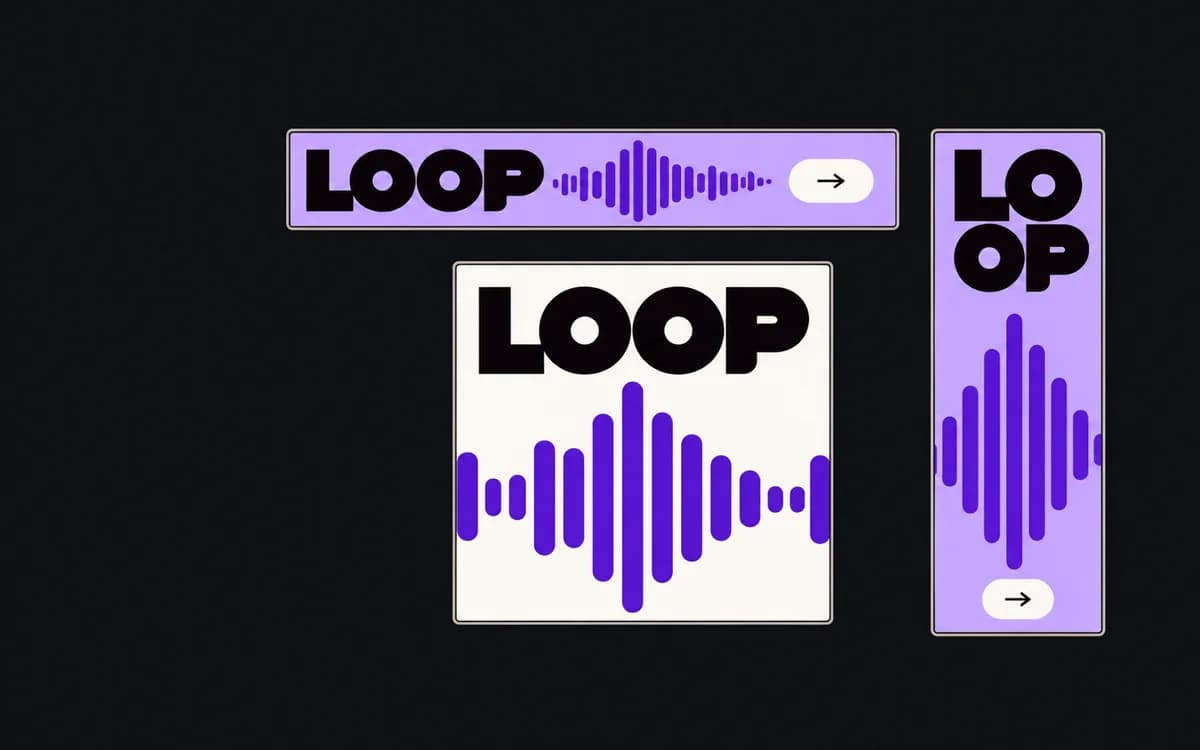
In the fictional LOOP campaign below, “Make your next track,” the waveform, and “Start creating” form a row in the wide frame. The square gives the waveform a separate area; the story stacks the groups. To reproduce that change, move the editable groups. Scaling the finished wide image into the tall frame would shrink all three together.
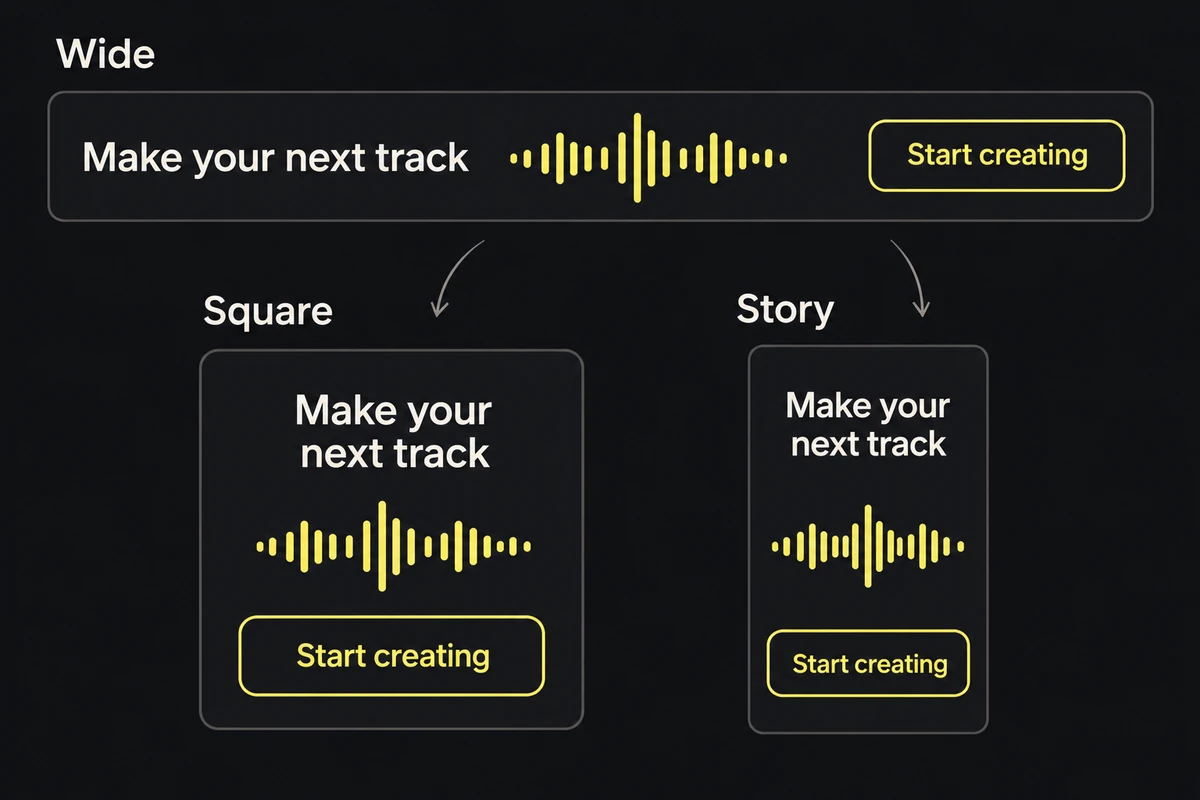
The wide row becomes a square hierarchy and then a story stack. The action stays readable instead of shrinking with the whole layout.
Check the delivered versions together
Open the exports as a set, then inspect each at its expected viewing size. Read the fixed-meaning list against every file. “Make your next track” may wrap differently; it must still describe the same product and action. Check translated copy independently because a longer line can push another group out of place.
Reject a variant when its required words need zooming, its crop removes the claimed feature, or an overlay hides the offer. Use the cropping guide for a source problem and the safe-zone guide for an overlay problem.
Match one final file to every delivery row and retain the editable variants. The receiver should be able to choose the correct placement and language without opening several files to guess which is final.