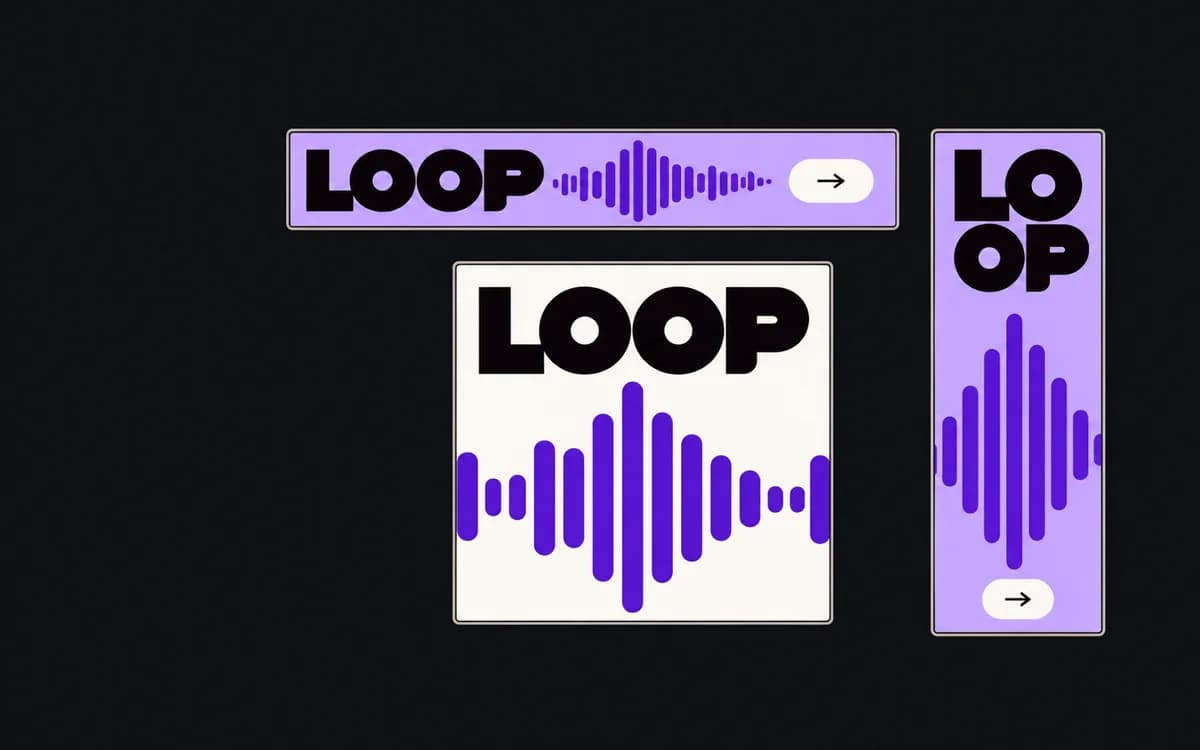
Choose the aspect ratio the booked placement accepts, then test whether your source can carry the message in it. If both square and vertical are allowed, compare two rough compositions before polishing either. The useful question is whether the subject, claim, and qualification remain clear at the size people will see.
Start with the placement
List the actual placements and their accepted ratios. If the campaign buys both a square slot and a tall slot, you need both deliverables; a preference for one shape does not remove the other. If the buyer is still choosing placements, show which source limitations affect that choice.
Create square and vertical test frames using the intended dimensions. Place the same source image in each with proportions locked, mark the required subject, and add the approved headline and condition as separate text. Apply the placement overlay check. Do this before adding decorative badges or secondary features: otherwise they can hide whether the basic concept fits.
What square gives you
A square gives relatively more width for a group, a wide product, or a side-by-side comparison than a narrow portrait at the same height. Try an image-and-copy split or place the words in existing quiet space. Check that the subject is still large enough to recognize after both groups share the frame.
Reject the square treatment if showing a full standing person makes the face or demonstrated detail too small, or if the required copy leaves only a thin image strip. A tighter crop is useful only when the removed material is expendable. Do not crop the feature named in the headline just to make the photograph larger.
What vertical gives you
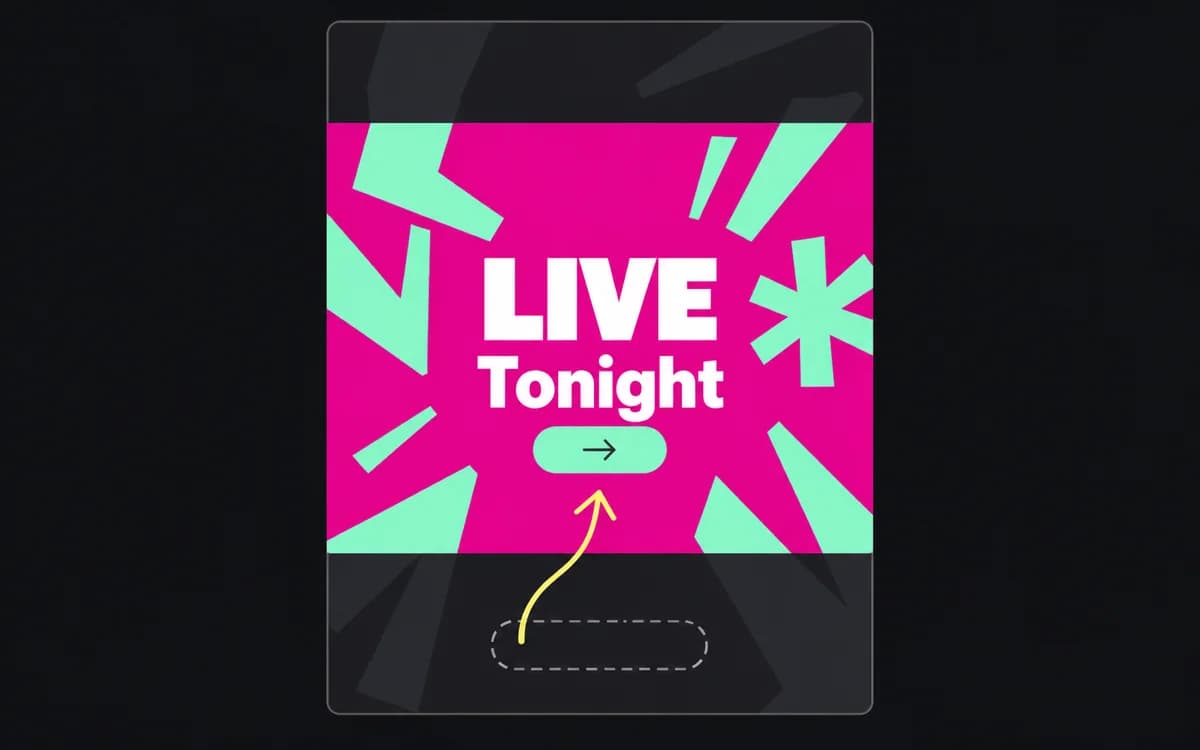
A vertical frame can keep an upright product or full-height subject larger while leaving room above or below for words. Try a stack: claim, subject, related action. A 9:16 canvas is about 1.78 times as tall as a square of the same width, but interface overlays can consume some of that added height.
Reject a full-bleed vertical crop when it cuts a necessary person out of a group or removes one side of a comparison. Containing the wide image preserves it, but reduces its display size; check whether the detail still reads. If it does not, use another source or revise the composition. Stretching a wide photo introduces distortion without restoring its missing context.
One campaign in both frames
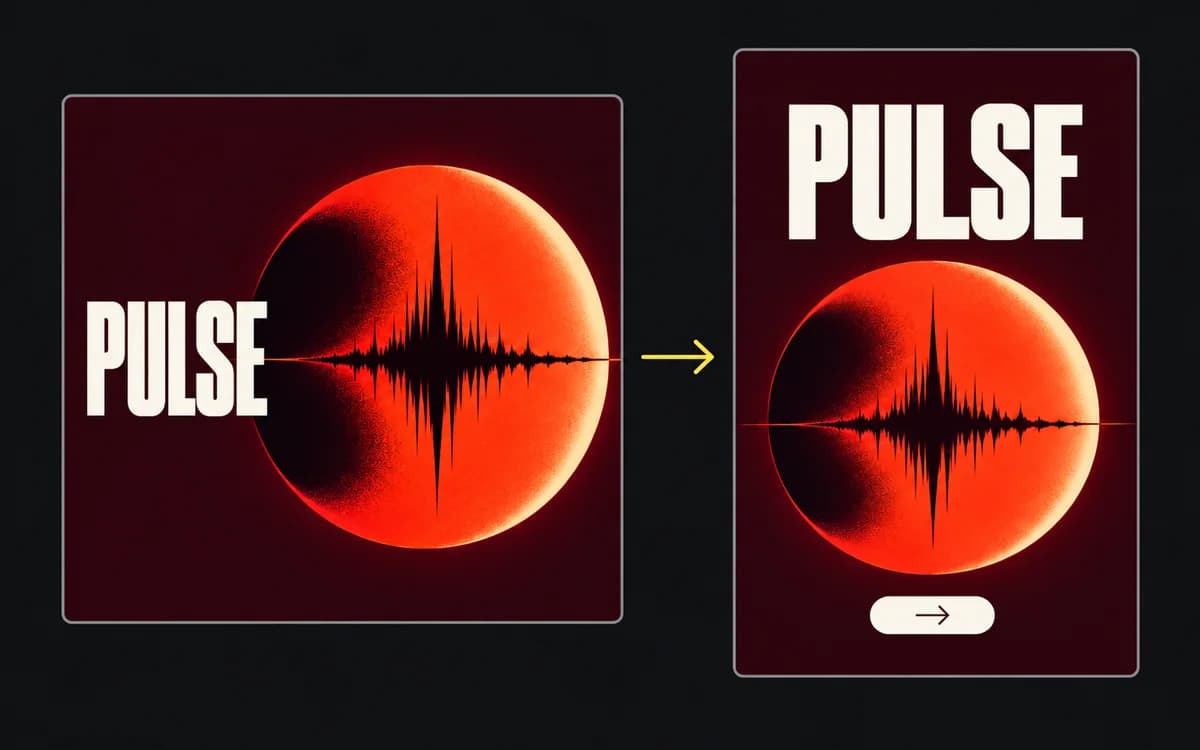
In the fictional PULSE event below, keep the event name, start time, and whole disc visual. The square places the name beside the disc. The story moves it above, then keeps the time and action together below. Rebuild those groups from the editable source; a crop of the square cannot produce that rearrangement.
Compare the two at their intended display sizes. If the event name is clear in both but the story loses its start time beneath the interface, fix the story's grouping or position. Increasing the whole export's resolution will not create more usable layout space.
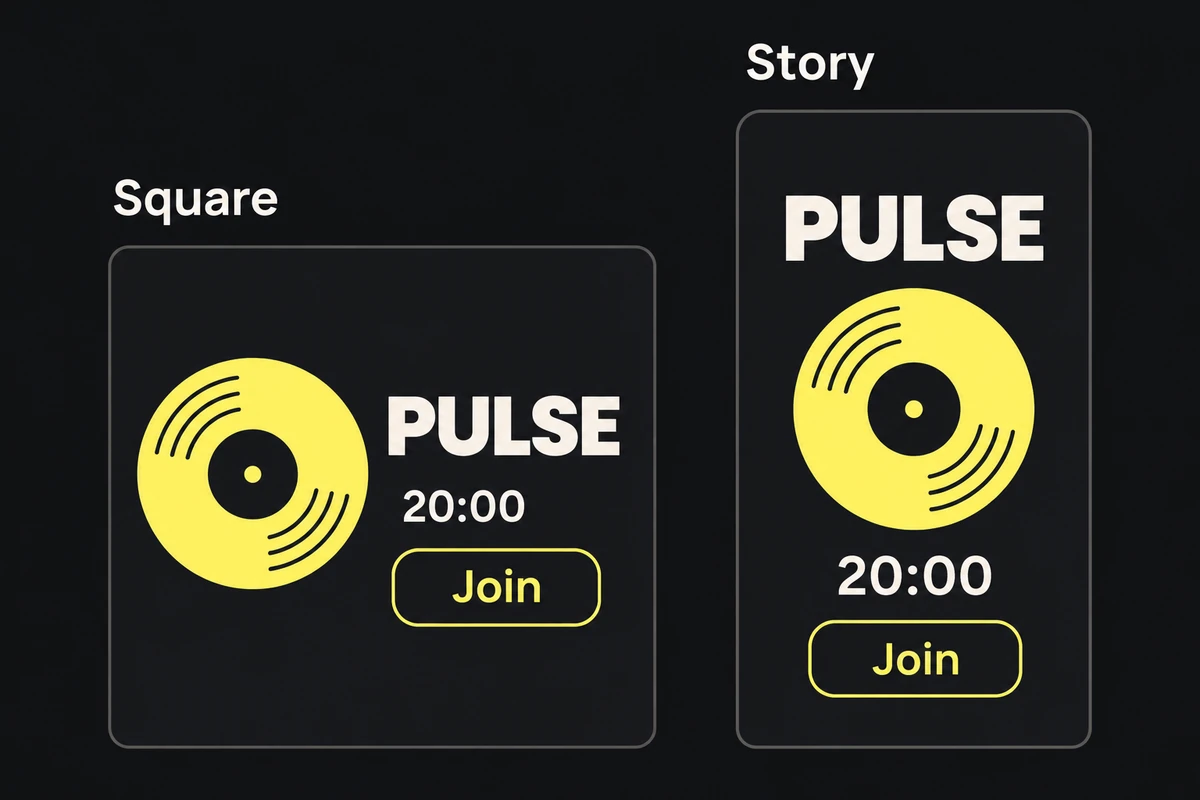
The same event gets two compositions: title beside the visual in the square, title above it in the story.
Make the format decision
For each rough frame, record one verdict: usable as composed, needs another arrangement, or needs another source. Name the reason, such as “vertical crop removes the second product” or “square makes the demonstration unreadable.” That gives the buyer or designer a specific decision before production.
When both versions pass, geometry alone cannot establish which will produce better campaign results. Deliver the formats the media plan needs; use a creative testing plan for a performance question. Use the multi-size adaptation guide to build the chosen set.