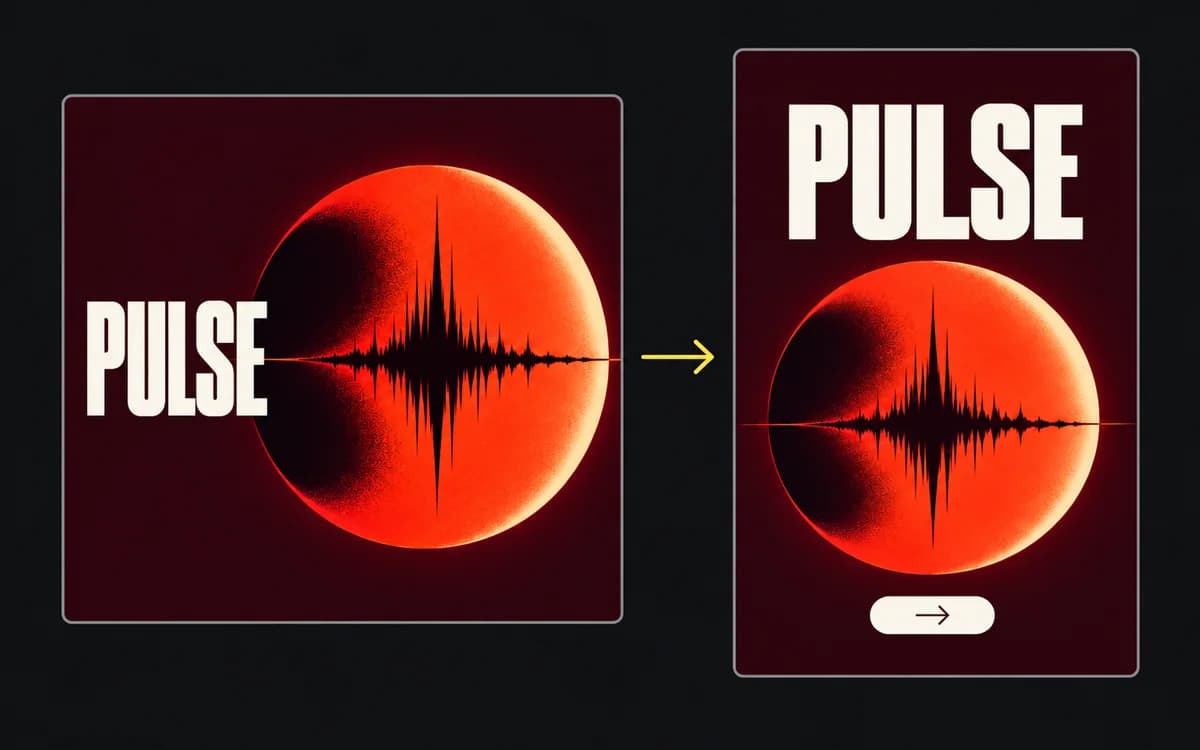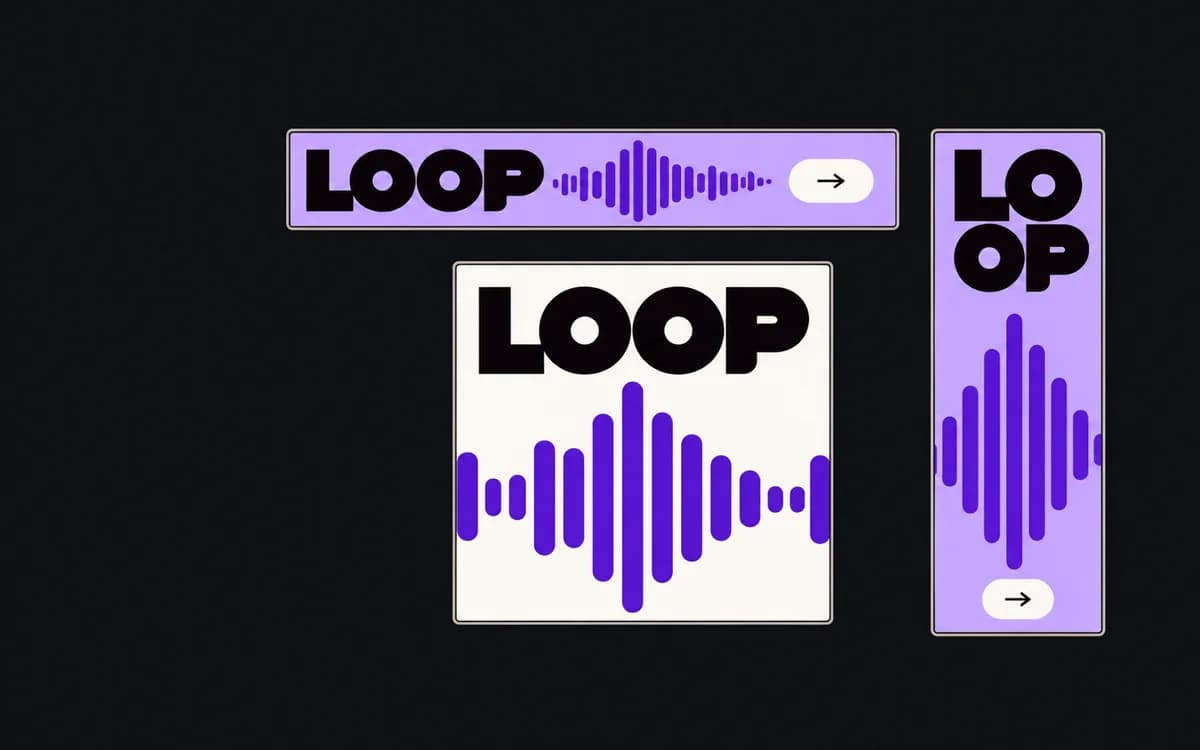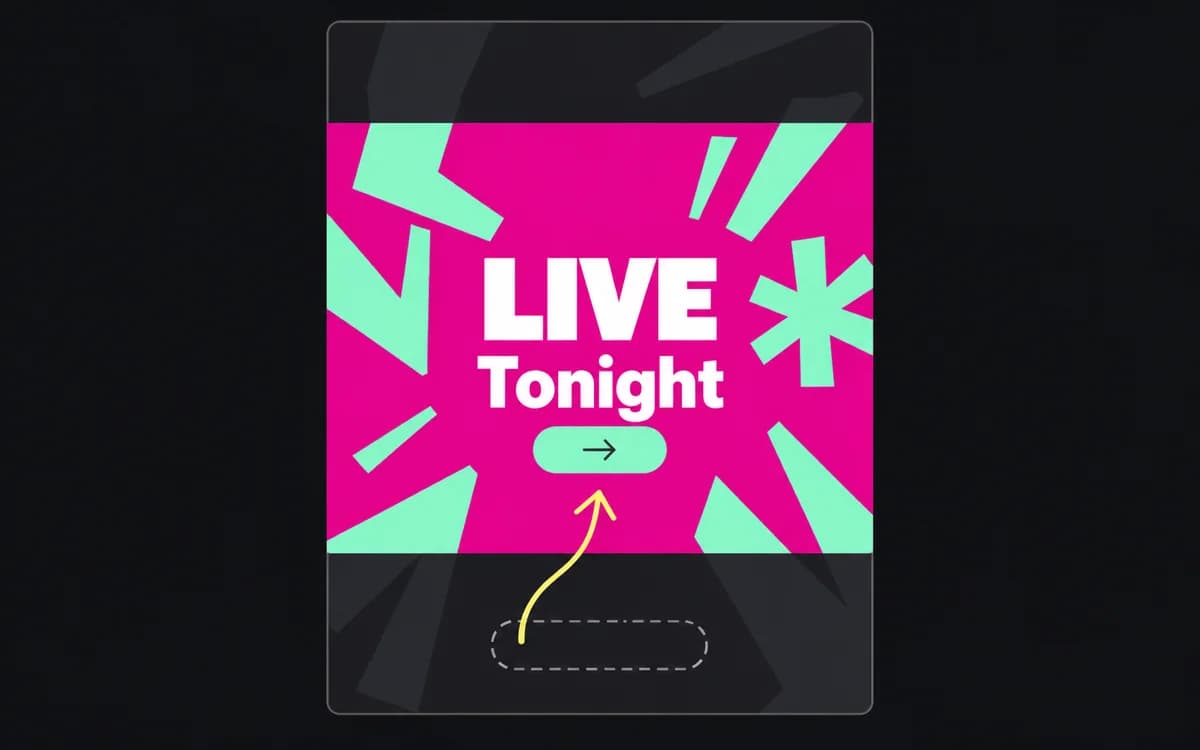
Cropping removes pixels; recomposition moves elements. Choose between them by testing whether the required subject and message fit inside the target shape together. You need the uncropped source and the intended aspect ratio, preferably with text and image on separate layers.
Find the detail the headline depends on
Mark the smallest area containing everything the image must show. For a product ad, that might be the bottle and its label; for a before-and-after result, both states. For a flattened workshop poster, the title and registration action belong in that area too. The visual center is not necessarily the important part.
Set a crop to the target width:height ratio and move it over the original without committing. Can it enclose the required area? If not, repositioning alone cannot fix this source. As a worked example, a full-height 9:16 crop of an 1800 × 1200 image keeps only 1200 × 9 ÷ 16 = 675 px of width. Required details spread across 1100 px cannot all fit in that window.
Keep the uncropped original. A square export cannot supply the scene already cut off its sides. Check usable resolution after choosing the crop: a tight window may fit the subject but require too much enlargement.
Compare the crop with a different composition
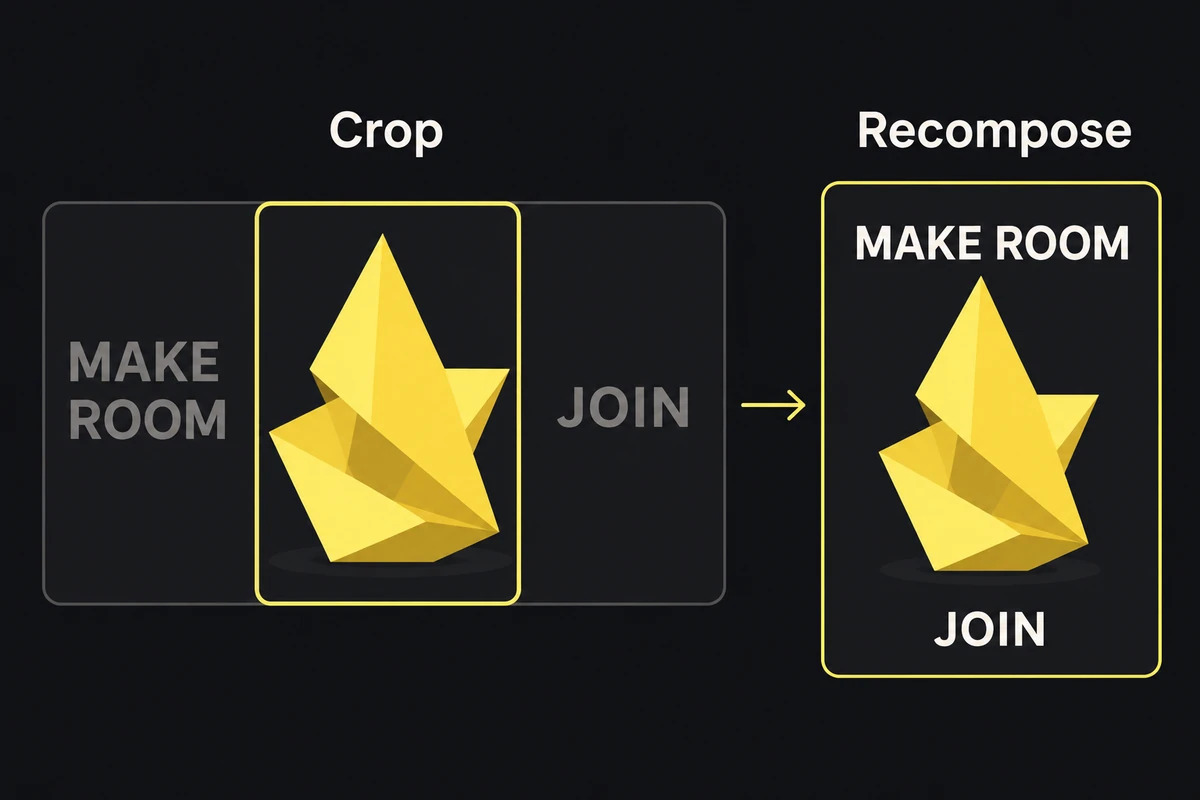
The highlighted window crops the original. The right view rearranges its elements so the title and Join action survive.
In the workshop example, the center crop retains artwork while losing the title and Join action. The right-hand version needs editable elements: moving a crop window cannot relocate those words above the art.
For this campaign, try these moves in order:
- Move the crop window while keeping the full required area visible. Stop if saving one required detail cuts away another.
- Fit the complete image inside a smaller image area. This preserves its content but leaves surrounding space to design and makes any baked-in text smaller.
- Recompose from layers: crop the artwork independently, then move the title and action into clear space. Preserve the claim and its qualification as a group.
- Choose another source when the subject itself cannot fit or remains too small. Extra background does not repair a cut-off hand or missing product part.
Automatic subject detection can suggest a focal point. Check it against the marked required area; detecting one face does not prove the rest of a group or a separate offer survived.
Let the words move without moving the promise
Keep the photograph, headline, logo, supporting copy, and CTA separate in the editable source. When you only have a flattened file, request the source or an approved clean image and copy. Do not paint over a clipped qualification and reconstruct the offer from memory.
Use approved shorter wording when line length changes, keeping required conditions with the offer. A shorter headline that changes the event, eligibility, or offer needs copy approval, not just a new line break.
Approve the placement, then save the decision
Review the export at display size beside the marked original. Every required area must still be present and understandable. Then apply the placement overlay check; a successful crop can still place its subject beneath a caption or action control.
Save the source, target ratio, and focus decision with the editable variant. “Keep the complete bottle and label; background may crop” is reusable. “Center crop” is insufficient when the next photograph puts the bottle near an edge. Use the multi-size guide to organize the complete variant set.