Automate one approved ad layout across a small set of locales before connecting the entire campaign. Start with the editable design, approved source copy, target placements, translations, and localized images. The first useful result is a repeatable batch that produces the expected files and identifies failed variants without publishing them.
Use a spreadsheet for the pilot if that is where your team already approves copy. A translation-management integration can come later; it does not fix a template that cannot fit the translated headline.
Choose a useful pilot set
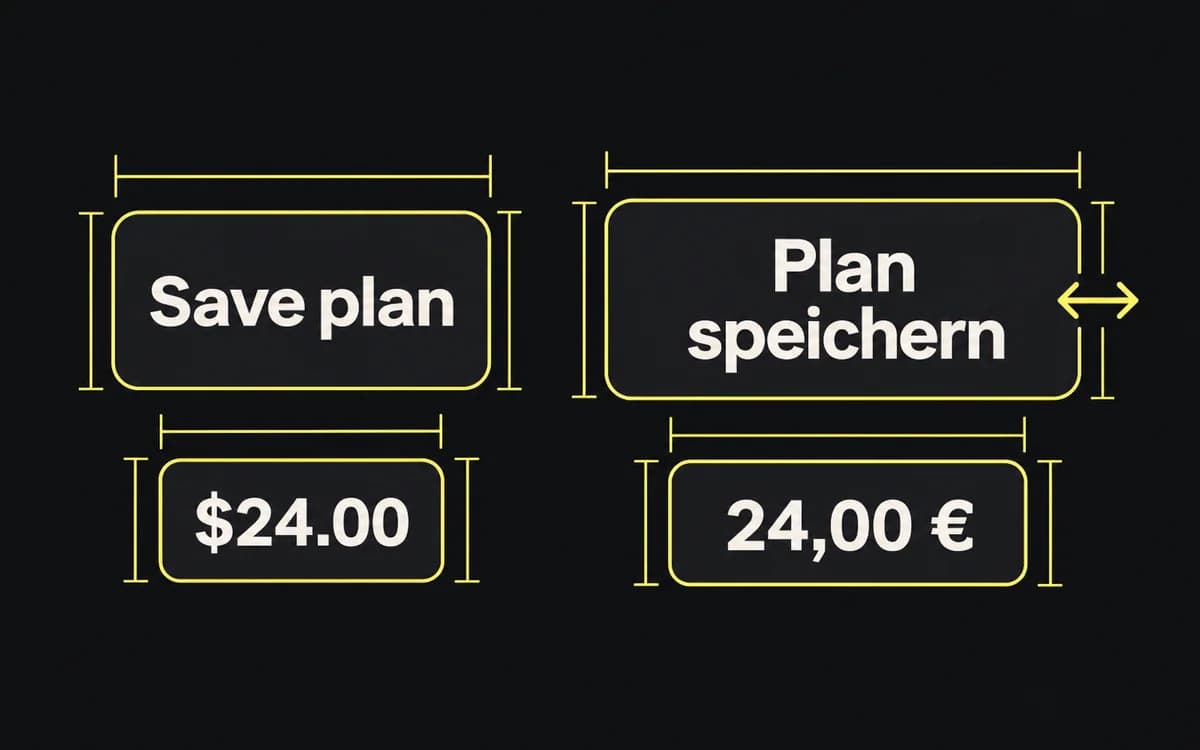
Choose pilot strings that exercise the layout: a long headline, an unbreakable product name, multiple lines, and each script you intend to support. Test the actual translations. Character count alone does not tell you how much space a line needs; W3C's text-size guidance explains how width, word breaks, and line height change.
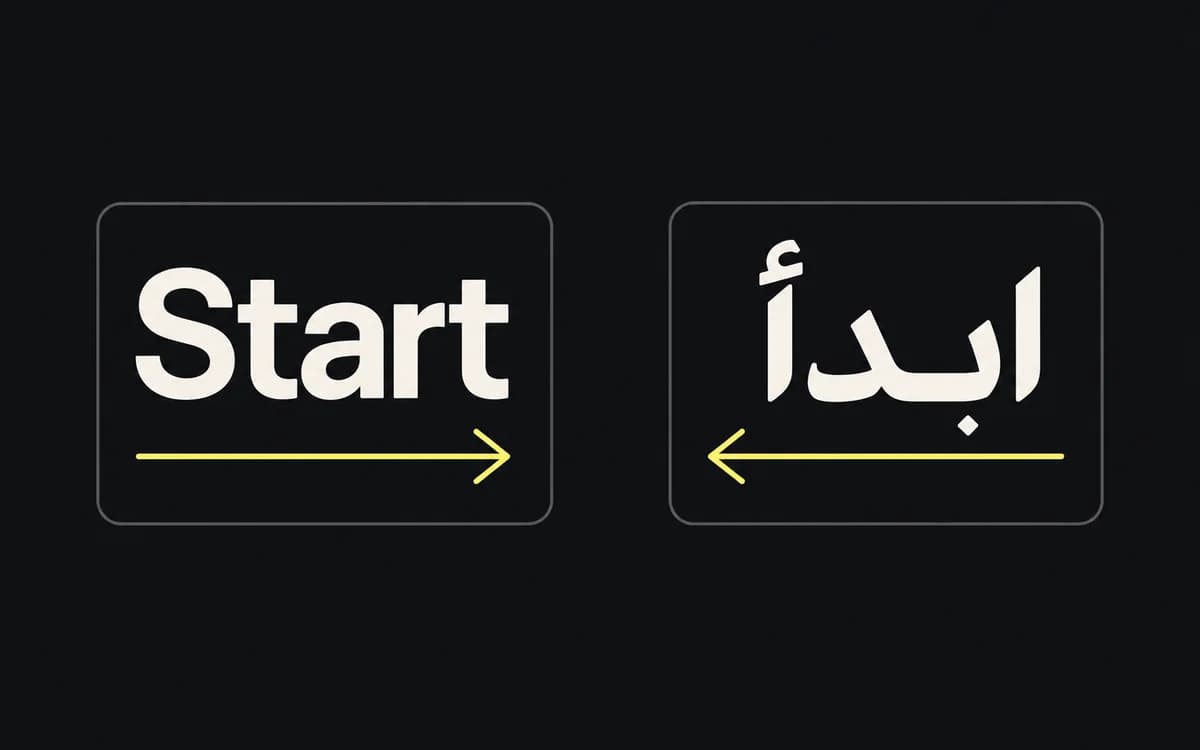
For a right-to-left locale, review the reading order separately from the artwork. Do not mirror the exported bitmap, logos, or product captures. Placement safe zones follow the destination's overlays and do not reverse merely because the copy is Arabic.
In HTML-based templates, use the language and text-direction settings supported by the renderer. W3C documents base direction and logical layout properties, and isolating mixed-direction text. Include a price, Latin brand name, and punctuation in the pilot so their ordering is actually reviewed.
Define the batch input
Give the person wiring the automation a concrete input table. For example, one row can represent one locale and placement:
| Field | Example | Purpose |
|---|---|---|
| variant_id | spring_offer_de-DE_story | Stable identifier for review and retry |
| template_version | offer-layout-v3 | Exact approved layout |
| locale | de-DE | Language and regional variant |
| placement | story | Selects the required dimensions and safe zones |
| headline | Approved German copy | Text to render |
| cta | Approved German CTA | Separate text field |
| image | Link or asset identifier | Approved image for this variant |
| destination | Market landing-page URL | Handoff destination |
Add the fields your creative actually uses, including an offer or disclosure when present. Do not hide market-specific text inside the template.
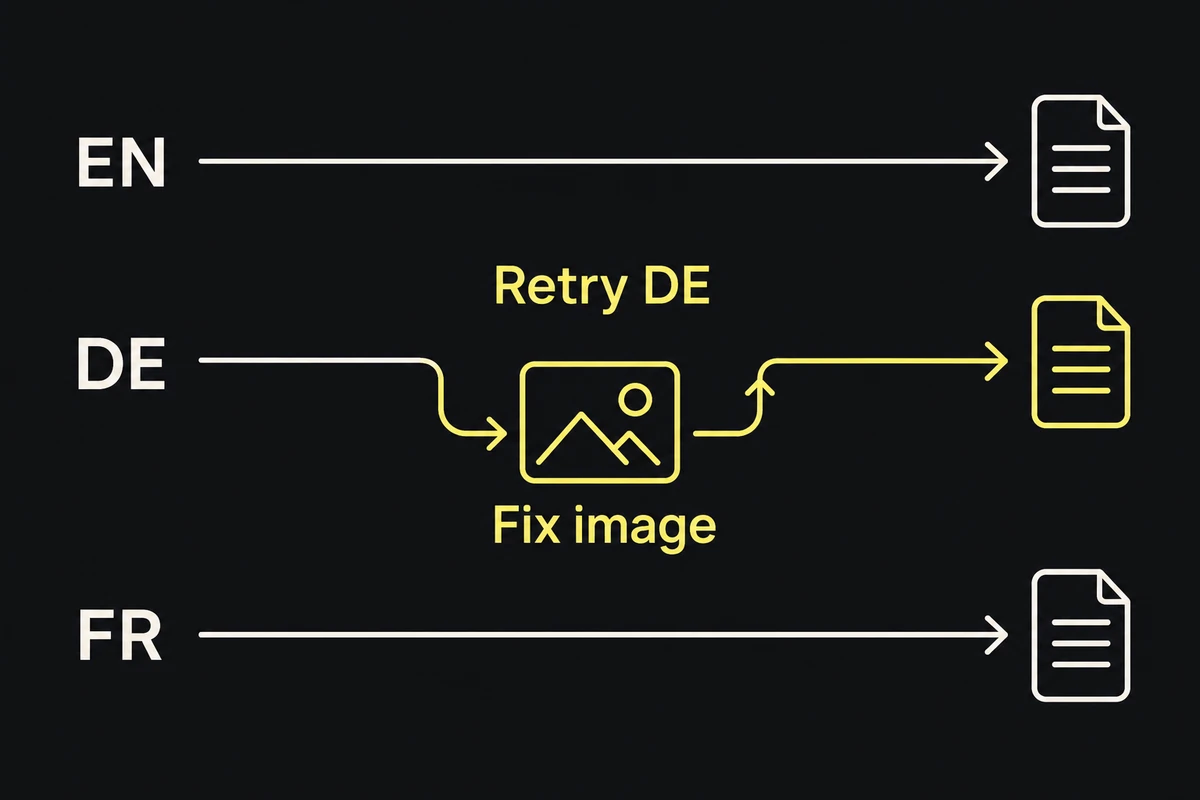
The batch should follow four steps: validate rows, render files, collect checks and review decisions, then copy approved outputs into the delivery pack. A failed row needs its identifier and a reason. Keep it out of that pack without losing the rest of the batch.
If a translation service is already in use, map its approved string keys to these fields. Preserve variables and product names through translation; reject a row with a missing required value instead of silently using English.
Set fitting rules for each script
Agree on fitting rules with the designer before bulk rendering. Specify permitted line counts, space around the text, and the smallest approved type size. Try additional lines or an approved shorter translation before reducing type. If none of the permitted layouts works, flag the variant for redesign.
Load fonts that cover the pilot's actual scripts and weights in the export environment. Ask for a rendered proof after fonts load, then have a language reviewer inspect accents, joined letters, punctuation, and line breaks. A font name in a configuration file does not show which glyphs reached the exported image.
Keep localized product captures as image inputs; do not ask the template or a translation model to redraw their interface. The screenshot localization guide covers preparing those inputs.
Check each rendered variant
Automate checks that return a useful failure reason:
- Missing copy, image, destination, or translation approval.
- An unexpected output count, file type, or pixel size.
- Text exceeding its allowed box or crossing a protected logo, product, or safe-zone region.
- An output filename that cannot be traced to its input row and template version.
Use the renderer's own text and geometry measurements where available. A browser overflow check can catch some clipped boxes; it cannot prove that letters shaped correctly or that the message reads naturally. Searching the text for a replacement character also does not detect every missing-glyph box.
Create a review sheet of the rendered variants, labelled by locale and placement. The language reviewer checks meaning and typography; the designer checks the complete composition. Inspect suspicious details at full resolution, since a small contact sheet can hide clipping.
Prove a failure before expanding the batch
Prove the pilot with one intentional failure: remove a required image or supply a headline that exceeds the approved layout. The batch should identify that variant, withhold its export from delivery, and allow a corrected retry.
Then check that:
- Every requested locale/placement row has either an approved file or a specific unresolved failure.
- Files retain their row identifiers and template version in the asset manifest.
- A corrected row can be regenerated without overwriting unrelated approved variants.
- Changing shared copy or the template identifies all outputs that need review again.
Expand the batch only after the pilot produces a pack the publisher can match to the placement list. Keep upload or publication as a separate action so a successful render cannot release unreviewed translations.