Build a launch pack with one approved file for every requested placement and locale, plus a delivery link the publisher can open. Start with the booked channels, launch date, and product version being promoted. A spreadsheet is enough: each row should end with a usable file or a named missing item.
Decide what the launch must say
For each channel, write the audience, one product task, and the destination. A meal-planning app could use store screenshots to show choosing dinners and generating a shopping list. An email to existing users could show a new shared-list feature and link to its announcement. These are example messages; use features available in your release.
Put the exact app name, approved claim, offer wording, and URL beside each row. Resolve a missing price or release date with its owner before exporting assets that contain it.
Make a channel-based inventory
Create rows from the placement plan. Include video or another locale only when someone has committed to publishing it. For example:
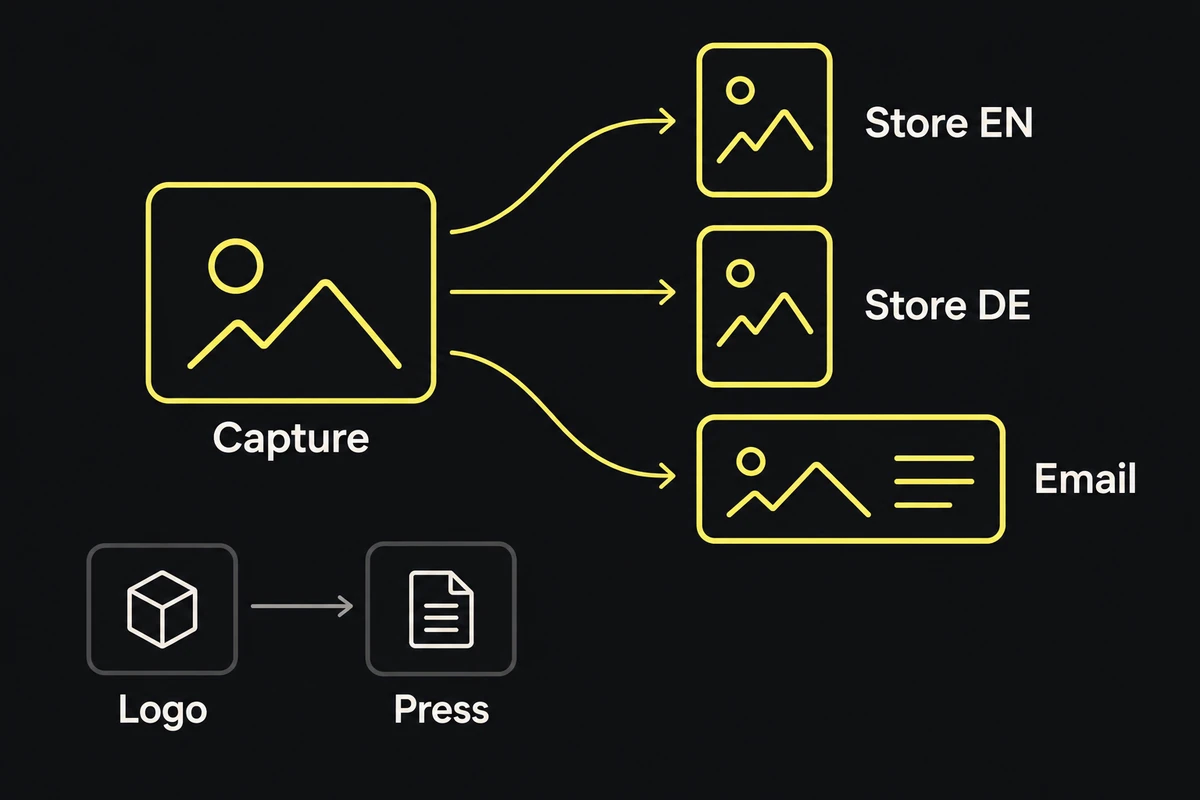
| Destination | Required deliverable | Source needed |
|---|---|---|
| Store listing | Ordered screenshots for supported devices and locales | Approved storyboard and app captures |
| Paid social placement | Static image or video in the booked format | Approved concept, copy, and footage |
| Launch email | Header image | Email layout and announcement copy |
| Press kit | Logo variants and clean product captures | Logo masters and approved captures |
Add the placement's exact dimensions and file rules, publisher, due date, approval state, and delivery-file link. Split rows when variants have different reviewers or destinations. For store screenshots, use the storyboard guide and size specifications to choose the sequence and export settings.
Keep sources and variants connected
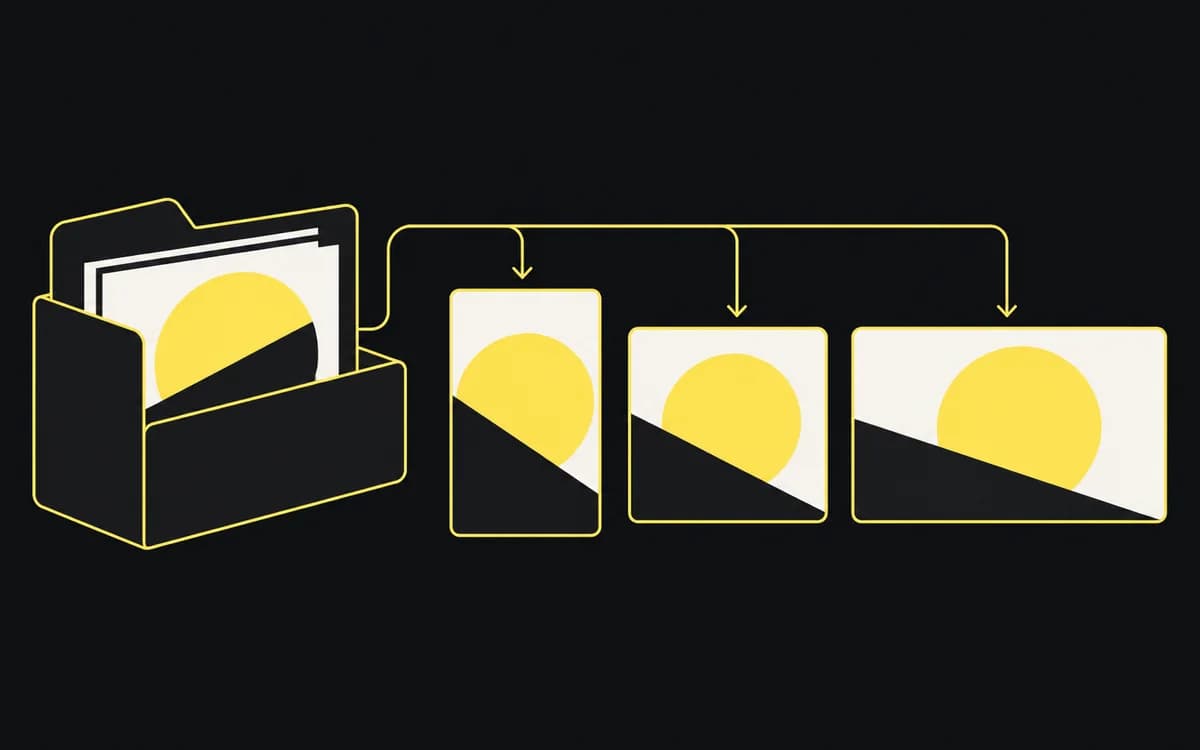
Keep editable layouts, approved copy, and original captures in a source folder; put approved exports in a delivery folder. In the inventory, link each export to the source that produced it. This lets you find every affected crop when a product screen changes.
Use filenames that distinguish placement, locale, frame, and revision, such as mealplan_store_en-GB_01_v02.png. Keep the same frame identifier in its source entry and translated variants. Record restrictions beside the source, such as a photograph that cannot be cropped or a feature unavailable in one market. The creative asset manifest covers larger packs.
Check the pack and sweep late source changes
Open the delivery link as the person receiving it. Match its contents to the inventory: every required row has the right file, locale, and destination; exports open; drafts cannot be mistaken for approved files. Use the app promotion checklist for claim, crop, and link checks.
When a source changes, filter the inventory for that source. Replace or retire every affected export, including translated versions. Update delivery links and tell publishers which files changed if they already downloaded the pack. Finish with no unexplained missing rows and no superseded files in the approved delivery folder.