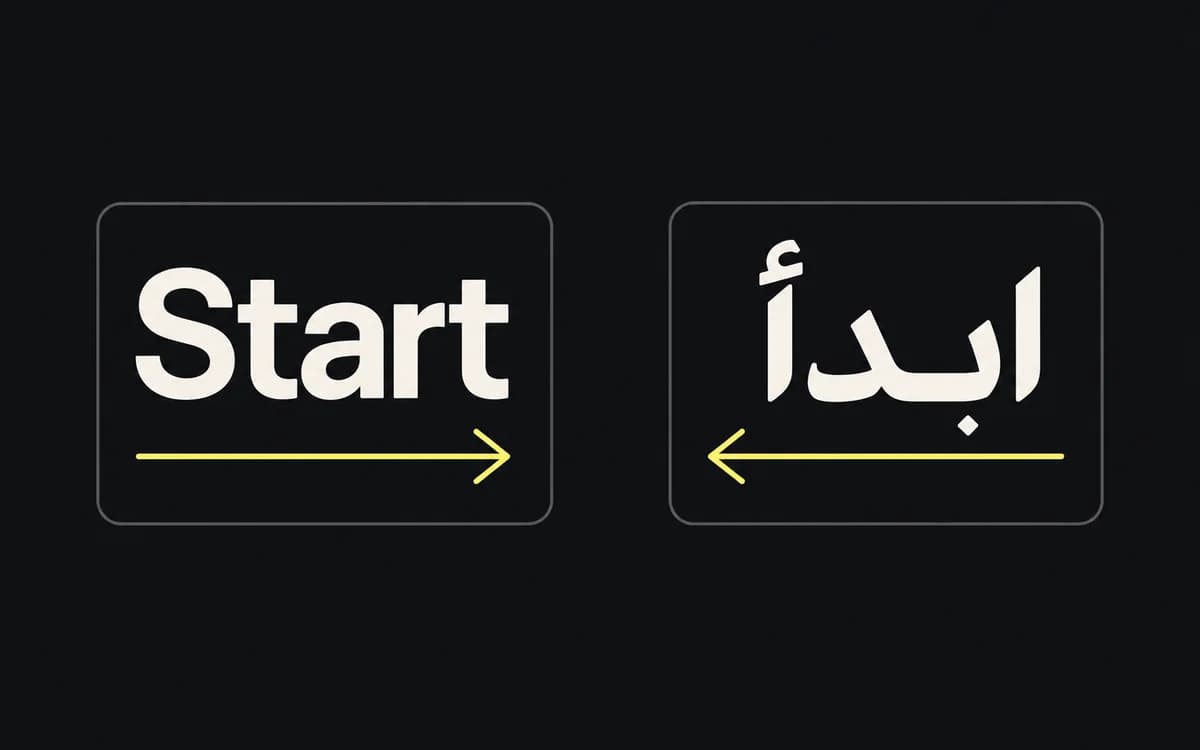
For a product ad with an exact price, approved logo, and new seasonal scene, use different tools for different parts. A template can place the price and logo under explicit layout rules. An image model can supply a candidate scene. Neither choice removes the need to check whether the assembled ad works.
Comparing the two generation paradigms
A template maps supplied content into a designed layout. Its rules can specify the font, color values, logo asset, spacing, text wrapping, and supported formats. It is useful when the campaign changes known fields such as product, headline, price, or locale.
An image model creates or edits imagery from instructions and references. Use it when the missing input is a scene or visual treatment you do not already have. Check the particular model's documented inputs and editing controls; “AI generation” does not describe one fixed capability.
| Production need | Starting choice | What still needs checking |
|---|---|---|
| Update the price across an approved campaign | Template using the approved price field | Correct value, currency, and fit in every locale |
| Place the same logo on several formats | Original logo asset in the layout | Clearance, contrast, and export rendering |
| Create a new seasonal scene | Photography, illustration, or generated candidate imagery | Product accuracy, composition, and usable space for copy |
| Translate an approved ad | Locale copy and captures inside adaptable layouts | Meaning, line breaks, and destination |
| Explore a new visual direction | Designer-led concepts, optionally using generation | Whether the direction communicates the intended promise |
Choose on the real batch, not a generic speed claim. Measure time to an accepted asset, including retries, preparation, review, and corrections; compare that with the cost of making and maintaining the template.
Operational risks of pure generative pipelines
If price, logo, or interface text exists only inside a generated bitmap, a correction may require editing image pixels rather than changing a field. A later regeneration also needs another check: an approved previous output does not establish that the new image retained every detail.
Keep content that must remain exact in editable layers or structured fields. Compare generated products, packaging, and interface details with their approved sources. A plausible-looking replacement is still wrong when the campaign sells a different item.
For a person holding a product or device, generate or render the contact as one coherent scene. Adding a flat object afterward can break fingers, occlusion, shadows, and perspective. Exact screen content may be replaced inside verified screen geometry while preserving those surrounding details.
Limitations of rigid template pipelines
A template supports the cases its designer prepared. A long product name, a portrait with no room beside the face, or a translated qualification can expose a missing layout rule. Exact coordinates do not make those inputs fit.
Test the shortest and longest real copy, difficult product shapes, and every required locale before expanding the batch. When a new concept needs a different hierarchy or scene, design a new layout rather than forcing it into the closest old template. Use a variation matrix to distinguish those new concepts from ordinary field updates.
Combine generated imagery with editable layouts
For the seasonal product ad, a workable division is:
- Prepare an approved product photograph or a generated scene checked against that product.
- Keep the scene as one reusable asset with its source and approval reference.
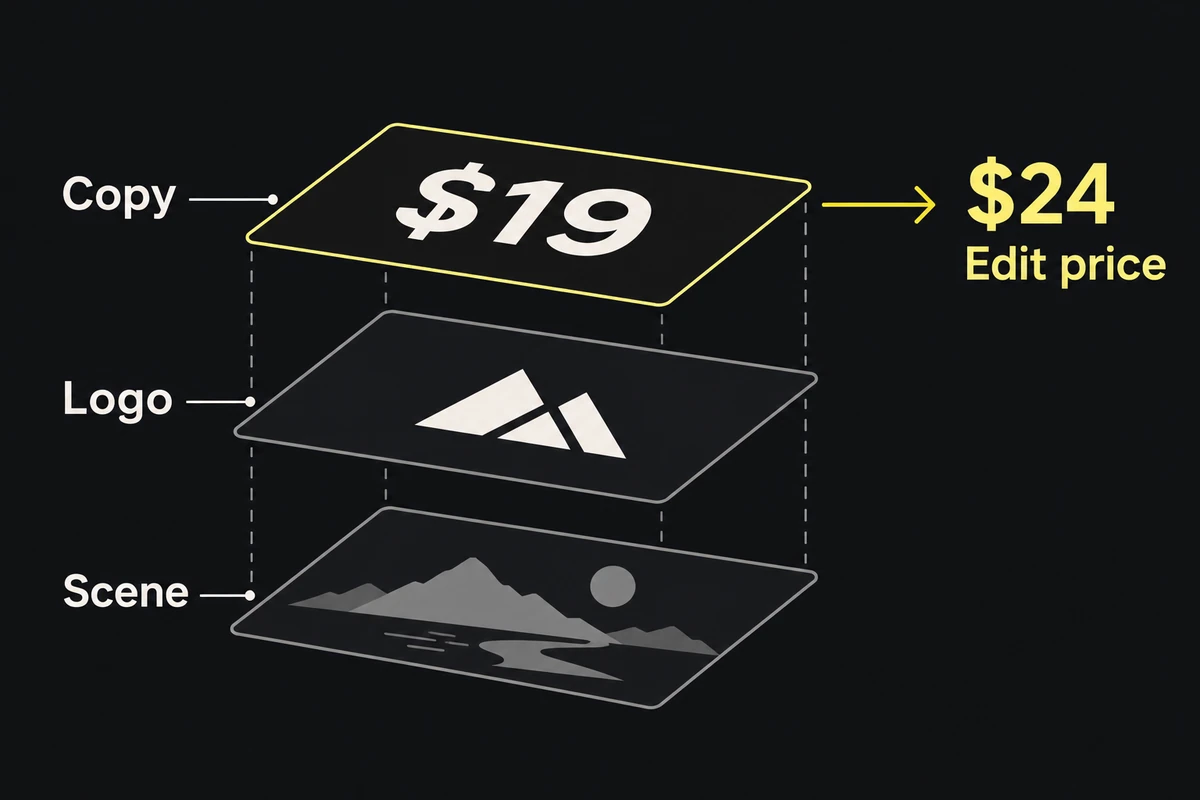
- Add the exact price, logo, headline, and qualification through the layout.
- Recompose for the required ratios and inspect each export.
Changing the price can then reuse the approved scene. Changing the scene does not require asking the image model to redraw the offer text. If approved photography already supplies the scene, omit generation entirely.
For remote generation, the API integration guide covers timeouts, duplicate submissions, and incomplete output sets.
Dynamic typography and bounding box calculation
Define the text region and minimum readable size, then fit with the actual font loaded. Measure the resulting multiline block, including line height; a string-width measurement alone does not establish that the block fits vertically.
Try approved wrapping and layout alternatives before reducing size. If the copy still fails at the minimum, use an approved shorter version or return it for editing. Do not silently truncate a price, qualification, or claim. A template should report an unsupported input rather than export unreadable text.
Inspect the fitted result at placement size using the typography legibility guide. Bounding-box success proves containment, not readability.
Pipeline implementation checklist
Before multiplying a prototype into a campaign, check one complete representative set:
- Which inputs must be exact, and where can a reviewer edit them?
- What happens when a font or source image is unavailable, or copy does not fit?
- Can an approved image be reused while a price or locale changes?
- Does each required format preserve the product, copy, and platform clearance?
- Can the team trace the export to its inputs and replace one failed output?
Use the answers to choose the smallest pipeline that supports the batch. A reusable template is enough for known layouts; add generation only for imagery the campaign actually needs.