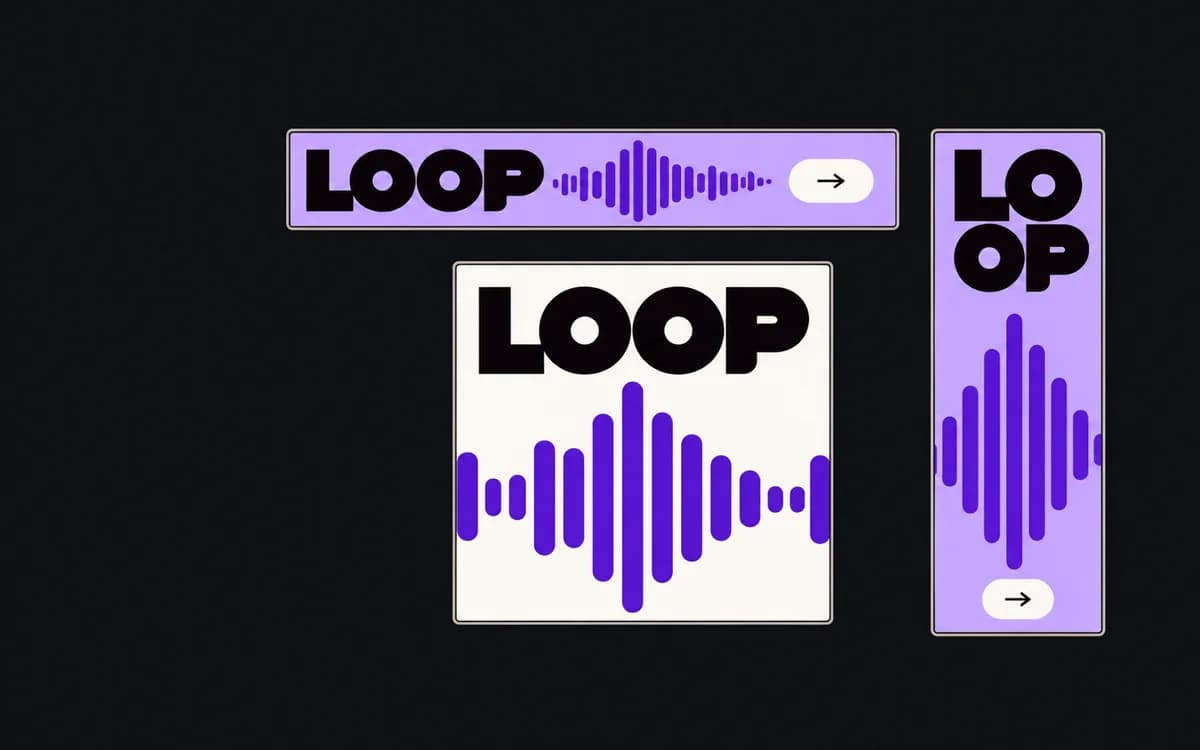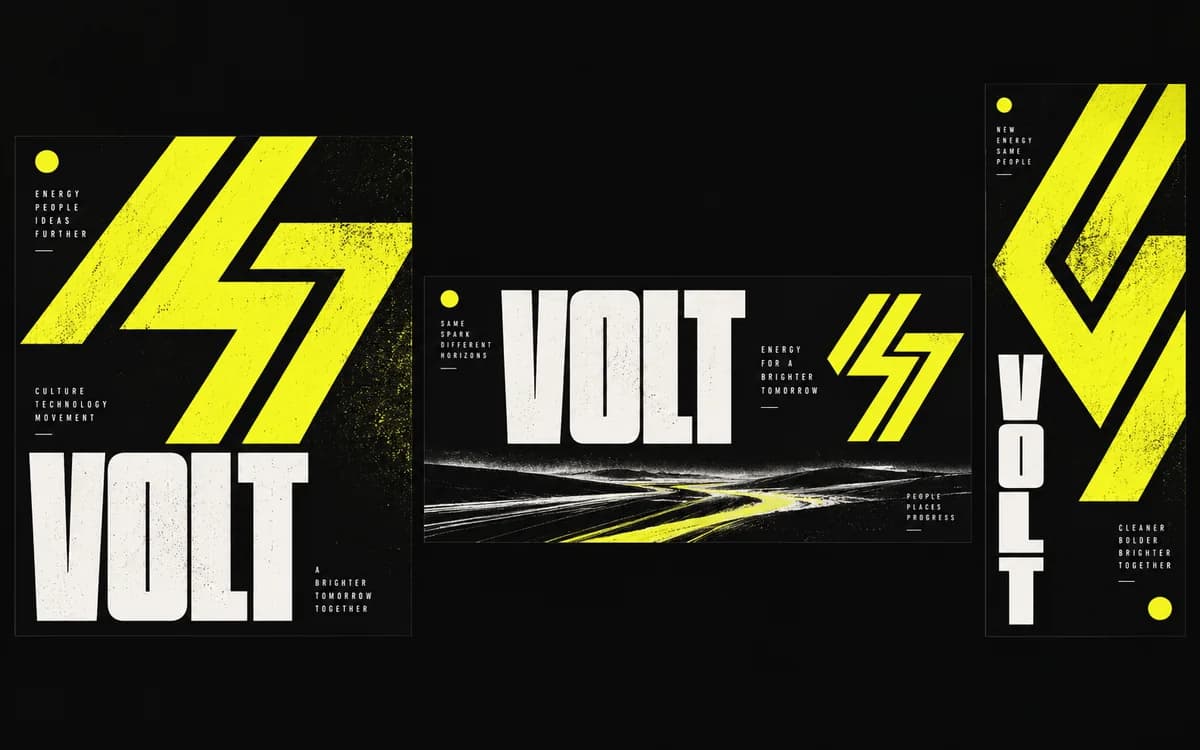
Put the approved square ad beside an empty vertical frame and a wide banner. Which decisions must survive in all three? Write those down before moving elements. That short list becomes the standard for reviewing the campaign family; the square layout remains one composition, not a mold for every output.
Establish brand anchors that travel across placements
Use actual references from the brand guide and approved ad. “Premium” is too vague to check. “Warm off-white canvas, dark product photography, yellow action accent, approved display face for the headline” gives the next designer something to preserve.
Choose the anchors that distinguish this campaign: logo variant, type family and hierarchy, palette roles, image treatment, and message tone. Record clear-space and color values by linking the brand guide. Do not invent stricter rules from a single layout: a centered logo in the square ad does not establish that every logo must be centered.
Separate fixed rules from flexible layout choices
For a hypothetical product launch, the adaptation notes might read:
| Preserve | May change |
|---|---|
| Approved product name, offer, and qualification | Line breaks; use only an approved shorter headline |
| Logo shape, approved variant, and clear space | Logo position within the permitted area |
| Headline face and yellow action accent | Type size and distance between text blocks |
| Dark, naturally proportioned product photography | Crop, subject position, or approved alternate photo |
Separate brand rules from factual requirements. A logo treatment can be considered for an exception; an offer condition cannot be omitted just to make the set look uniform.
Recompose for the frame and platform safe zones
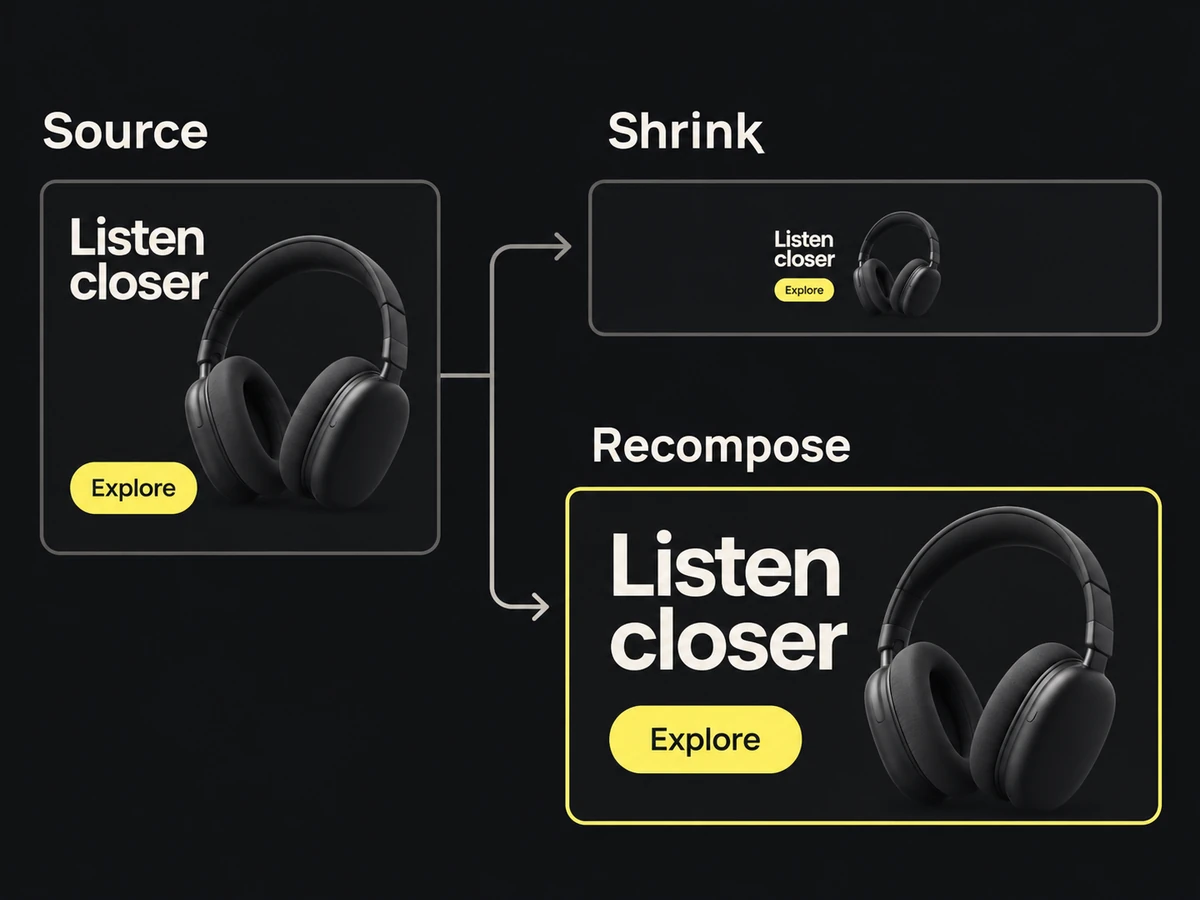
In the square ad, the headline might sit above the product. The vertical version can stack text and image; the wide version may need them side by side. Preserve the product's proportions and the reading order while changing that geometry.
Apply the overlay reference supplied for each placement before judging the result. Check whether it covers the logo, qualification, or product detail carrying the message. The safe-zone guide explains that check; multi-size adaptation covers the layout work.
If the full headline becomes unreadable, use approved shorter copy or remove an optional element. Shrinking everything together can preserve the square's proportions while destroying its hierarchy.
Name an exception approver for tight placements
Before relaxing a rule, try an allowed composition, shorter copy, or removal of an optional badge. If none works, send the brand owner the affected placement, a preview at viewing size, the rule that cannot be met, and the proposed exception.
Record approval for that placement. Permission to use a compact logo in one narrow banner should not silently become the rule for the rest of the campaign.
Review the campaign family and verify localized variants
Review a contact sheet to catch changes in palette roles, logo treatment, imagery, and emphasis. Then open each export at its intended viewing size; a contact sheet can hide unreadable qualifications.
Check translated variants against their approved copy and the same anchor list. Recompose around longer text instead of making that locale visibly smaller than the others. Ask a reader of the language to check the meaning as well as the fit.
The set passes when each output preserves the recorded anchors and factual message, remains readable on its own, and has an explicit decision for any exception. Different compositions are expected; unexplained changes to those anchors are the defects to fix.