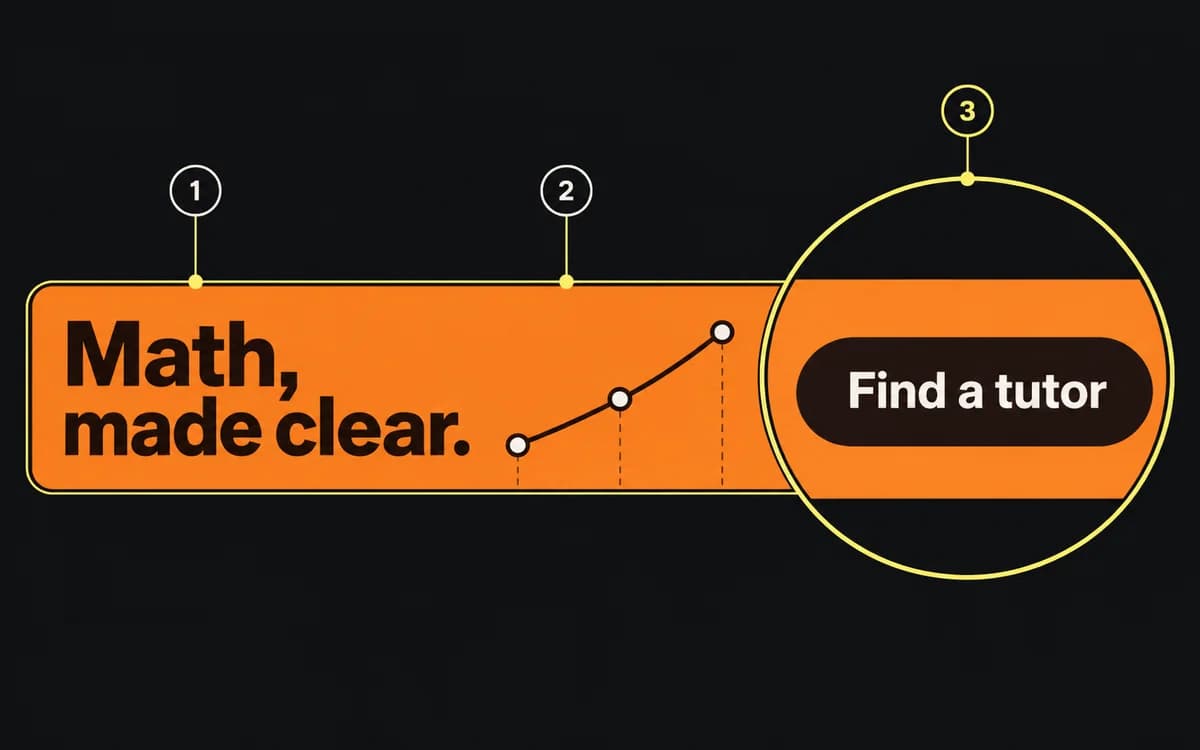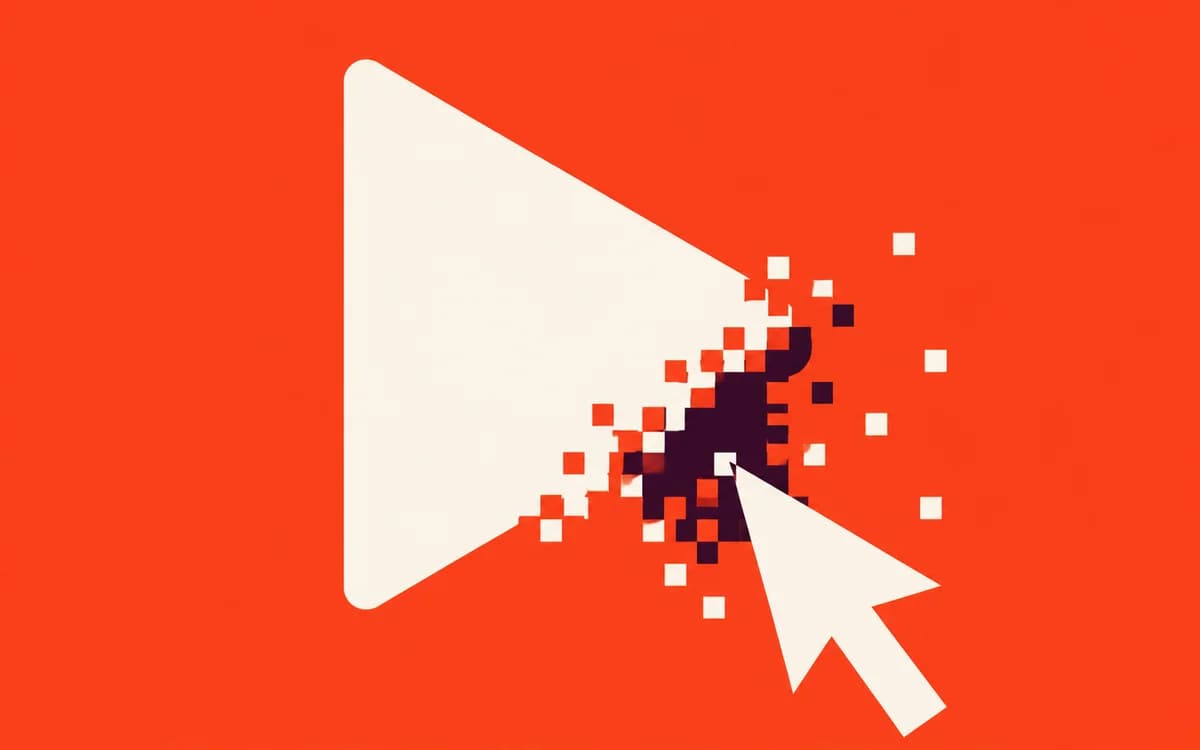
A static ad has one clickable destination, but its artwork can imply several different actions. Before drawing a button, open that destination and identify the first thing the visitor can actually do.
Follow the click, not the shape
Use the destination to choose the cue:
| First available action | Suitable wording | Cue to reconsider |
|---|---|---|
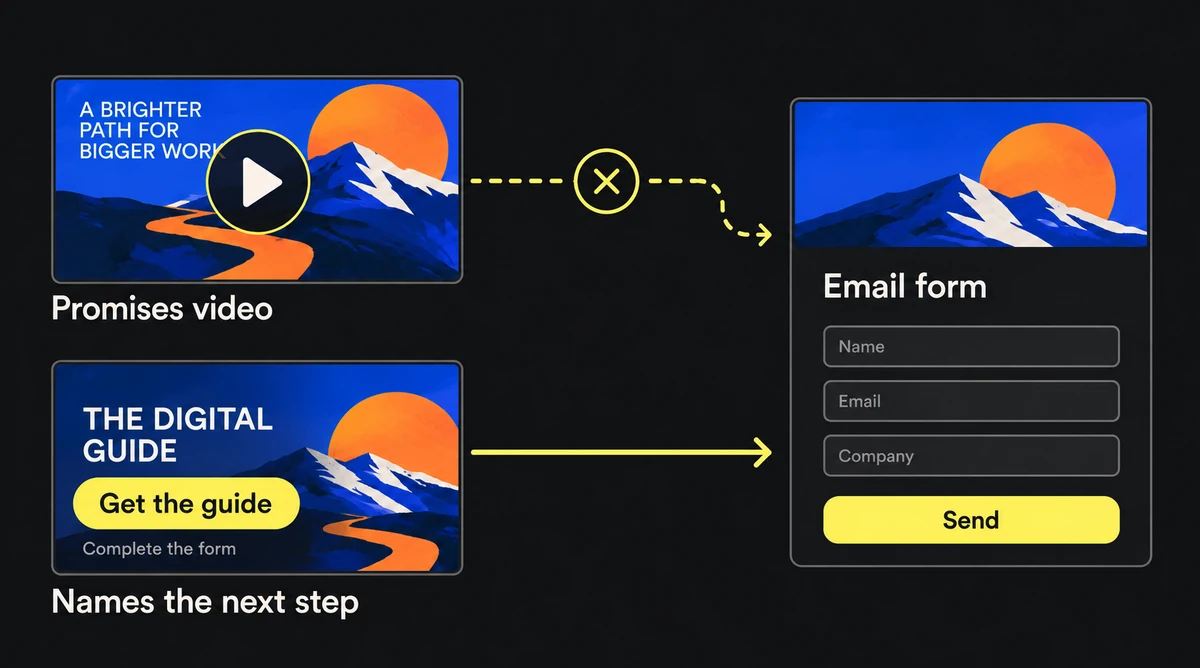
| Browse a collection | Shop the collection | A Play symbol that implies a video |
| Read a course description | Explore the course | A video-player control over a still image |
| Fill in a form to receive a guide | Get the guide, with the form requirement clear | Download PDF when no file is immediately available |
These are wording examples, not platform permissions. A button-shaped CTA can help locate the next action when the placement allows it. A close icon, toggle or text field instead suggests a control inside the ad; remove that simulation if it cannot work there.
Check the placement's actual rule
Google's misleading ad design policy specifically prohibits download or install buttons or icons in image ads. Its examples also include nonworking controls and disproportionately prominent standalone buttons with unclear context. A matching destination does not cancel that rule.
Check the policy for the exact network and format before exporting. A toggle inside a clearly framed product screenshot can explain the product; presenting it as the ad's “tap here” control makes a different promise.
Review the exported ad and destination together
Open the placement preview, including the platform's own CTA. For each prominent cue, say what a tap appears to do, follow the actual link, and compare the first available action. Correct the cue or destination when they disagree.
Pass the ad when the promised action exists, any access step is clear, and the placement permits the treatment. Use the display checklist for composition and the campaign QA checklist for the rest of the click path.