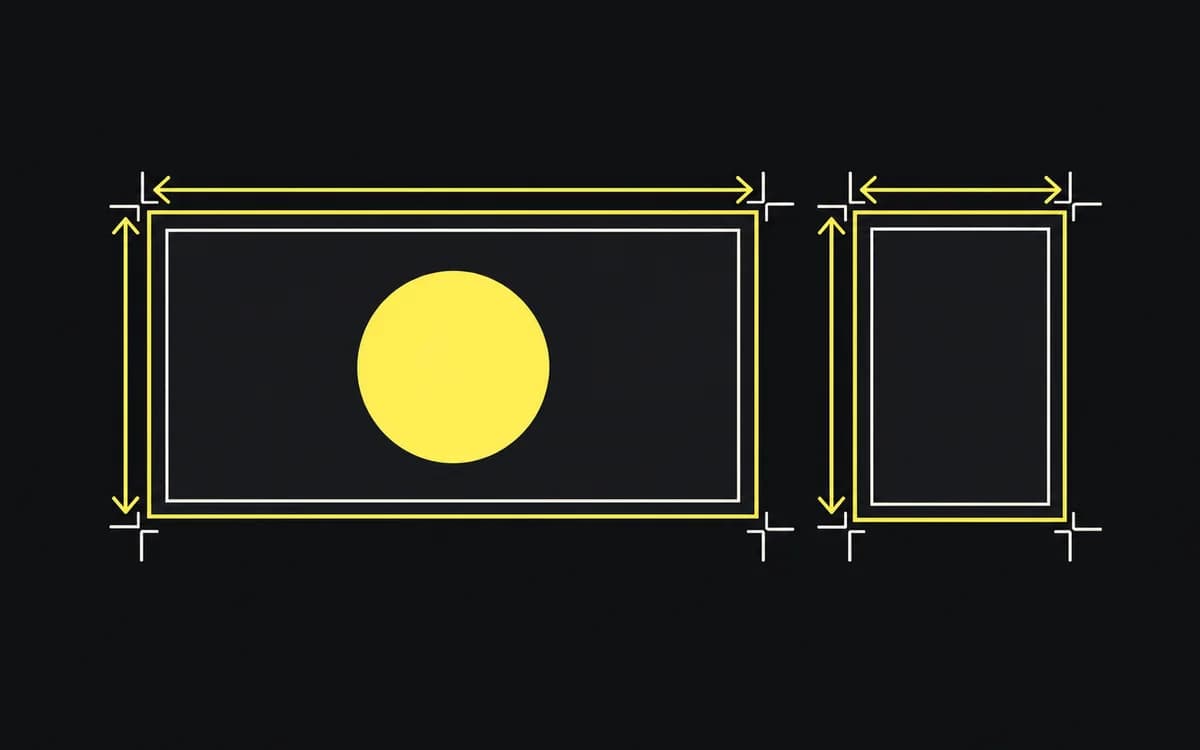
Start with the booked placements, not a list of every banner size you can find. For each placement, get the width and height, accepted file types, maximum file weight, and whether the buyer wants a finished banner or separate assets for a responsive ad. Those two deliverables need different layouts and exports.
Match sizes to booked placements
Use this table to identify dimensions in a media plan. The names and sizes are listed in Google's uploaded display ad specifications; they are not a promise that every publisher accepts every size.
| Ad format | Dimensions | Width:height | Layout pressure |
|---|---|---|---|
| Inline / medium rectangle | 300 × 250 px | 6:5 | Image and copy share a compact frame. |
| Large rectangle | 336 × 280 px | 6:5 | Same ratio as 300 × 250, with more pixels. |
| Leaderboard | 728 × 90 px | About 8.09:1 | Height constrains type and product detail. |
| Half-page ad | 300 × 600 px | 1:2 | Elements can stack; long headlines still need wrapping. |
| Large mobile banner | 320 × 100 px | 16:5 | Two short rows may fit; test at display size. |
| Mobile banner | 320 × 50 px | 32:5 | A full product scene and supporting paragraph rarely fit legibly. |
| Billboard | 970 × 250 px | 3.88:1 | A wide split can retain more image detail. |
| Wide skyscraper | 160 × 600 px | 4:15 | Narrow width forces short lines and a different crop. |
Record one delivery row per booked size: placement | width × height | format | byte limit | static/animated | destination | spec link. Ask the buyer to resolve a row that says only “mobile banner”: 320 × 50 and 320 × 100 have different proportions. Do not build an extra size merely because it appears in the table.
Recompose for different proportions
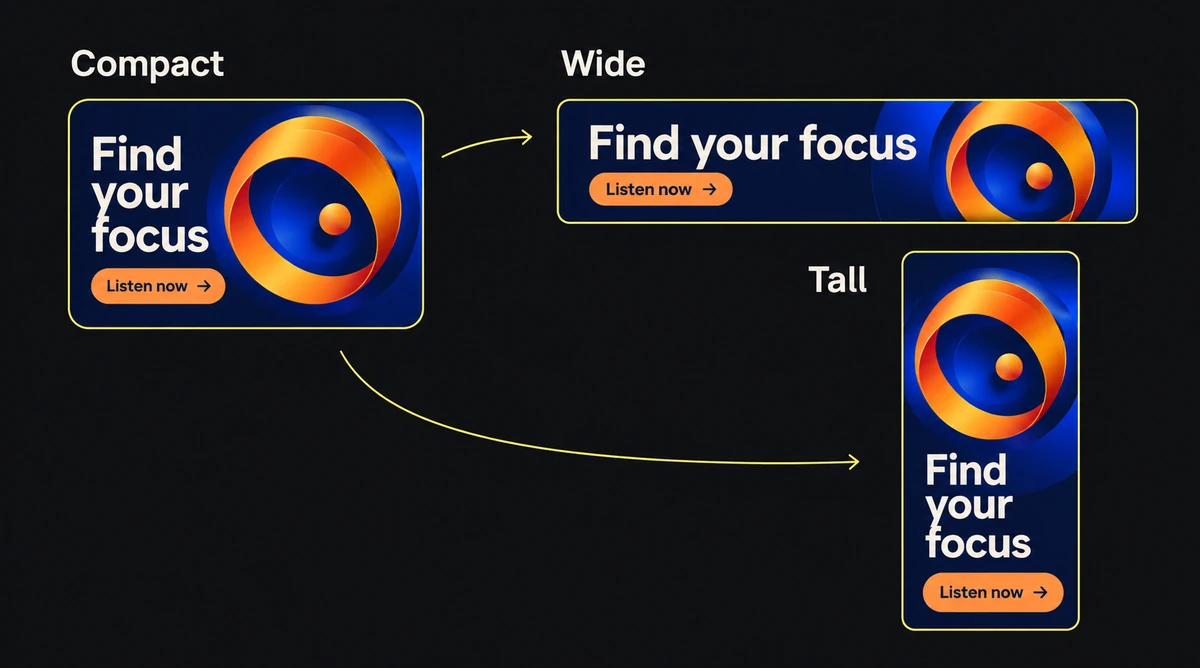
Group the requested files by geometry to reuse arrangements, then check the most constrained member of each group. A 300 × 250 layout scales proportionally to 336 × 280 by 1.12. It cannot scale proportionally into 728 × 90: fitting its 300 px width to 728 px would make it about 607 px tall.
Keep the logo, image, headline, qualification, and action separate in the source. For the wide strip, try a row with an approved short headline. For the tower, stack those groups and use a tall crop. Remove optional copy before shrinking required terms. If the smallest unit cannot carry the offer and its qualification, change the approved concept or the booked format.
The multi-size adaptation guide walks through recomposition; the size list tells you which files are needed, not how every banner must look.
Follow the receiving ad type's rules
For Google's uploaded image ads, the current specification lists GIF, JPG, and PNG, with a 150 KB maximum. WebP support elsewhere does not make it an accepted upload here. Responsive display assets and HTML5 packages have their own requirements; use the specification for the actual ad type.
Export the exact requested pixels. A 600 × 500 file and a 300 × 250 file share a ratio but are different uploads. Supply a 2× raster only when the receiving system explicitly requests or accepts that density. The IAB New Ad Portfolio describes flexible ratio-based units; that framework does not override a booked fixed-size slot.
Check border requirements too. Google's border guidance requires a contrasting visible border for creatives with partially black or white backgrounds. It does not establish a universal 1 px border for every network. Draw a required border inside the canvas so it does not enlarge the export.
Check the exported files
Compare the exported files with the delivery rows, rather than counting artboards:
- Every booked size has one identified final file; no row relies on a differently sized substitute.
- File properties show the exact dimensions, accepted type, and permitted byte weight.
- Required borders remain visible, and no type or logo has been cut off.
- Each banner reads at its intended display size, including the narrowest strip.
- The buyer has the matching destination URL and any tracking parameters.
Use the compression procedure for files over the limit and the display ad checklist for offer and destination review.