Review a display ad with three things open: the final export, its placement specification, and the destination page. Check the file people will receive, not an enlarged artboard. Use the checks below to identify a failure and the exact change needed before approval.
Lock the promise and destination
Copy the ad's offer into a review note: product or service, price or benefit, conditions, and action. Open its assigned URL in a signed-out browser session. Can a visitor find that offer and take the named action without an account or location assumption the ad never mentioned?
For a math-tutoring ad saying “Find a tutor,” verify that the destination lets a visitor find math tutors. If the offer is restricted to new students or a particular location, compare that condition in the approved copy, banner, and landing page. Report the mismatched phrase or destination; “landing page feels wrong” does not identify a repair.
A static banner does not contain an independently working button for every drawn control. Check the destination configured for the ad; do not approve it by clicking a button in the design prototype.
Give the eye a route
Display the file at the planned slot size. Hide it after a brief look and ask a reviewer who did not build it what is offered and what clicking will do. This diagnoses hierarchy; it is not a prediction of campaign performance.
If the reviewer recalls the photograph but cannot name the offer, reduce competing decoration or strengthen the claim. If they read the claim but miss its condition, group those words and give the condition enough room. If they need zooming, recompose or use approved shorter copy before reducing the type again.
Inspect the least contrasting part of every text line. A headline that begins over a dark jacket may end over a bright window. Move the text, change its color, or add a backing across the whole line without hiding the product detail the claim depends on.
Design for each geometry
Review every requested shape; a readable rectangle does not clear a thin strip. Compare the subject against the original: has the crop removed the product label, result, or context that explains the claim? Check circles and faces for stretching. Use the cropping guide when preserving the subject requires a different arrangement.
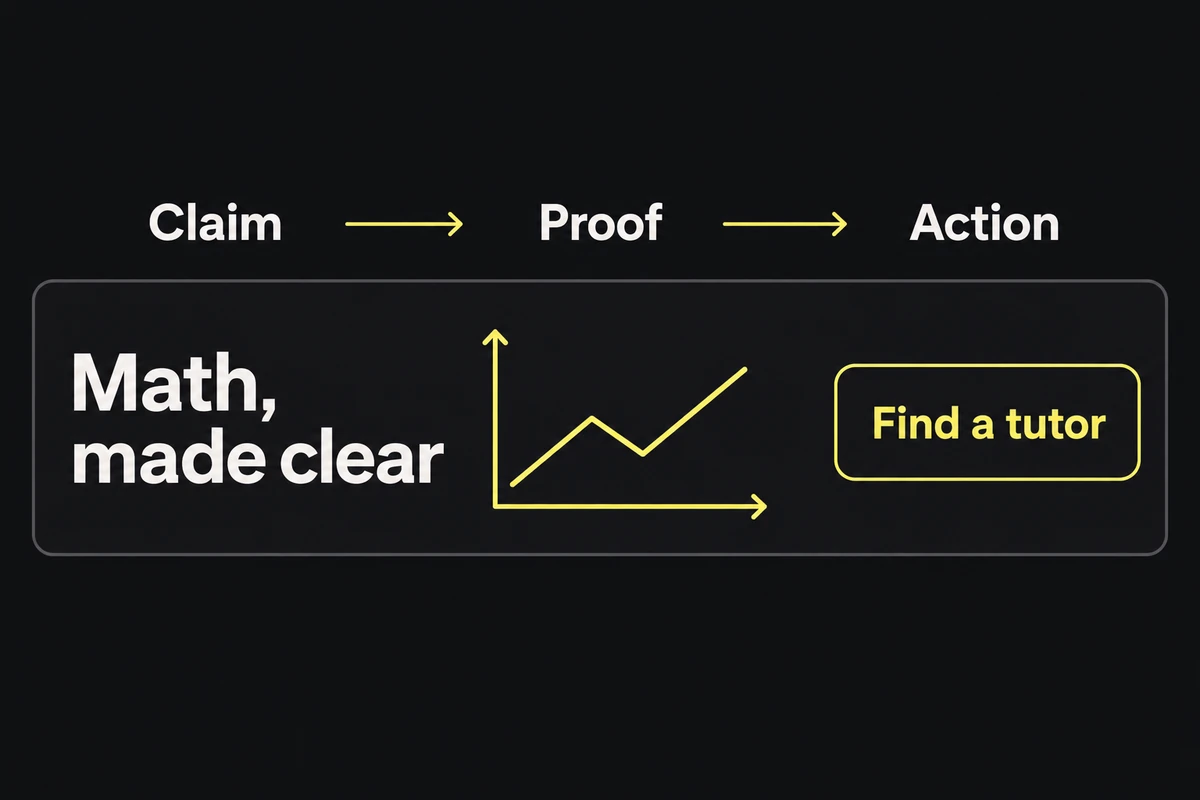
Three groups, one reading route. Inspect the final export at placement size; a large illustration cannot prove small-banner readability.
For animated files, watch the exported animation from its first frame through its stopping state. Check whether required words are ever covered or appear too briefly to read, and whether the final frame still communicates the offer. Compare duration, looping, and frame-rate restrictions with the receiving platform's specification.
Preflight the delivered file
Mark each line pass or record the failed file and correction:
- File properties match the requested dimensions, format, and byte limit.
- Any required border is visible inside the final dimensions.
- The offer, qualification, advertiser, and action survive the size and crop checks.
- The configured URL opens the matching offer for the intended visitor.
- The final filename maps unambiguously to its placement and approved version.
For example: 728x90_en_v4.png — “New students only” unreadable at slot size; give the price and qualification a wider group, re-export. Reopen that corrected file before clearing the failure. The banner-size guide separates common dimensions from platform-specific upload rules.