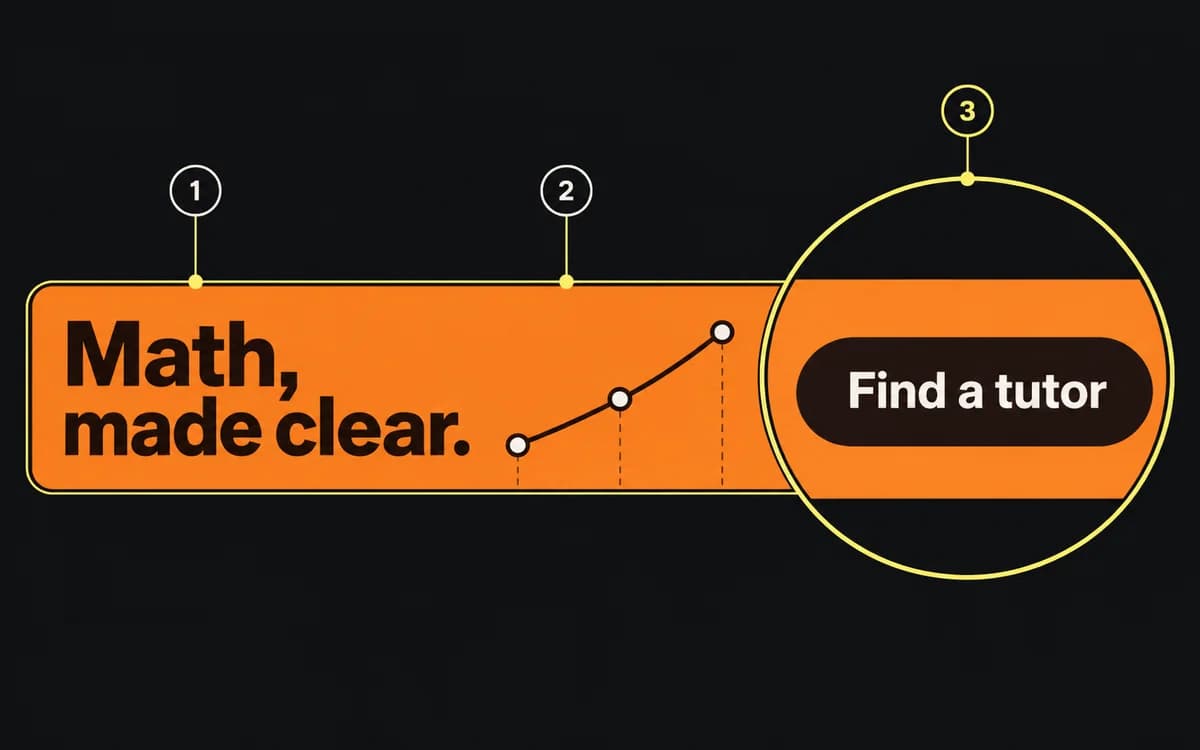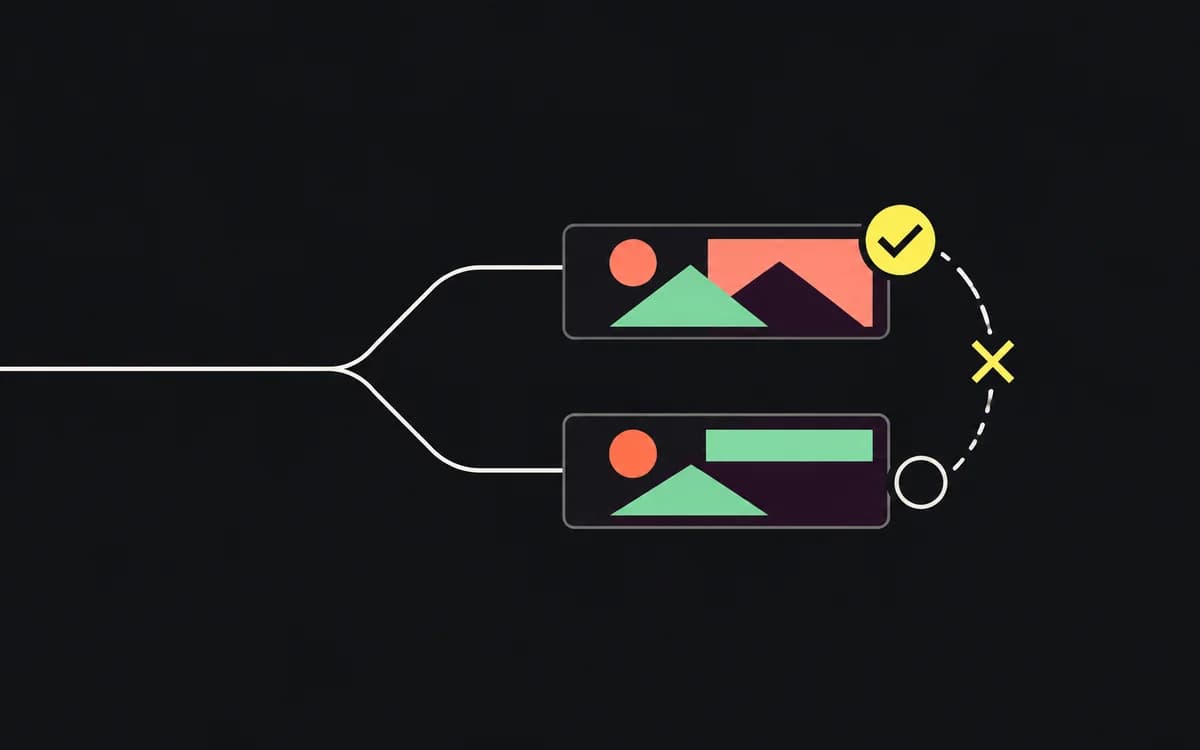
Review the files that will be uploaded, the destination URLs, and the current offer together. A design approval does not establish that the export is the approved version or that its discount works at checkout. Use the checks below on each distinct message, locale, and placement; share a result only when those variants genuinely use the same checked element.
Confirm the message and its source
Compare the final headline, price, dates, eligibility, and qualifications with the campaign's approved offer. Include copy entered separately in the ad manager, not just text inside the image. Give a discrepancy to the person who owns that source; do not resolve a price conflict by choosing whichever version looks newer.
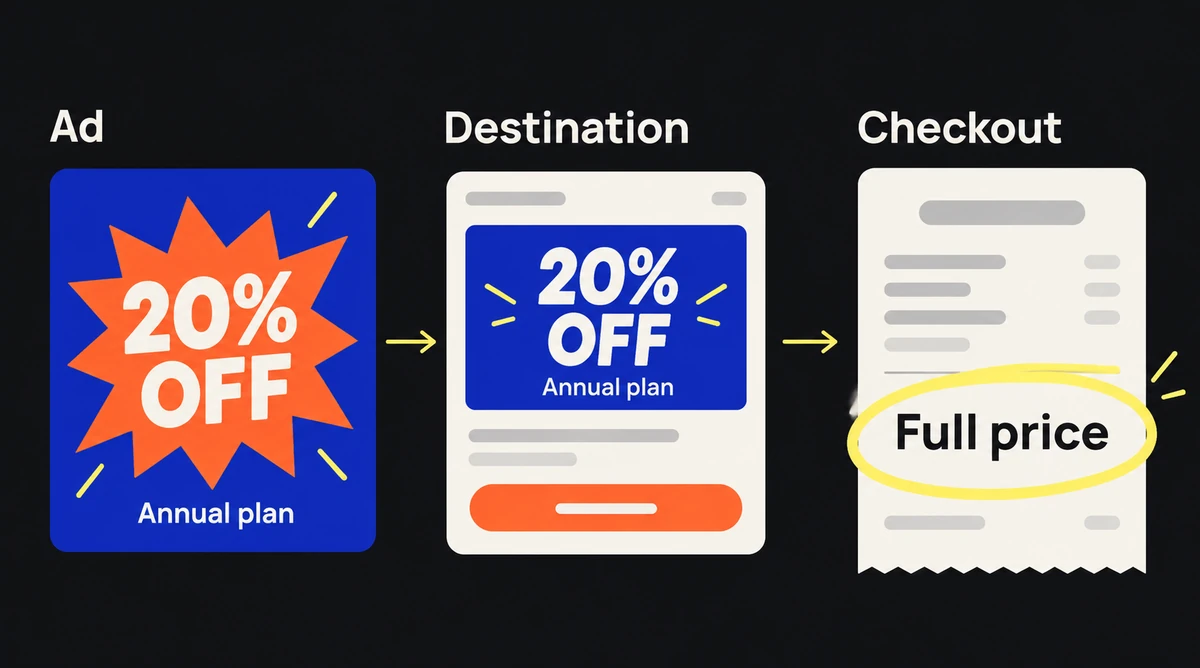
Follow the promise through the destination. For “20% off the annual plan,” select that plan and apply the advertised code. Check that the total and eligibility match. For an app feature, confirm that the linked app or page actually offers it in the advertised market.
Inspect the composition in its real context
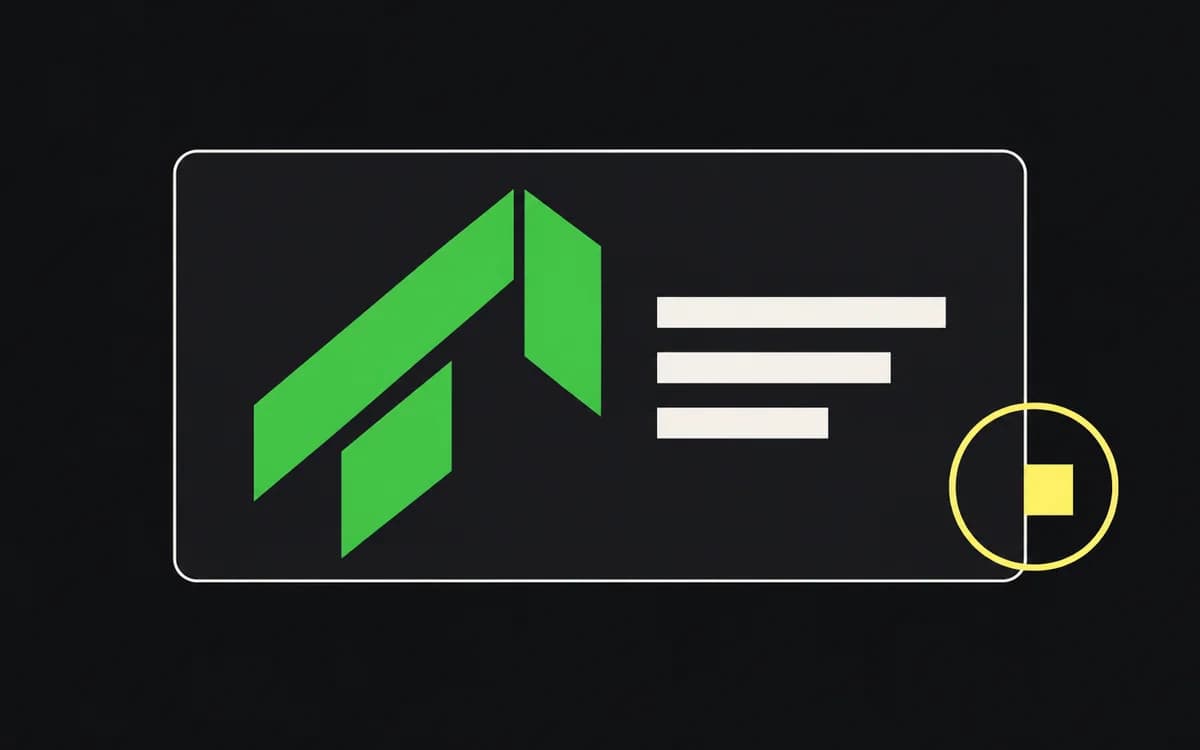
Use the placement preview with the final asset. At normal viewing size, read the smallest required copy and check the crop, platform overlays, logo, product edges, and call to action. Open every ratio: a clear square does not prove the vertical version survived recomposition.
For video, watch once without sound, then with sound through the ending. Check that captions convey the spoken message, remain synchronized, and clear the product and platform controls. A clean poster frame does not catch a clipped subtitle halfway through the video or an outdated offer on the last frame.
Verify links, locale, and required elements
Open the exact URL configured for delivery, including campaign parameters. Follow redirects and complete the advertised action on the campaign's supported mobile and desktop paths. If tracking is part of the launch check, verify the expected event in the team's analytics or debugging tool; loading the page does not prove conversion measurement.
For each locale, have a reviewer who reads the language check the assembled ad and destination. Look for untranslated product screens, a currency mismatch, a date that changes meaning, or a translation clipped by its container. Record which version was checked so a later copy replacement does not inherit that approval.
Check the delivered files
Open the export itself and compare it with the approved version. Check dimensions, format, file size, transparency, and motion duration against the receiving placement's current specification. Look for exported guides, selection outlines, missing fonts, and stale linked images.
Match each upload to its variant ID in the asset manifest. Keep superseded files outside the upload set. If the buyer must open several files called “final” to find the approved one, fix the naming and version record before handoff.
Record a launch decision
Use one row per issue: variant/file → failed check → correction owner → corrected version → recheck result. Mark checks that do not apply as such, rather than leaving blanks that resemble unfinished work.
For example: fr-story-v3 → English checkout destination → media buyer → fr-story-v4 → French checkout and offer checked. Approval applies to v4 and its configured destination. A later replacement needs the affected checks repeated.
The handoff is ready when each required variant has a checked file and destination, and every launch-blocking issue is closed or explicitly excluded from the upload set.