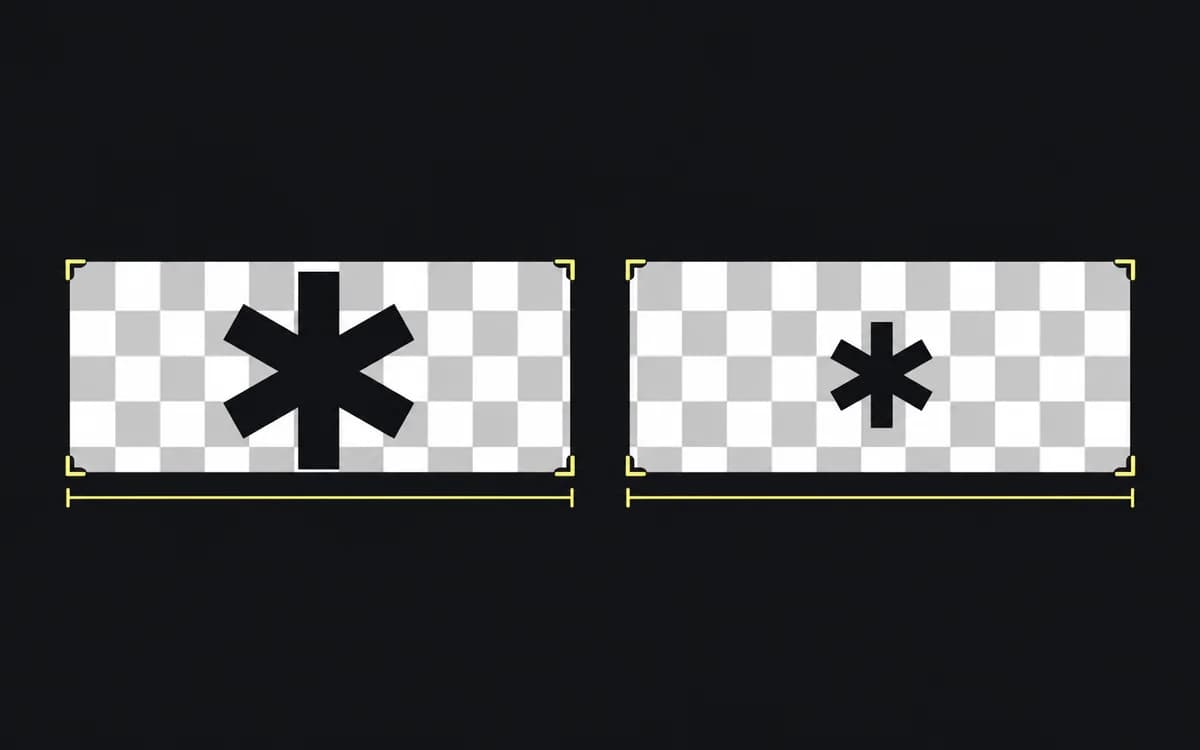
Two PNG logos are both set to 120 pixels wide, yet one looks much smaller. Open the smaller-looking file on a contrasting background before increasing its size: transparent padding may be consuming most of its allotted width.
The width includes empty space
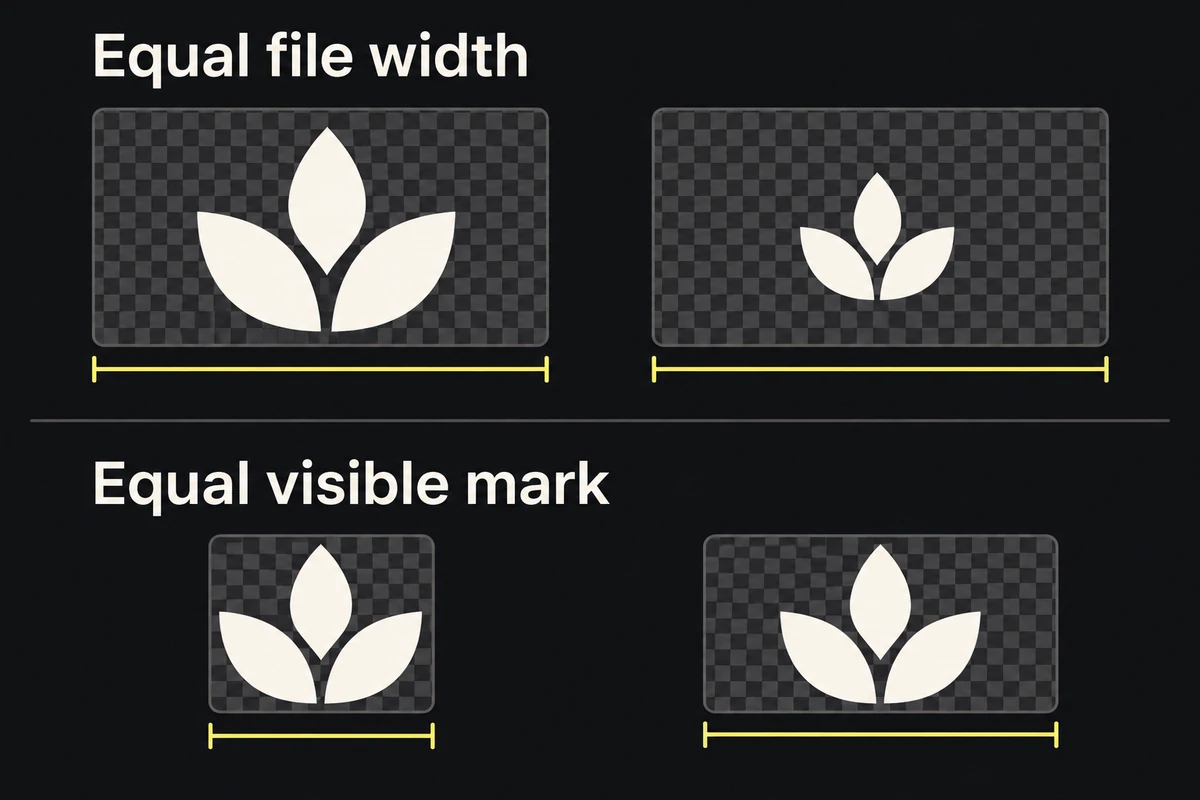
The browser sizes the whole image, including transparent borders. If one mark occupies half its file's width and another fills it, equal image widths cannot make the marks equal.
The figure uses two copies of the same mark to isolate that problem. The lower row matches the visible artwork rather than the padded file bounds.
Remove only unwanted empty borders. Keep the brand's required space around the logo in the finished layout.
Remove the extra border from a copy
- Keep the approved original; make a delivery copy.
- Display the copy against light and dark backgrounds to locate faint strokes, shadows and the true silhouette.
- Crop unused transparent margins without cutting those details. The transparent-background guide helps distinguish edge residue from artwork.
- Export with proportions intact, put the copy back in the same 120-pixel slot, and compare again.
Keep required brand clear space in the layout even when it is removed from a delivery file. If an approved lockup deliberately includes spacing, retain that arrangement.
Different shapes still need a visual check
Cropping removes a file-bounds mismatch; it does not equalize a long wordmark and a compact symbol. Size those marks individually within each brand's rules, then inspect the actual row at its smallest displayed size.
Check name readability, visual weight and intact edges. If the necessary enlargement blurs a mark, obtain a sharper source using the image-resolution guide. Finish with proportional marks and deliberate spacing, not identical width values for their own sake.